Mass Transfer Firms
To move a sector of business or a group of firms from one company you control to another, use the mass transfer function on the Corporate Details screen.
Both companies involved must be either your main company or a subsidiary you own at least 75% of. A subsidiary below that threshold cannot take part.
Transferring a group of firms
Open the transfer screen
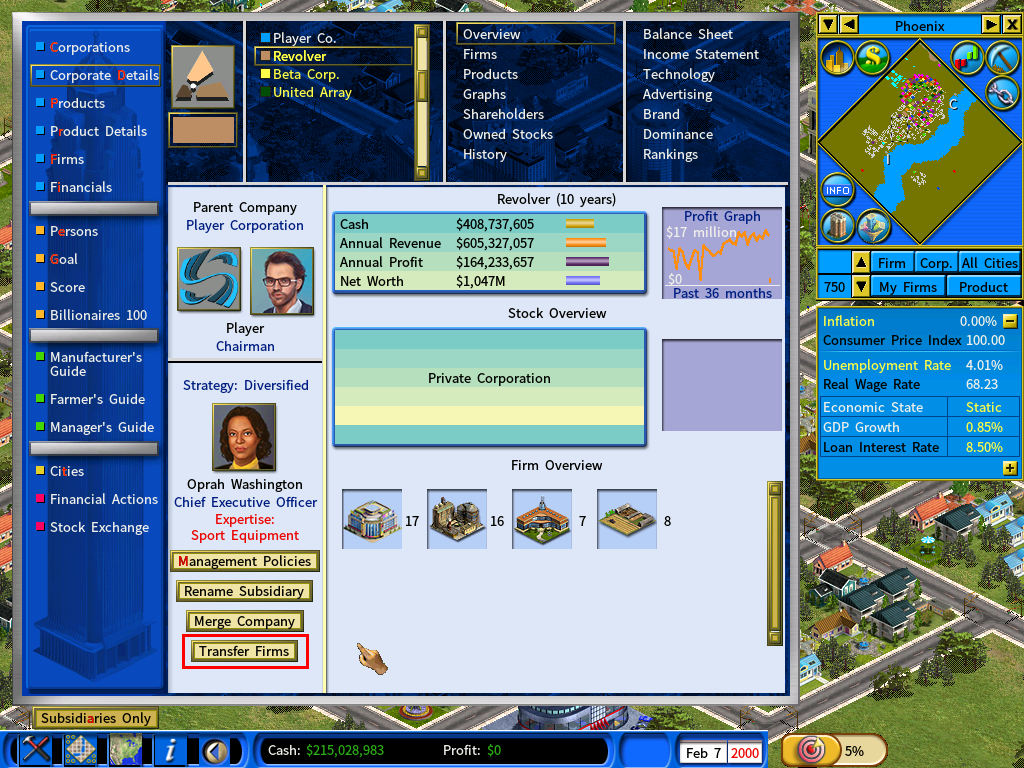
Go to Corporate Details, select the company you want to transfer firms from, and click [Transfer Firms].
Select the firms to move
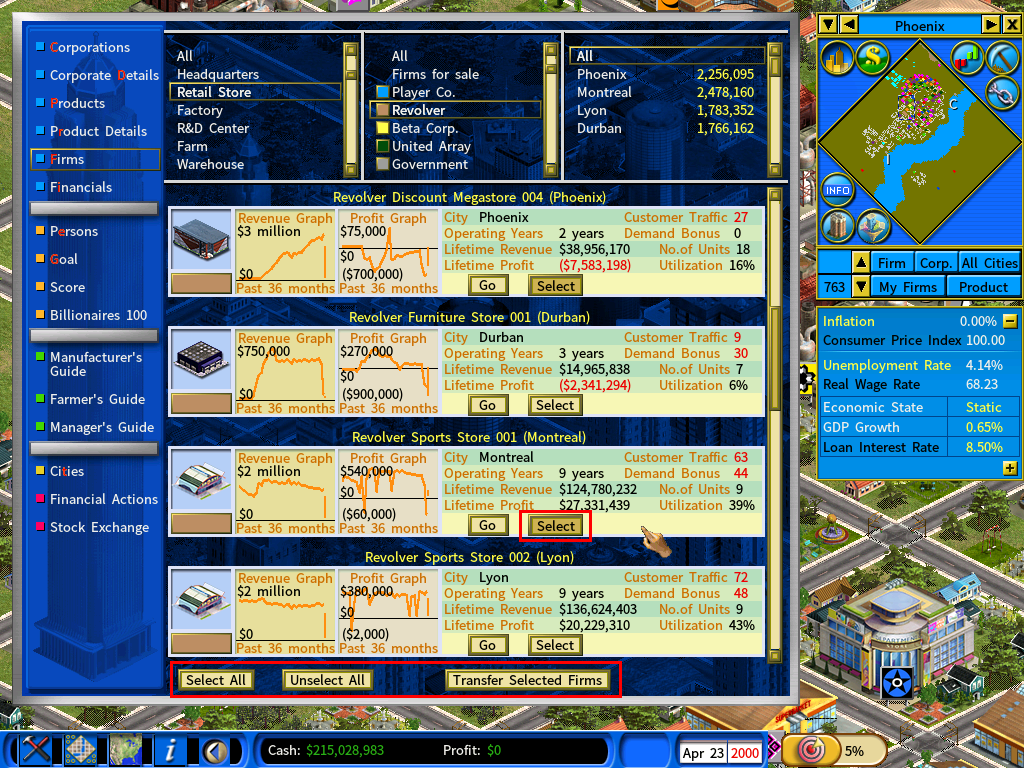
The Firms screen opens with the company’s firms listed.
To take a whole sector at once, filter the list by firm type and then click [Select All] — choosing Retail Stores from the filter, for instance, narrows the list to retail firms before you select them.
Choose the receiving company
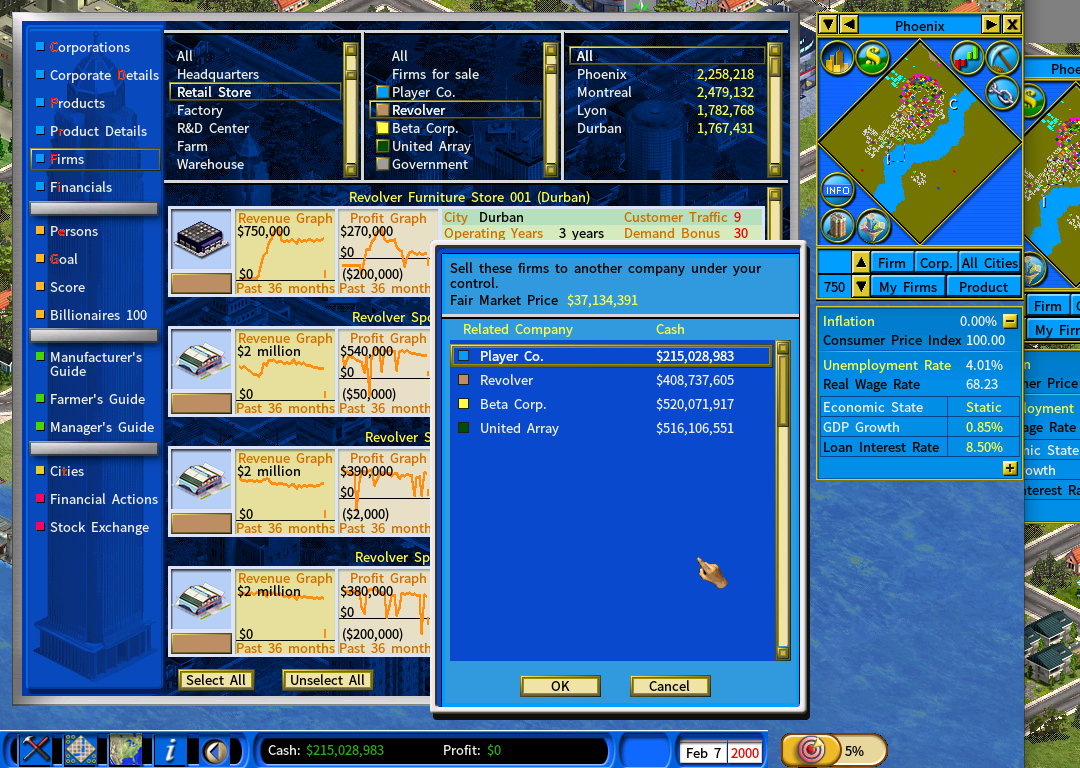
Click [Transfer Selected Firms]. You are then asked which company the firms should go to.
The transfer is recorded as a business transaction — one company buys the firms from the other. The receiving company therefore needs enough cash to pay for them.
Pick a company under your control that can afford the purchase, then click [Ok] to execute the transfer.