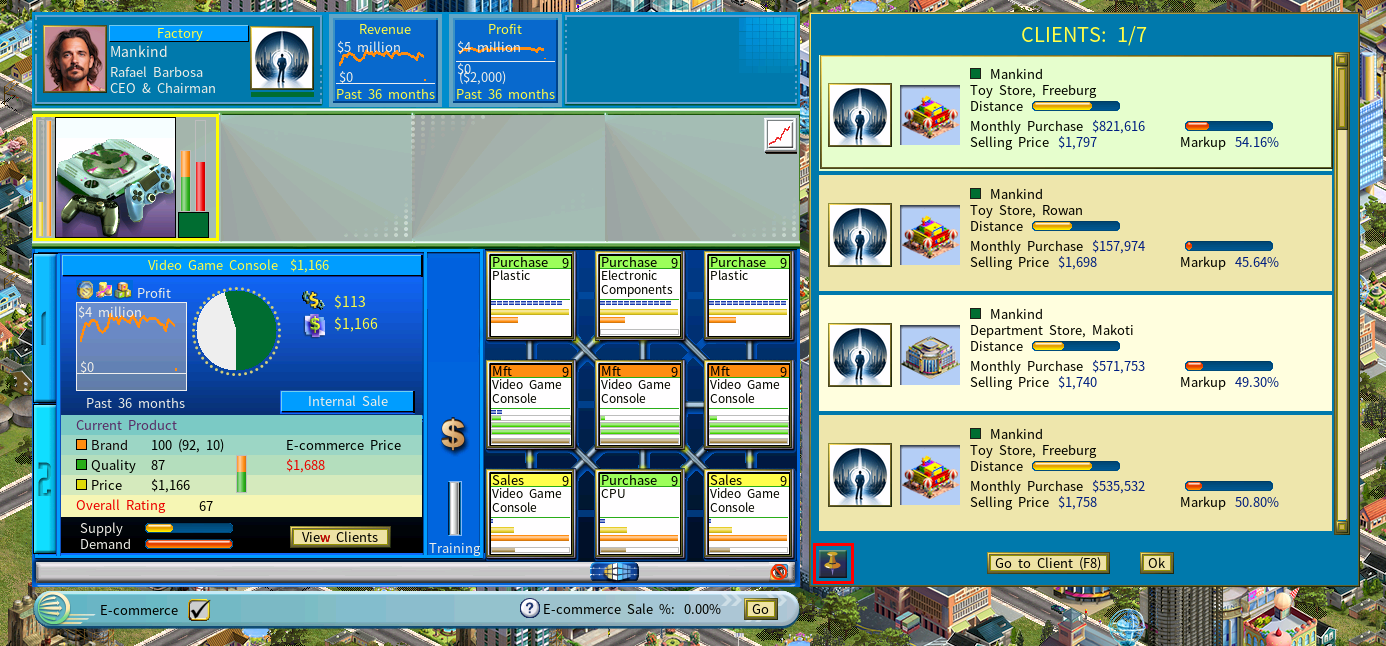
Pinned Windows and Freight Cost Breakdown
Two features that keep supply chain information in front of you instead of behind a click: pinned client and supplier windows, and a detailed freight cost breakdown.
Pinned windows need screen width. They are available only at a game resolution of 1900 pixels wide or more.
Pinned windows
Both the View Clients and View Suppliers windows can be pinned, so you stop toggling back and forth.
| Behavior | What it means |
|---|---|
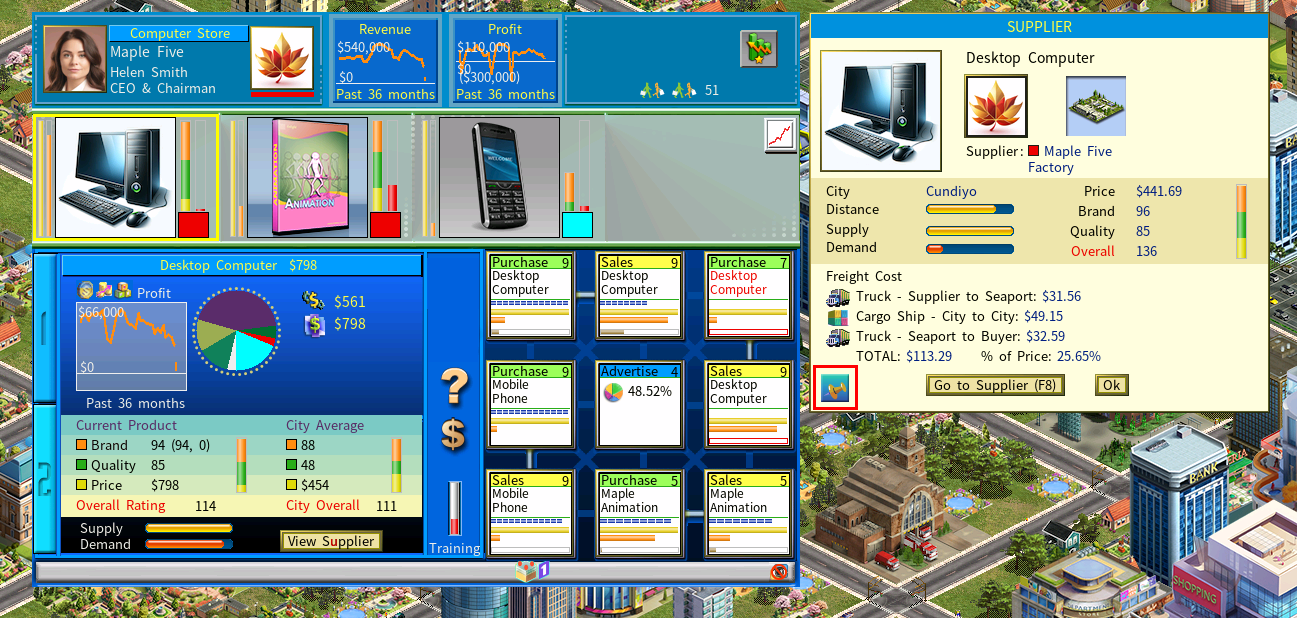
| Pinning | Click the pin icon at the bottom left of the window. |
| Persistence | A pinned window stays visible whenever you view a product that has clients or suppliers. |
| Why it helps | You watch client demand or supplier pricing while making the decision it affects, rather than remembering it from a moment ago. |
Freight cost transparency
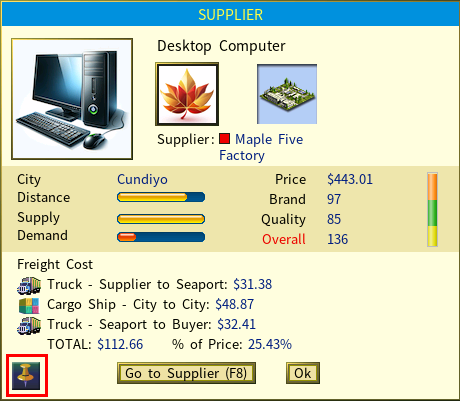
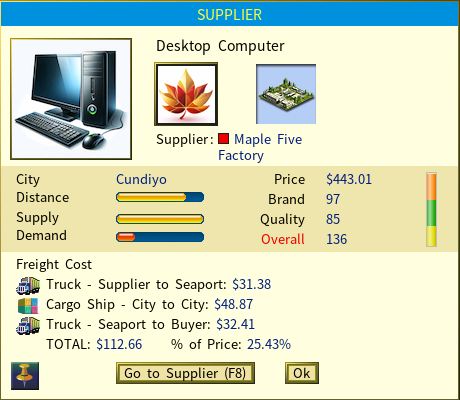
The View Supplier window now shows where freight costs come from:
- Freight cost breakdown — each component and what it contributes to the total.
- Freight % of price — freight as a percentage of the product price, which makes suppliers directly comparable.
The Clients window
Pinning works here too, so the clients of your firms stay one glance away.