
Random Product Reinvention
Random Product Reinvention adds a fresh layer of challenge to Capitalism Lab by requiring players to rediscover parts of the product universe. When this option is enabled, the game will randomly lock a chosen percentage of product classes at the start of a new game. These locked products must be reinvented through your R&D centers before they can be produced or sold.
If you enjoy the research and invention aspects of the game, this feature lets you create a fictional world where even familiar products must be reinvented from scratch—raising the difficulty and giving your R&D division a much more central role.
Randomly Disable Product Classes
User-created MODs often include a very large number of products, which can unintentionally reduce competitive pressure because AI firms spread themselves too thin.
To counter this, you can enable Randomly Disable Product Classes to exclude a selected percentage of product classes from the game.
By reducing the total number of available product classes, competition becomes more concentrated and intense, resulting in a more dynamic and engaging gameplay experience.
How to Enable These Options
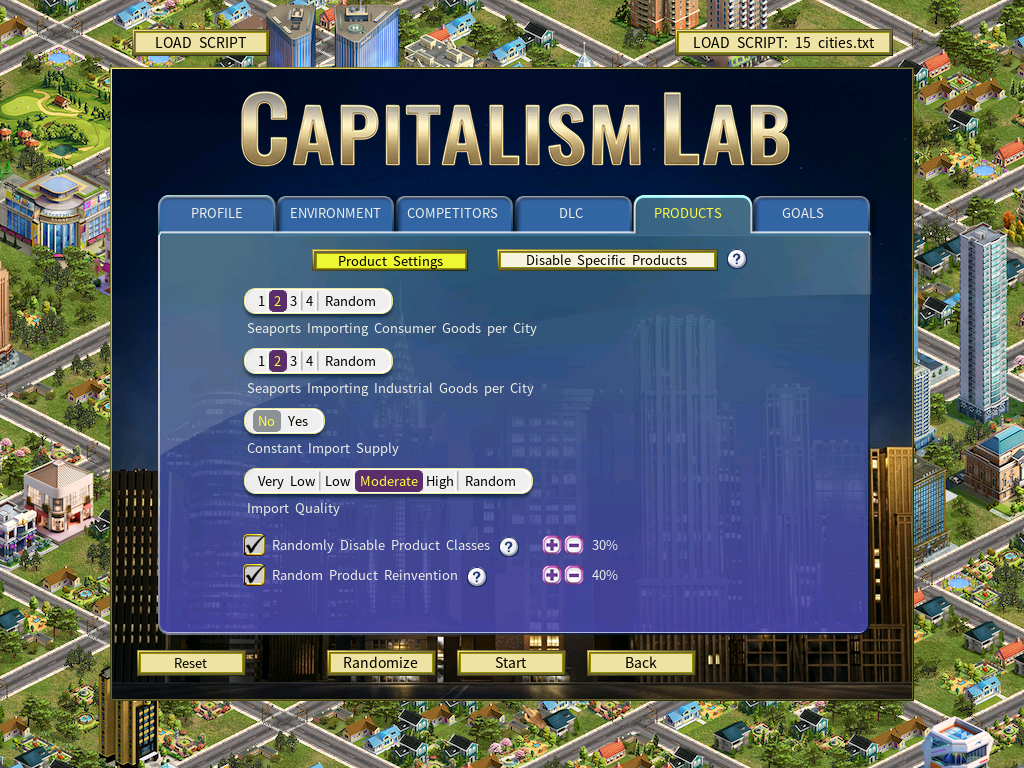
First select the “Products” page in the new game setup menu.
Random Product Reinvention:
- Enable the option Random Product Reinvention
- Set the percentage of product classes that require reinvention in the new game using the [+][-] buttons.
Randomly Disable Product Classes:
- Enable the option Randomly Disable Product Classes
- Set the percentage of product classes to be disabled in the new game using the [+][-] buttons.
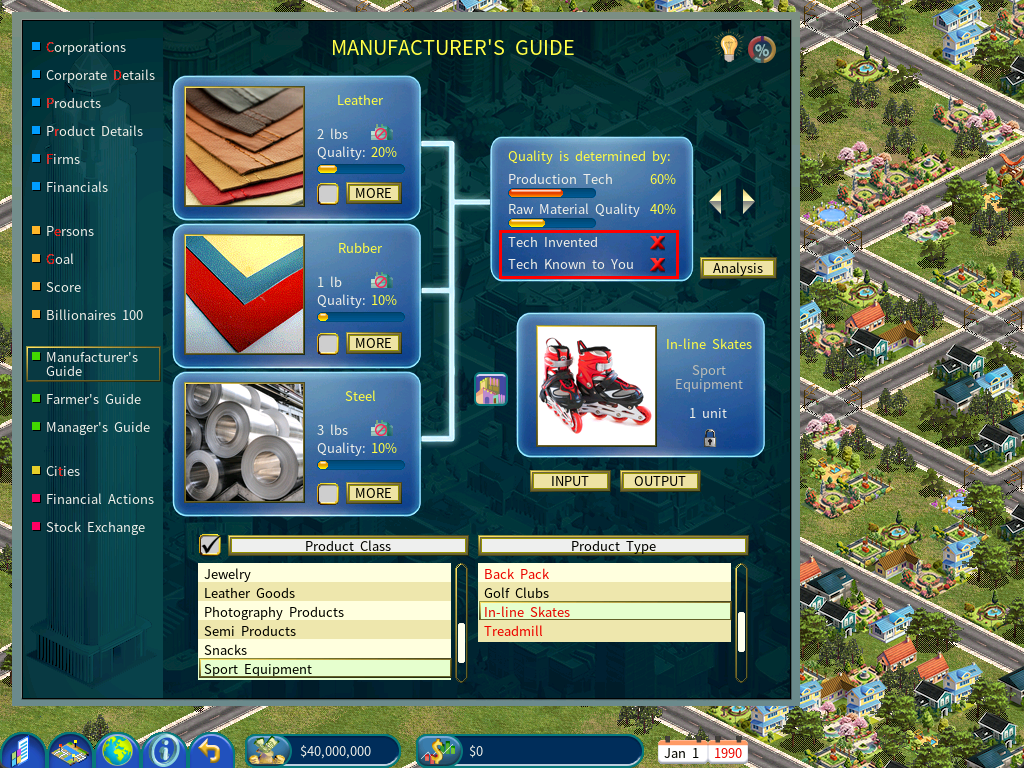
When you start a new game, open the Manufacturing Guide and you’ll notice that any product types requiring reinvention are displayed in red in the Product Type list.
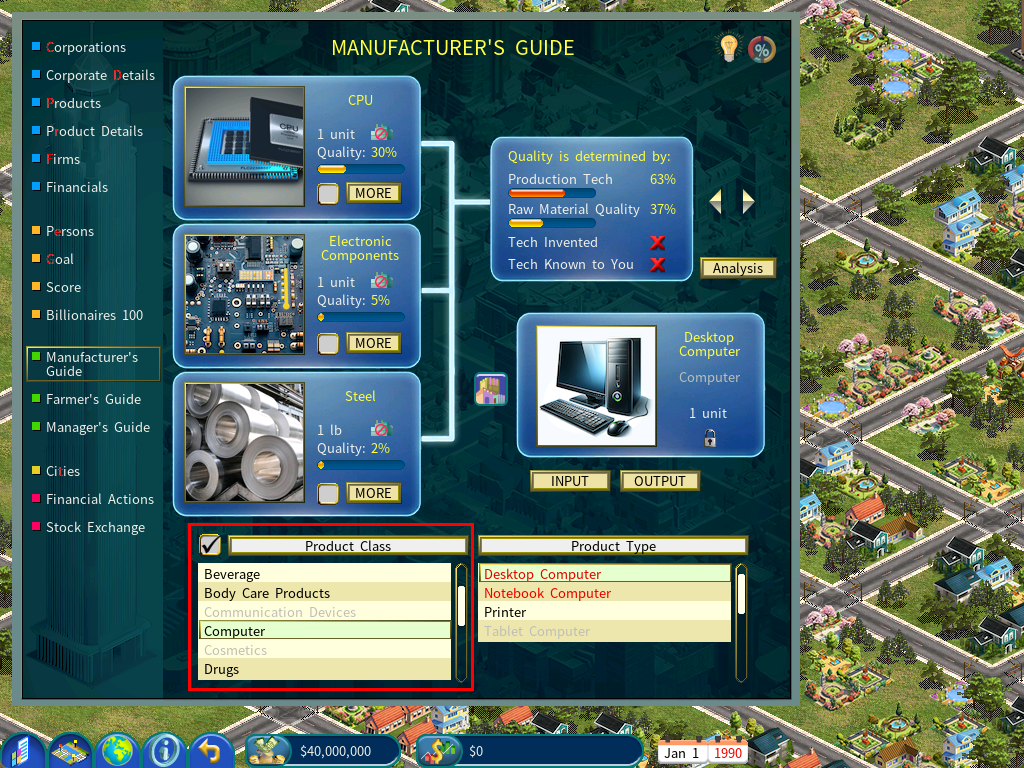
Click the checkbox to toggle the view. When it is unchecked, the list shows only active product classes. When it is checked, the list displays all product classes, including disabled ones, as shown below.