

Software Report
The Software report lists every software product on the market, so you can analyze your own products and see how they stack up against the competition.
Open it from the Information Center, or press F3.
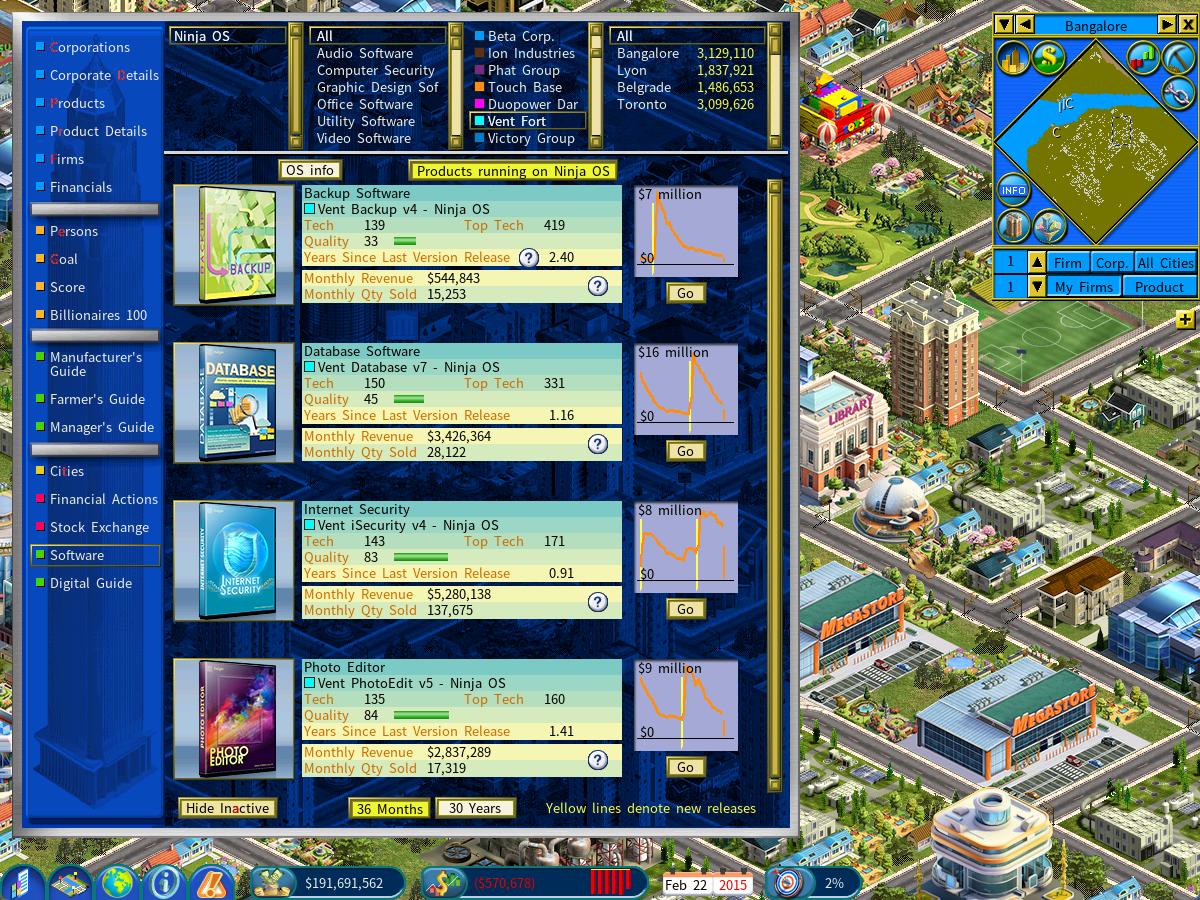
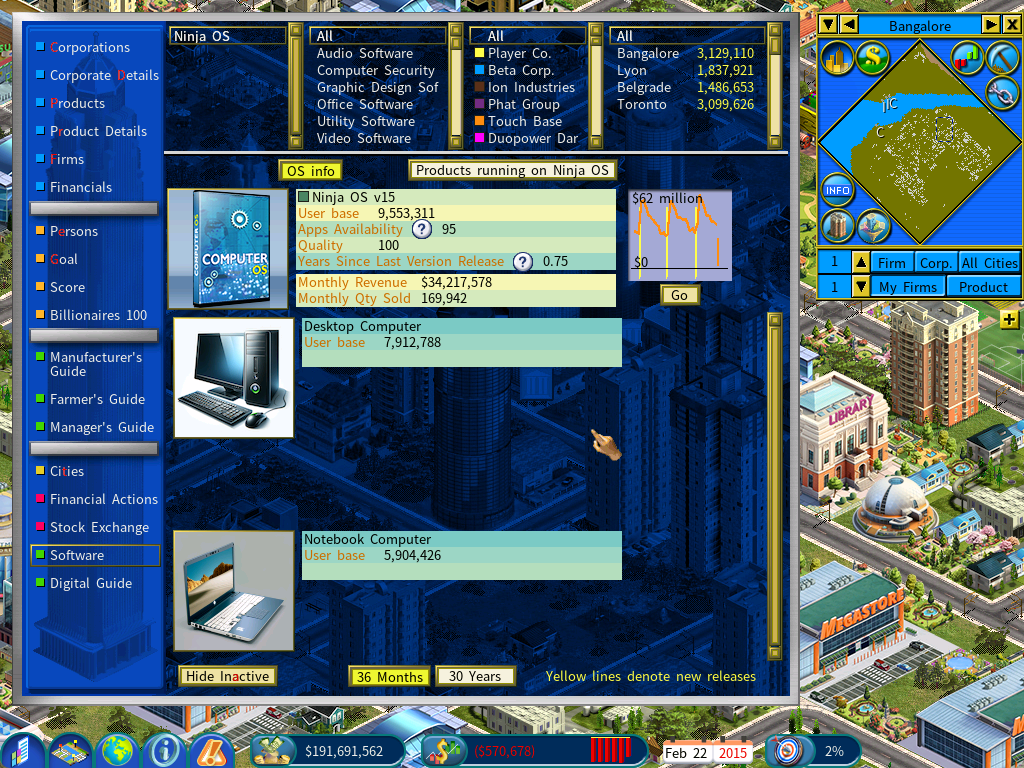
Operating system information
The [OS Info] button switches the display to show information for the currently selected operating system.
Indicators of new releases
The yellow lines on the sales graphs mark new releases. Sales rise at each one — which is why it pays for a software company to roll out new versions regularly.