

Download User-Created Regional Maps
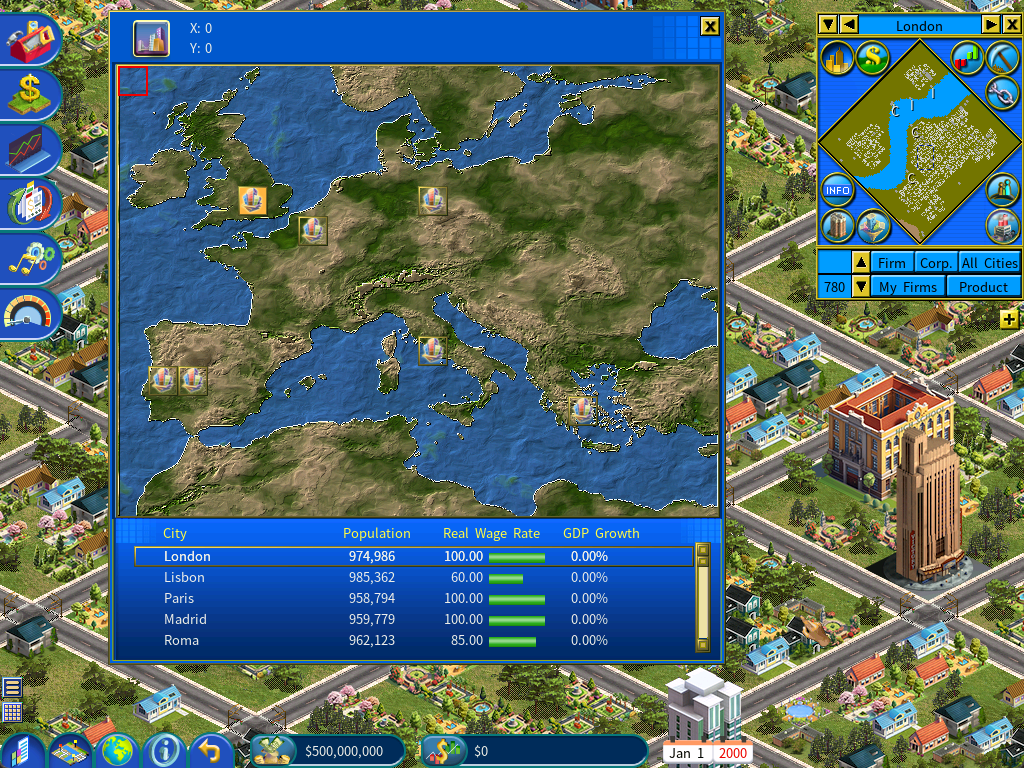
The Capitalism Lab community keeps building new regional maps, widening the range of places you can play in.
We have gathered five of them into one pack:
- Europe
- USA
- South America
- UK
- The Philippines
Installing the maps
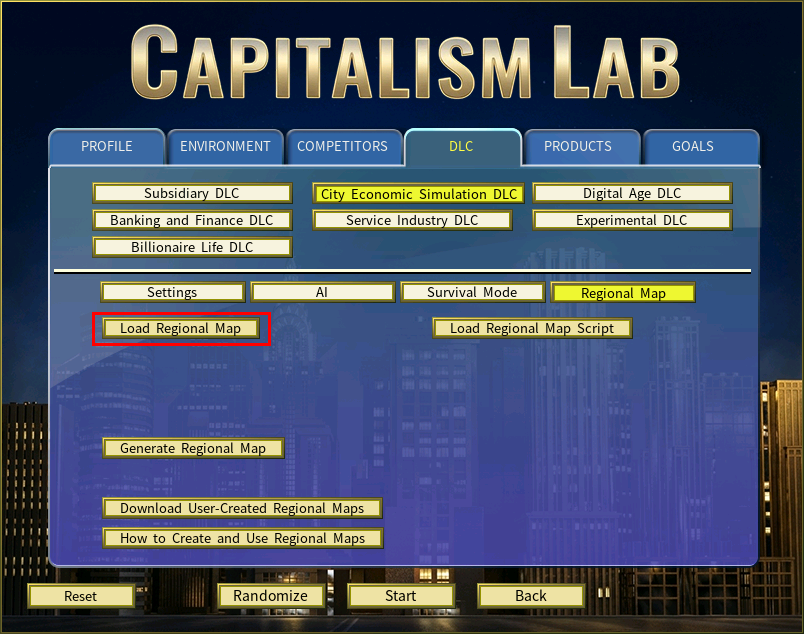
Open the Load Regional Map menu
Click Load Regional Map in the City Economic Simulation DLC — Regional Map menu.
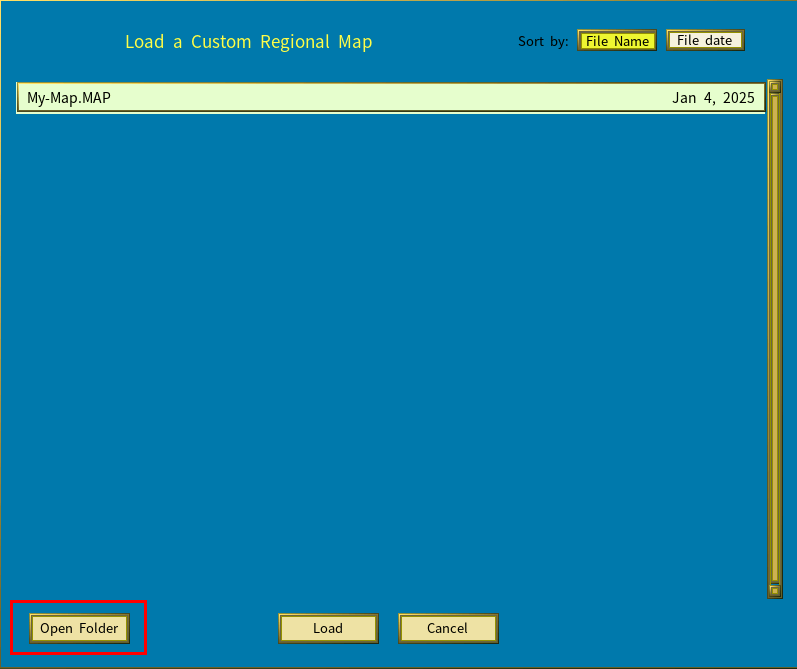
Open the regional maps folder
Click Open Folder at the bottom left of the window.
Extract the download
Unzip the contents of MAPS.ZIP into the folder that opens.
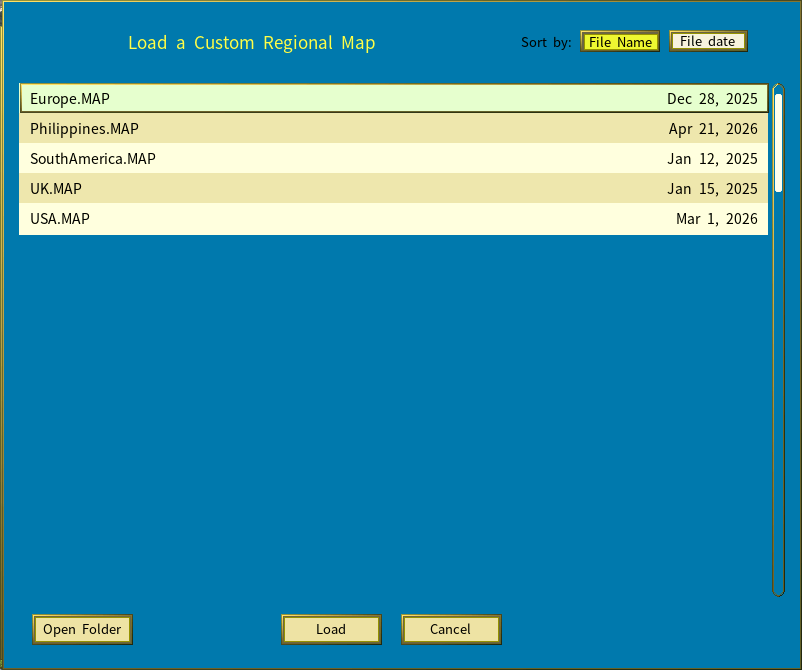
The new maps appear in the Load Regional Map list straight away, ready for your next game.