

Accomplishments
A game mode built around one objective: dominate the market for a chosen product category, at a difficulty you set yourself.
Starting an Accomplishments game
Select [New Game] from the main menu, then [Accomplishments].
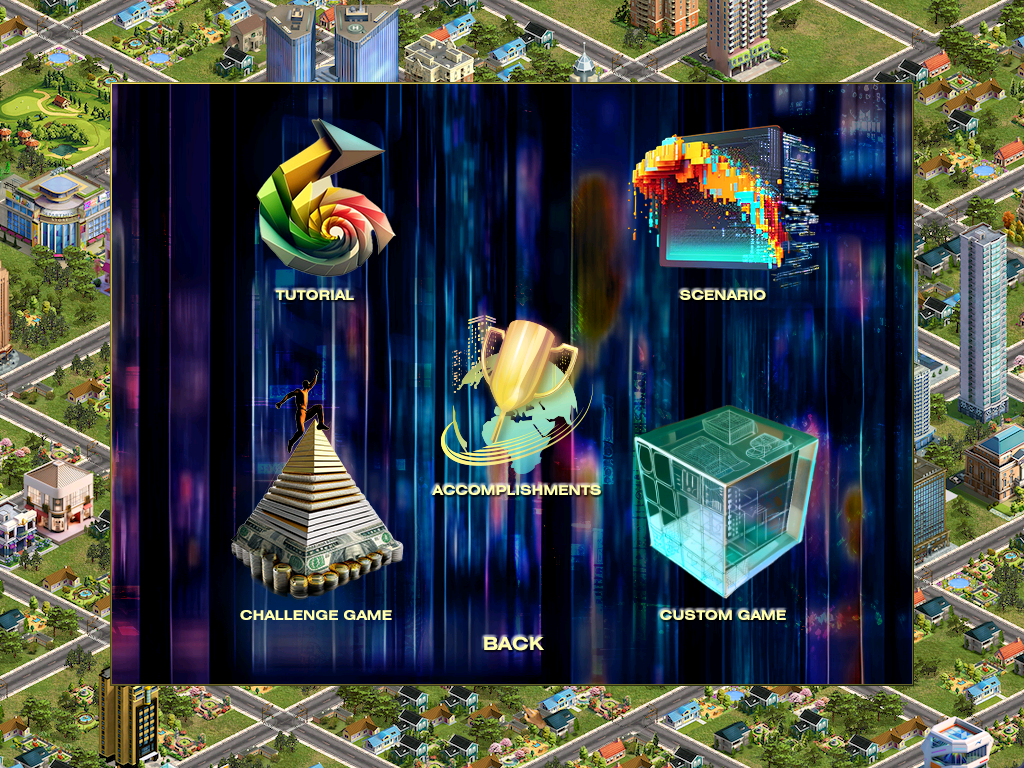
The three mission types
| Mission | Goal |
|---|---|
| Product Class Mission | Market dominance in one product class — Computer, for instance. |
| Mega Product Class Mission | Market dominance in one mega product class — Food and Beverage, for instance. |
| Total Market Dominance Mission | Dominance across all product classes. |
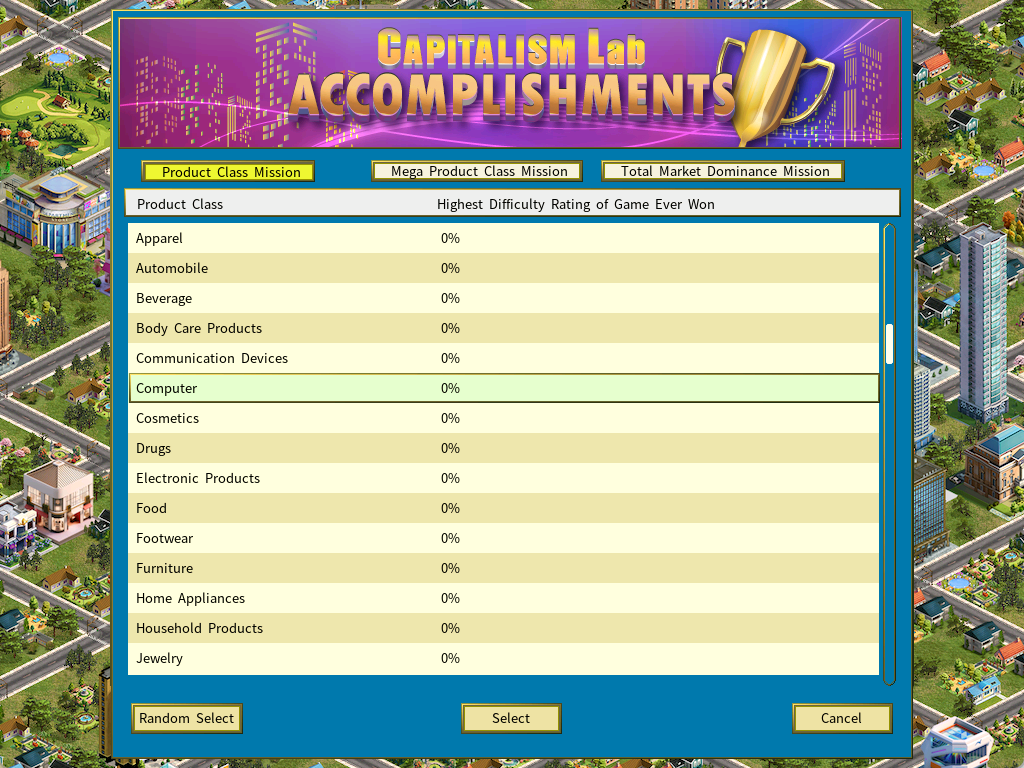
The buttons for choosing the type are at the top of the screen.
Difficulty is the score
Pick a product class or mega class to focus on. The screen shows the highest difficulty rating ever won for each one — and beating that record is the point of the run.
Click [Select] and the New Game Setting menu opens, where you customize the game as usual and set its difficulty rating.
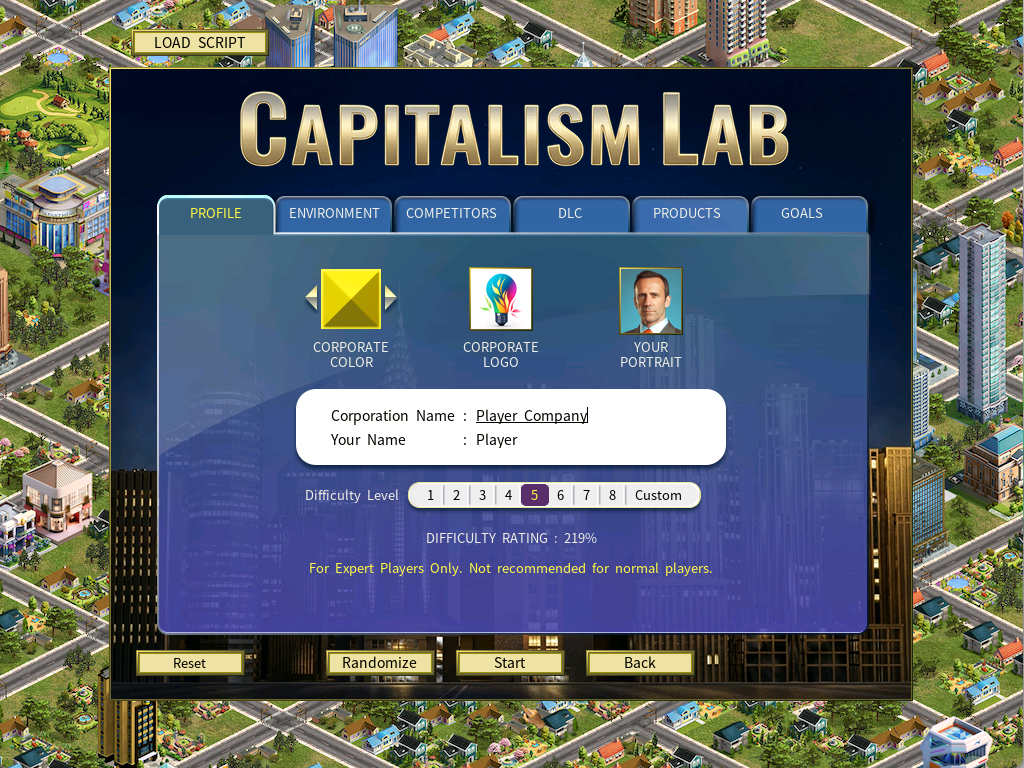
Your difficulty rating must exceed the one on the scoreboard, or the run cannot set a record.
If the best Computer product class game ever won stands at 60%, you must start above 60% to break it.
Playing it
Click [Start] and a briefing window opens.
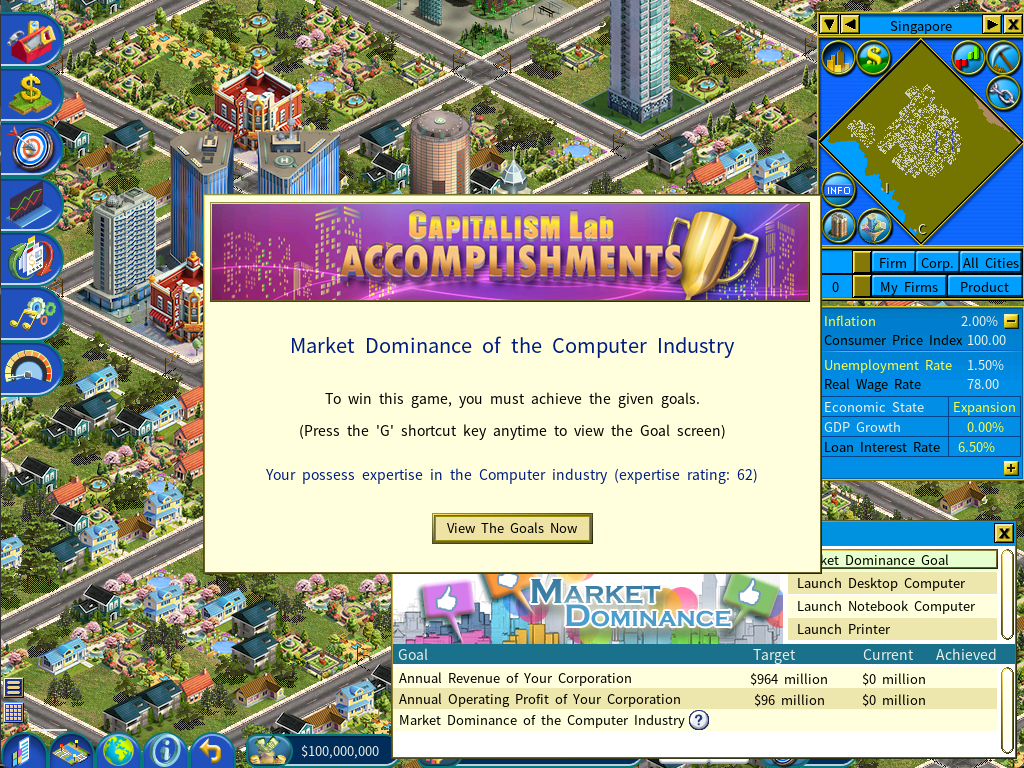
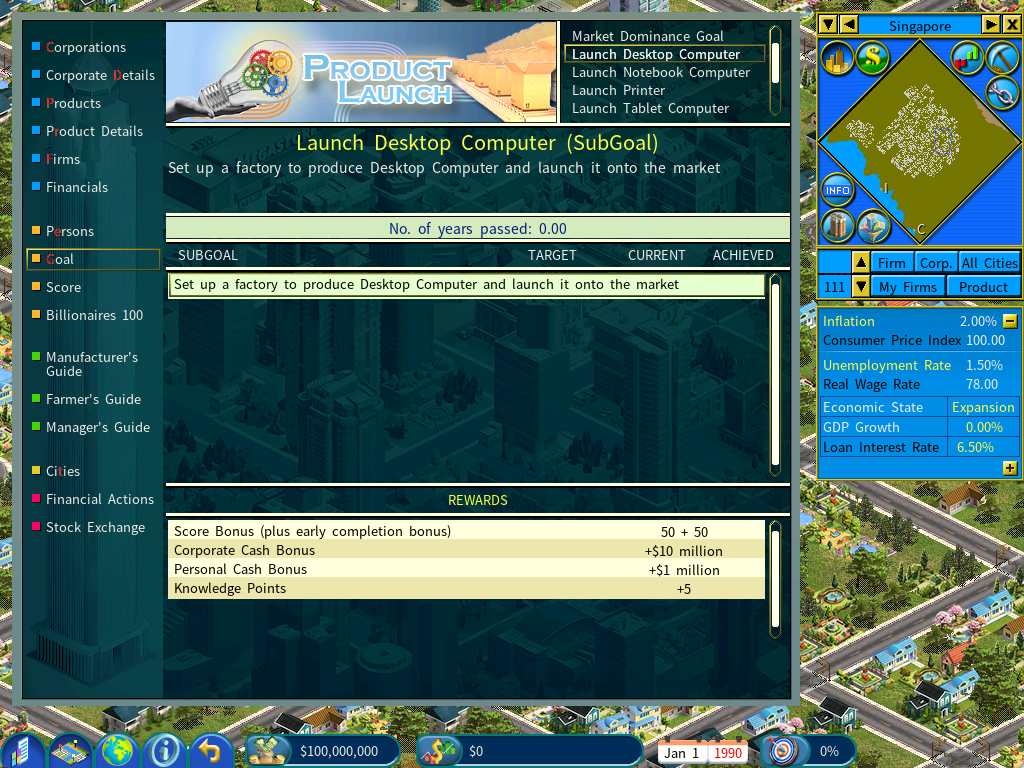
Your assigned goals are on the Goal report.
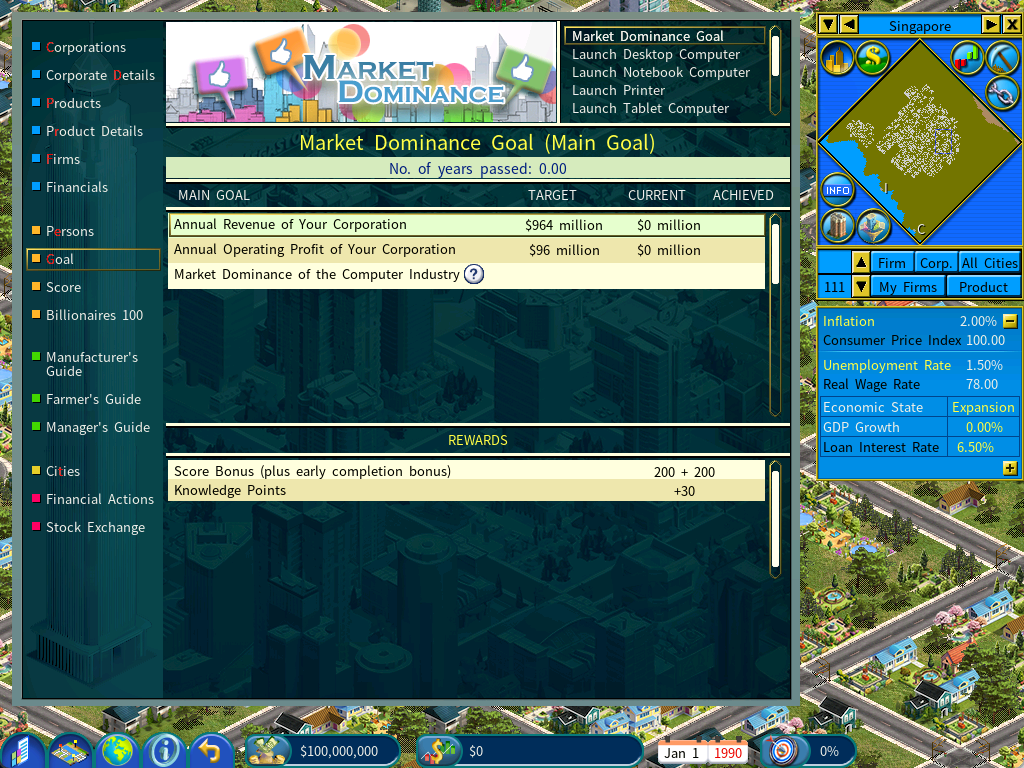
- The main goal — market dominance in the selected product class, plus specific revenue and profit targets.
- Subgoals — one for launching each individual product type within the class. Worth taking for the cash and score bonuses they carry.
Appendix: where the scores are stored
Your Accomplishment scores live in MISSION.DAT, inside:
Documents\My Games\Capitalism Labor, on the post-release beta:
Documents\My Games\Capitalism Lab Post-Release BetaTo reset every score: delete MISSION.DAT.
To migrate scores from the beta to the release version: copy MISSION.DAT from Documents\My Games\Capitalism Lab Post-Release Beta into Documents\My Games\Capitalism Lab.