

Firm Relocation and Description
Factories can be relocated — which matters most when the land under them has appreciated after years of city development. The cheap plot you built a factory on can become a retail store, apartments or a commercial building, for a far better return.
Relocatable firm types:
- Retail stores
- Factories
- R&D centers
- Media firms
- Your headquarters
What relocation costs
- Buying the new land plot.
- Building the new firm building on it.
The old building is demolished and its asset value written off as an expense.
The old land plot stays yours. Sell it at market price or hold it for later — which is the whole point of relocating when land has appreciated.
Relocating a firm
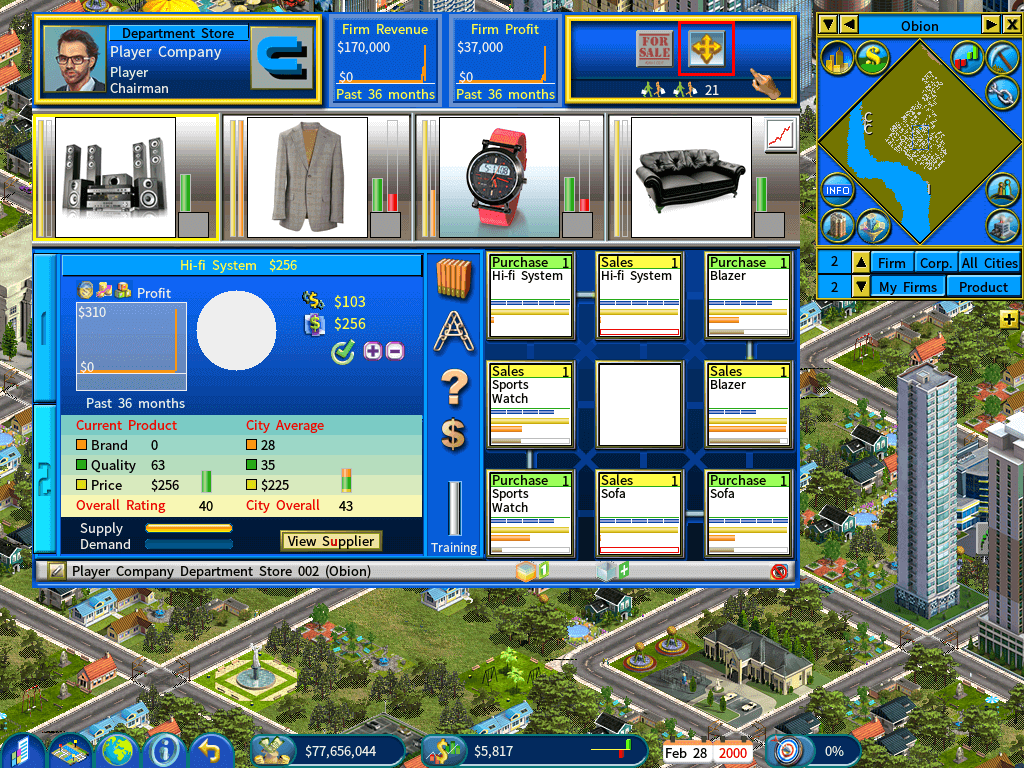
Open the firm menu
Click the highlighted button.
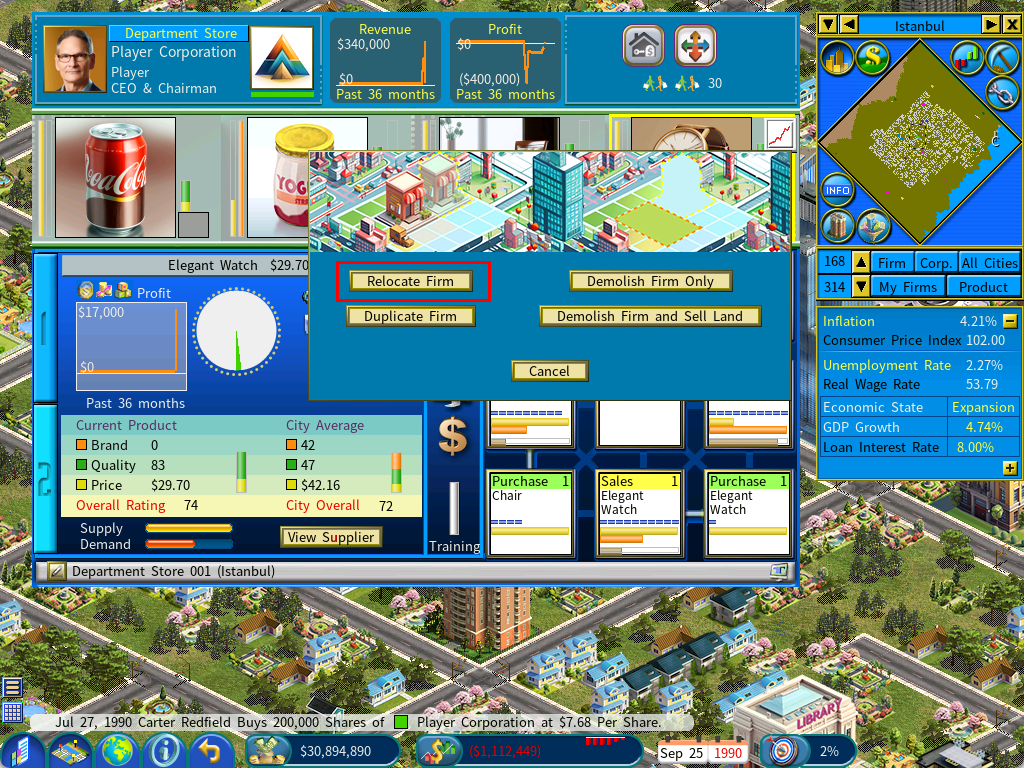
Select Relocate Firm
Firm description
You can give a firm a description. In the firm detail view, click the [Firm description] icon — or simply press [Enter] to activate the field.
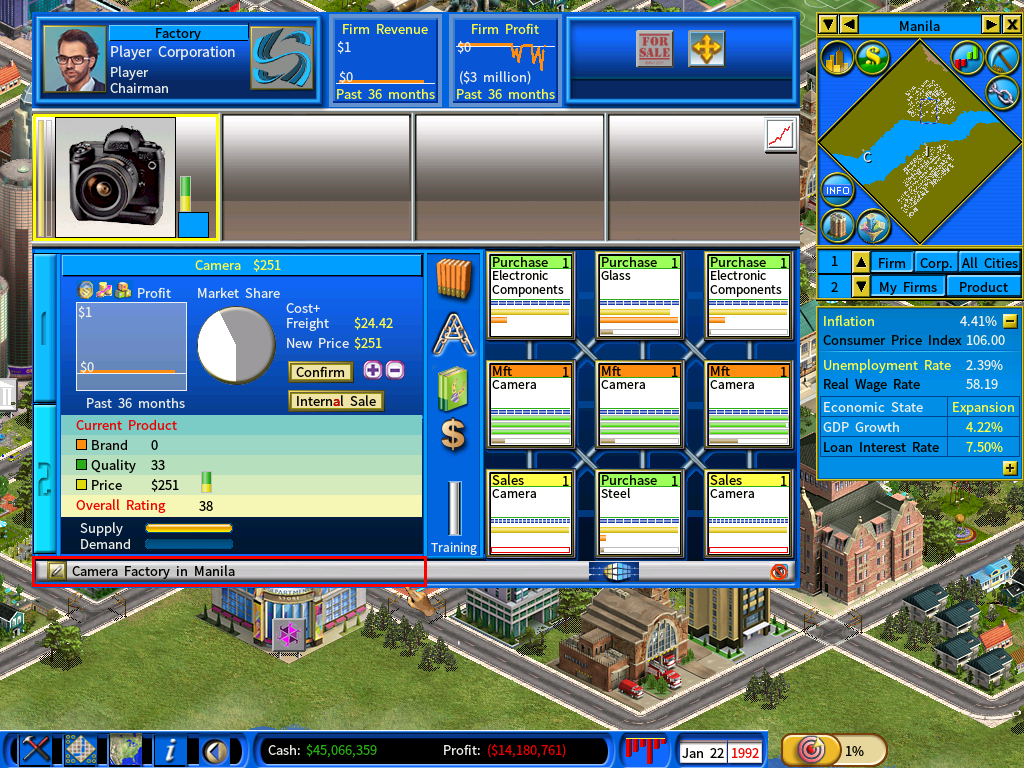
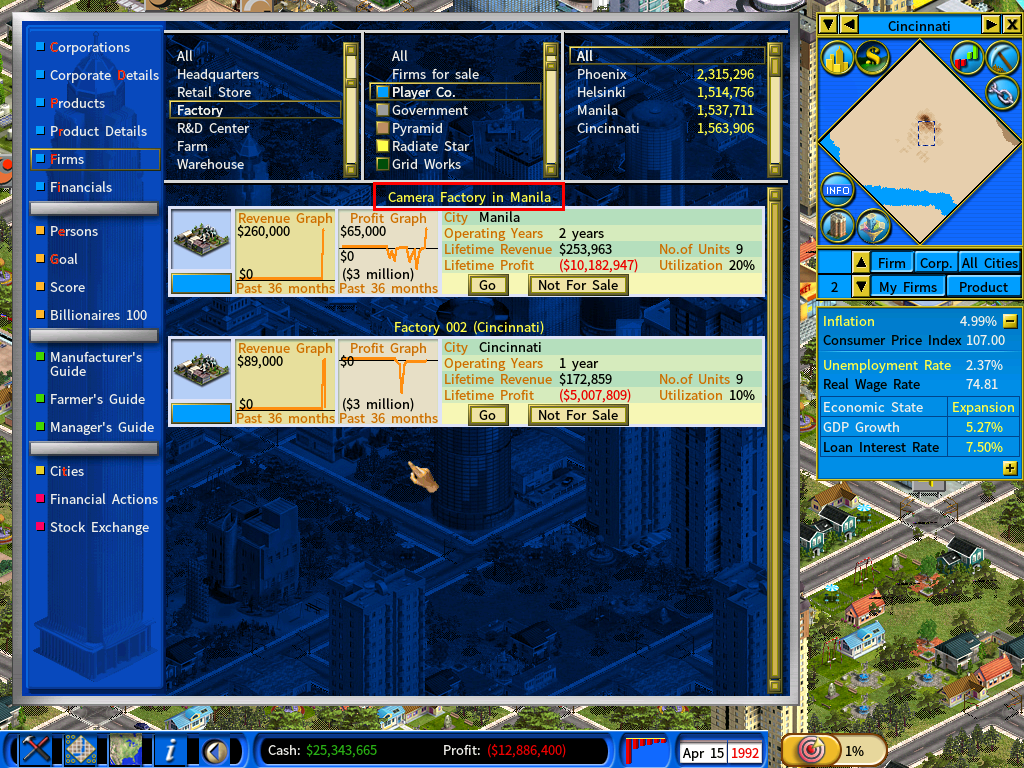
Descriptions appear on the Firms report, which makes identifying a particular firm far easier.
They also appear when you are choosing a supplier for a purchasing unit.
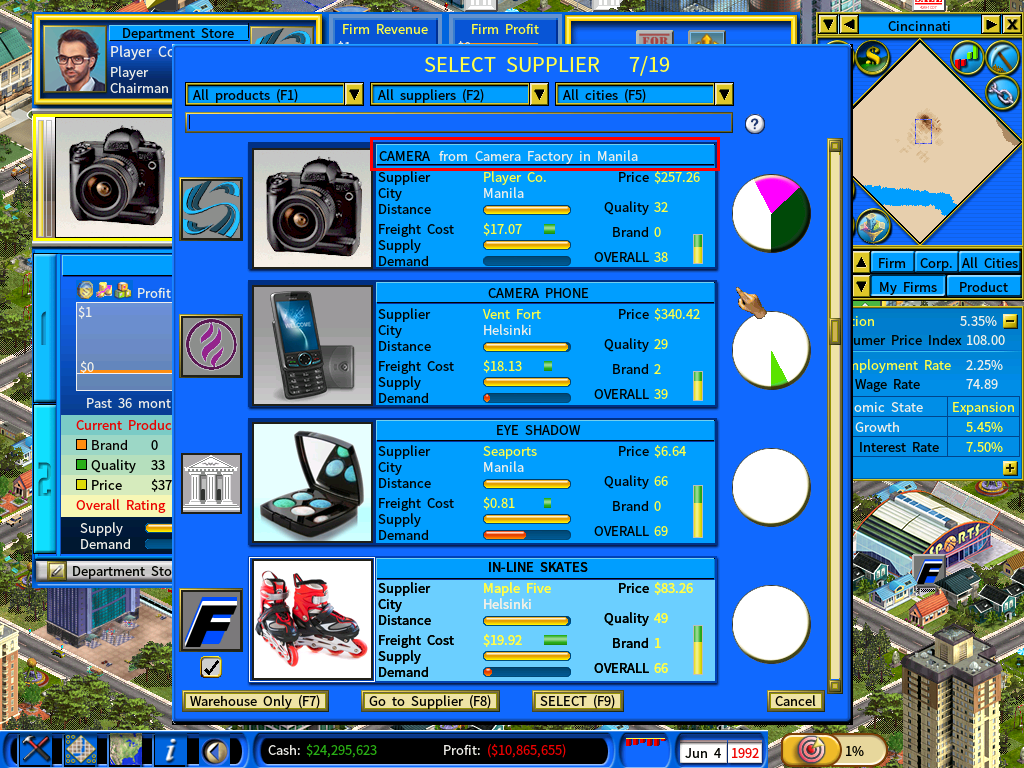
Automatic description generation
The game generates one for every firm in this format:
<Firm Type> <Sequence Number> (<City>)For example, Factory 001 (Auckland). Edit it whenever you want a name of your own.