How to Install Capitalism Lab version 11 on Mac Using Porting Kit
Porting Kit allows you to run Capitalism Lab on your Mac without the need for a virtual machine, simplifying the process and making it easy to switch between Capitalism Lab and other applications.

Installation
1) Install Porting Kit: Download from https://www.portingkit.com/ and install it on your Mac. When asked if you want to install the optional component for GOG.com, skip it.
2) Download Capitalism Lab package for Mac:
Download Capitalism Lab Version 11
2) Click here to register a new Capitalism Lab account.
3) Run CapStart.exe: Find the downloaded “Capitalism Lab” folder (likely in your “Downloads” folder) and run “CapStart.exe.”
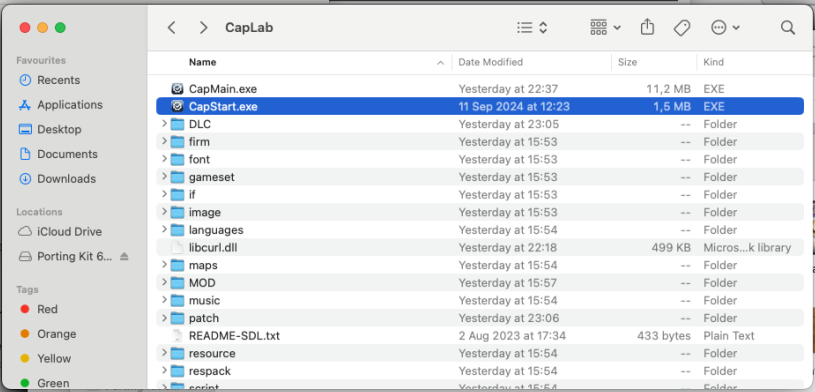
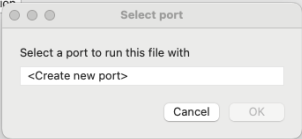
4) Create a New Port: The following window will appear. Select “Create new port” and click “OK.”
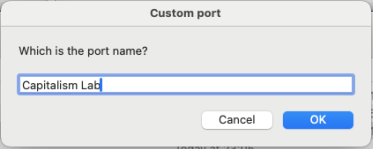
5) Name the Port: When asked for the port name, enter “Capitalism Lab.”
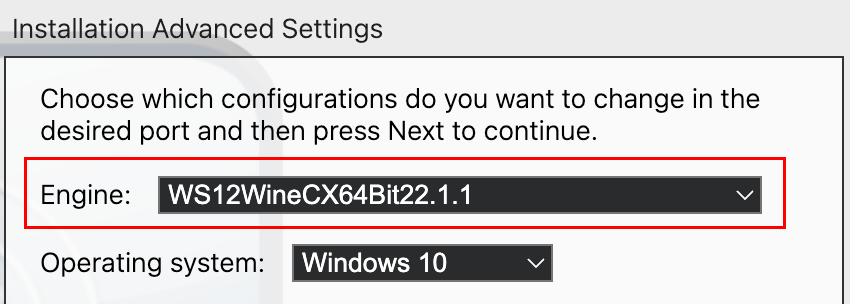
6) Select the Engine: The following window will appear, asking you to select the “Engine”.
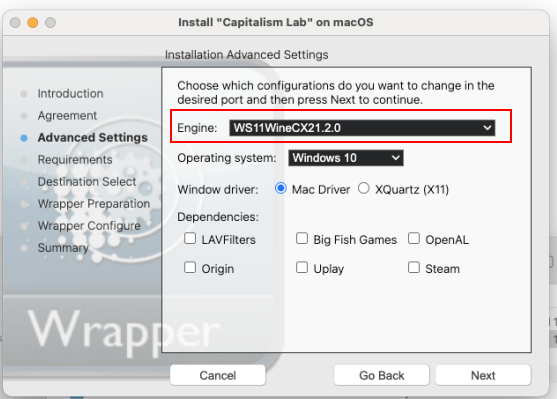
Please choose WS12WineCX64Bit22.1.1 from the list.
Important: If you select the wrong engine, Capitalism Lab may not run properly.
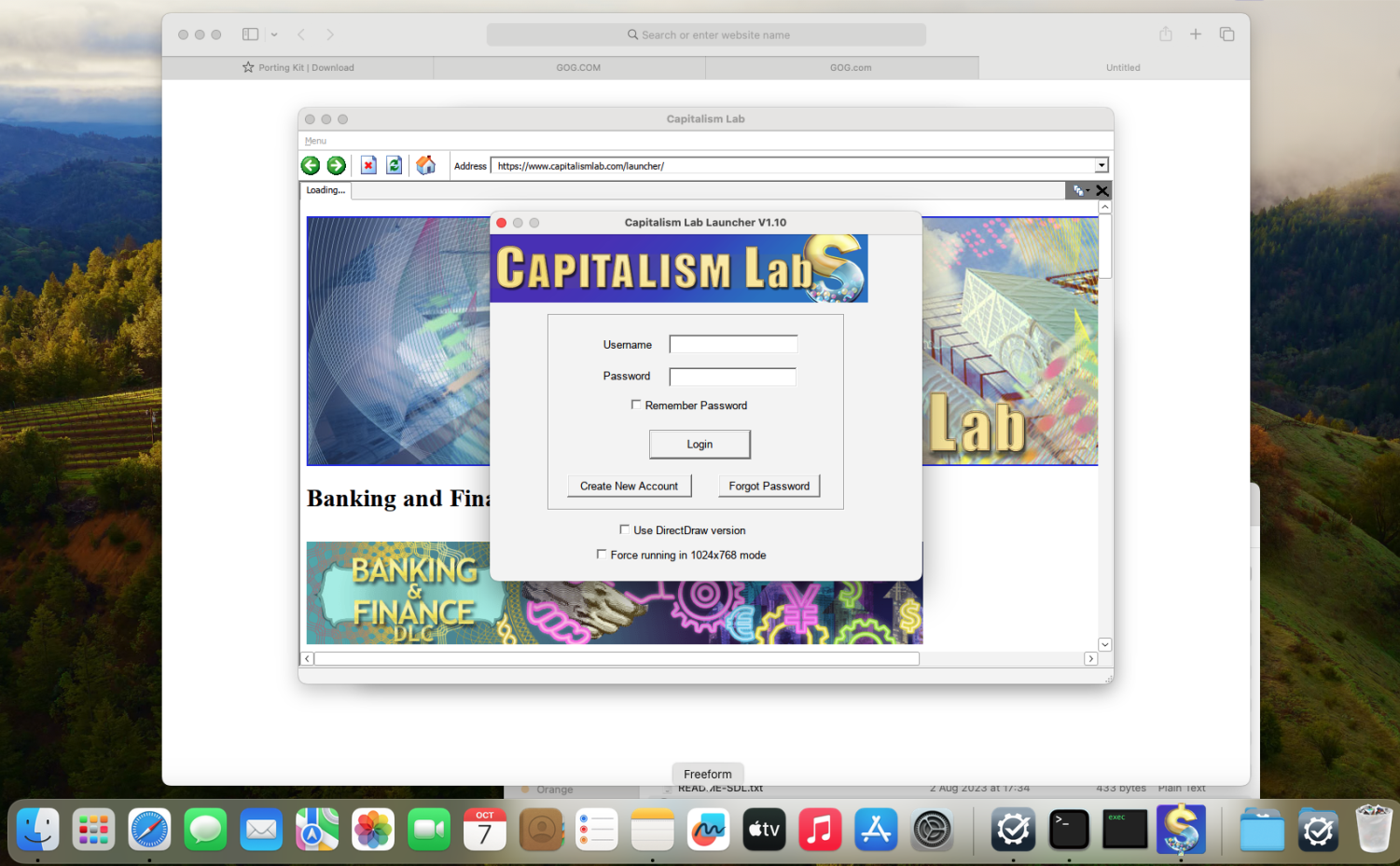
7) Login to Capitalism Lab: The game will launch. Enter your Capitalism Lab username and password.
8) Exit Capitalism Lab: The installation is not complete yet. Please quit Capitalism Lab by clicking the Exit icon in the bottom-right corner of the main menu.

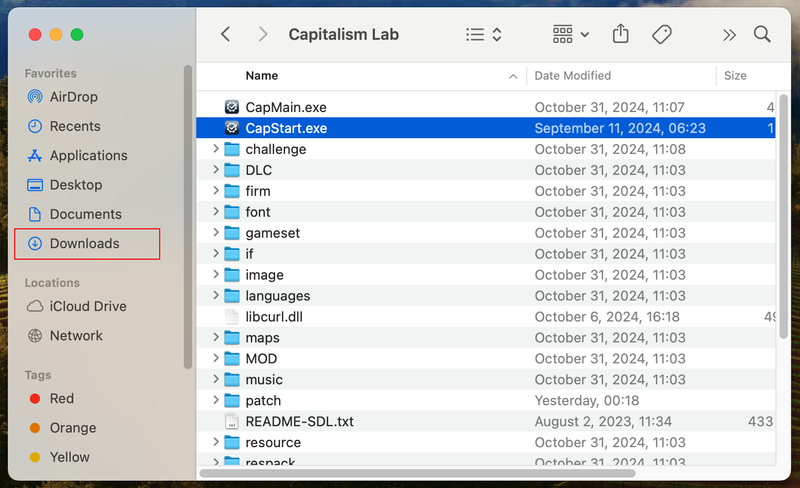
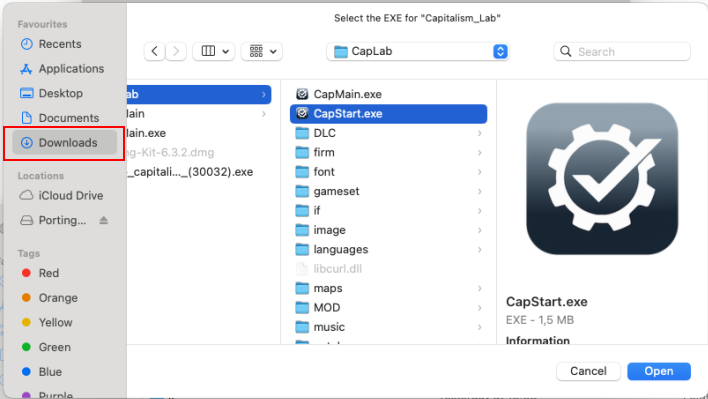
9) Select CapStart.exe: The Porting Kit installer will ask you to select the game’s EXE file. Navigate to your “Downloads\Capitalism Lab” folder and choose “CapStart.exe,” then click “Open.”
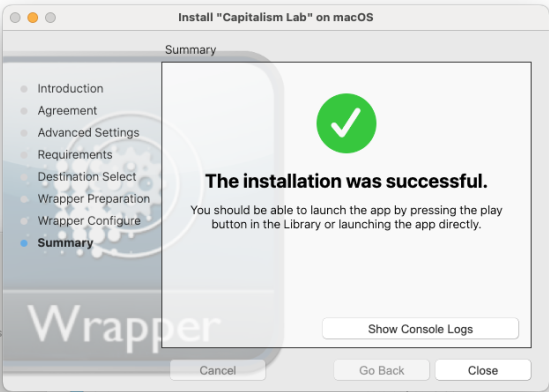
10) Installation Complete: You should see a message confirming successful installation.
Running Capitalism Lab After Installation
Important: Do NOT launch Capitalism Lab from the Porting Kit menu, as it cannot locate the CapMain.exe file, which is the main executable for the game. This will result in an error message indicating that CapMain.exe is missing.
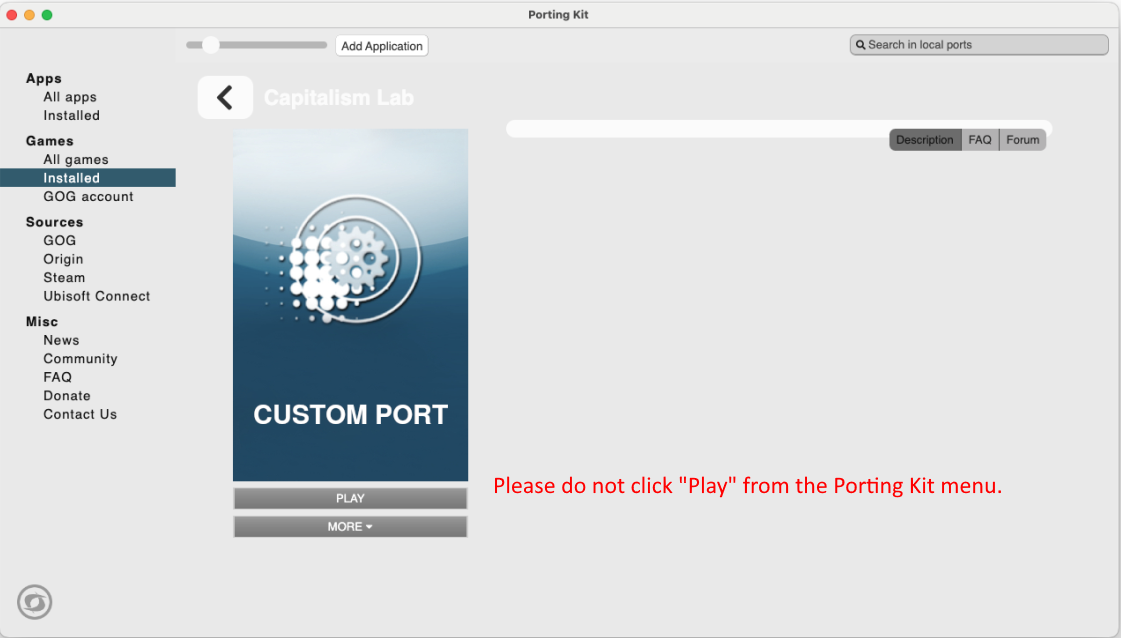
Instead, click the “CapStart.exe” file in the “Downloads/Capitalism Lab” folder whenever you want to run Capitalism Lab.
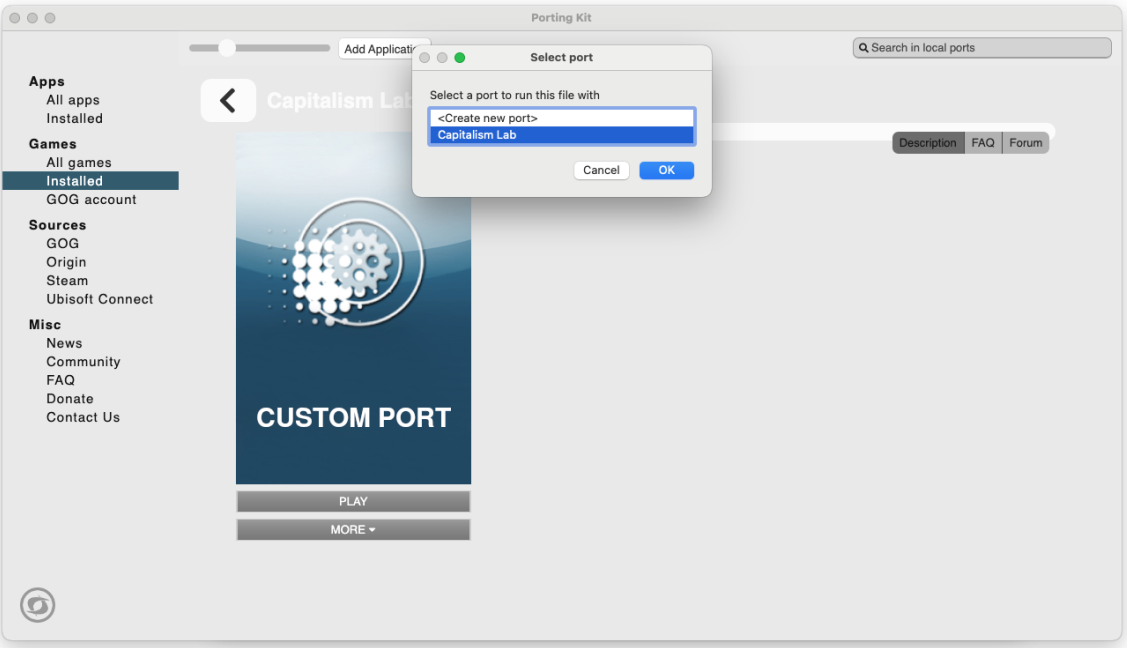
When you click “CapStart.exe,” a window will appear as shown below. Select “Capitalism Lab” and click [OK] for the game to run successfully.
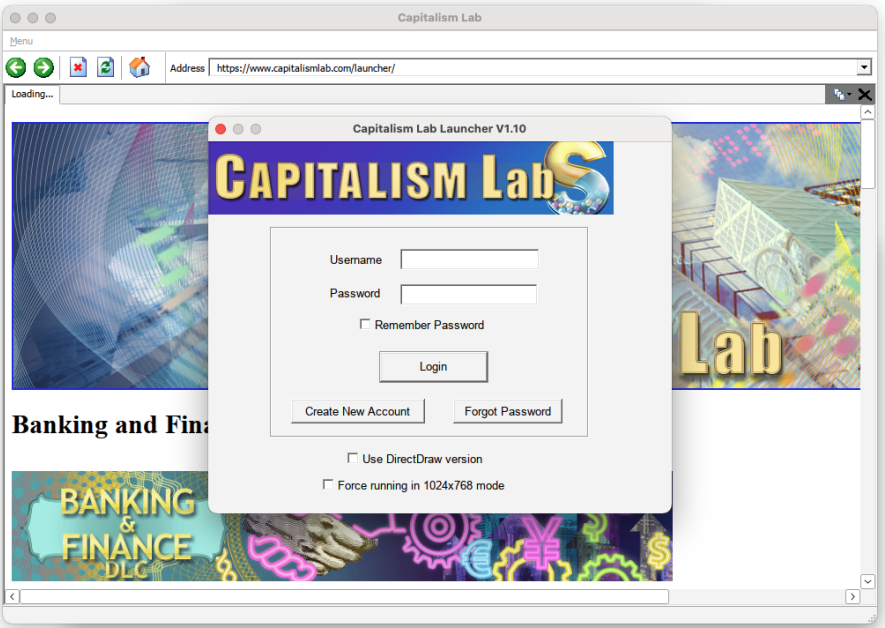
Please note that you must NOT select the “Use DirectDraw version” option in the Capitalism Lab launcher, as it will prevent the game from running on Mac.