

Troubleshooting Guide for Porting Kit
If you encountered the following error message:
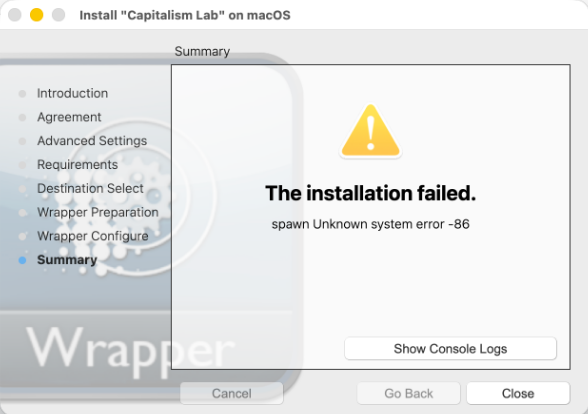
What the error actually means
The message “spawn Unknown system error -86“ is a very common macOS issue on Apple Silicon Macs (M1, M2, M3, M4, etc.). It happens when Porting Kit tries to launch the Wine engine, but your Mac can’t run the x86_64 binary because Rosetta 2 (Apple’s translation layer) is missing.
Quick fix (takes 2–5 minutes)
- Open Terminal (Spotlight → type “Terminal”).
- Copy and paste this exact command, then press Enter:
softwareupdate --install-rosetta --agree-to-license
- Enter your Mac password when asked. It will download and install Rosetta 2 (about 2 GB).
- Once it finishes, quit and reopen Porting Kit (or restart your Mac).