

Political Parties
The Political Party screen, in the Information Center, lists the parties that exist and who belongs to each.
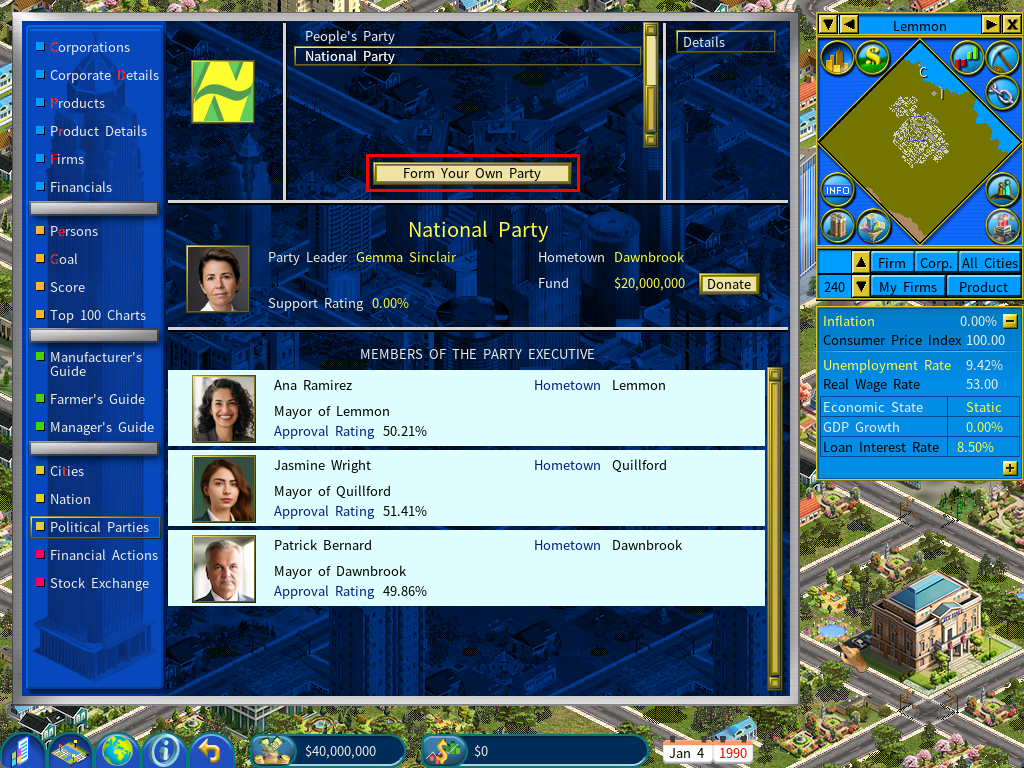
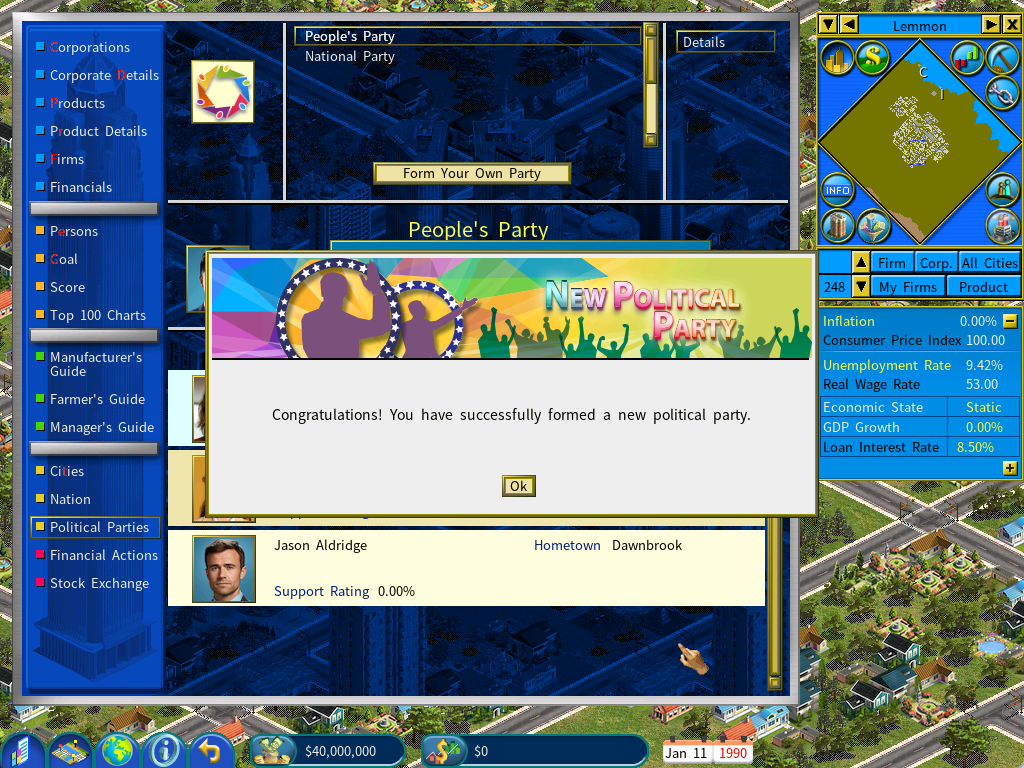
Forming your own party
Without a party of your own, the screen offers you the option to form one.
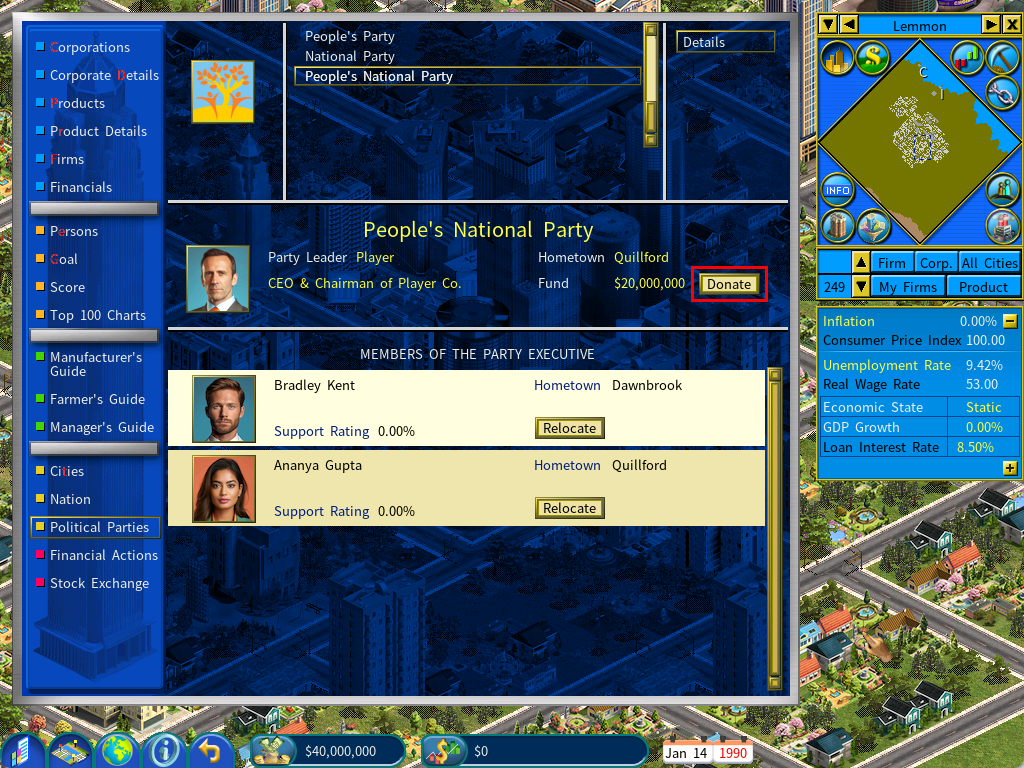
Donations
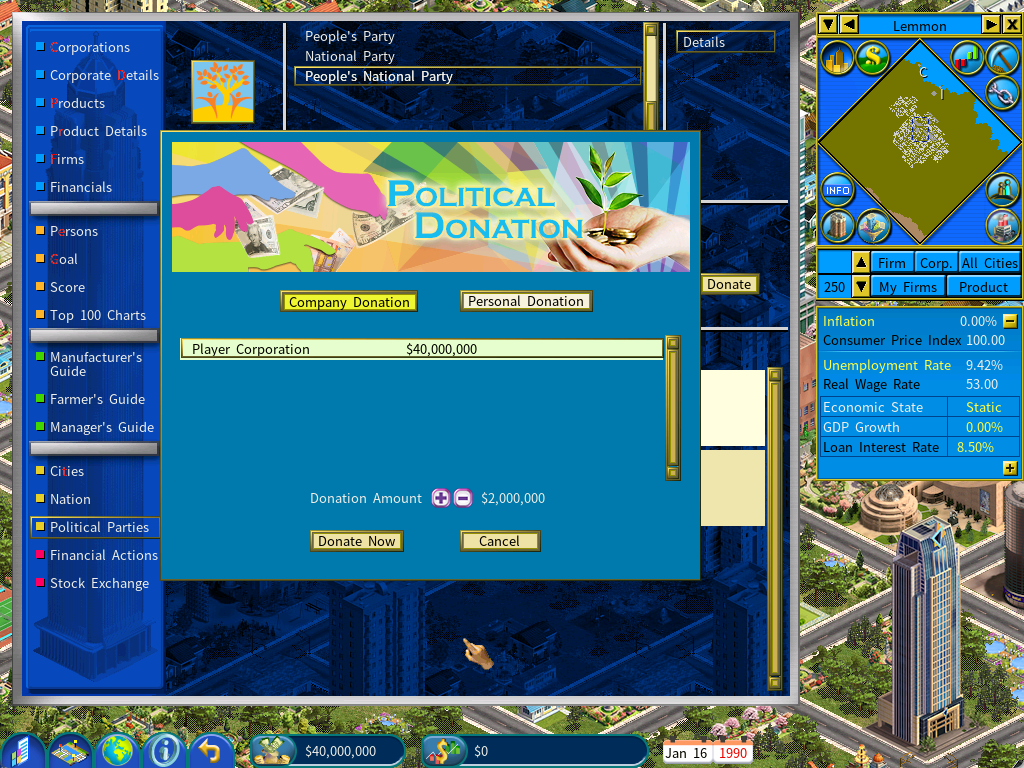
Click Donate to put money into your party.
The donation can come from you personally or from your company.
Running for mayor
Wait for the window to open
The Run for Mayor button becomes available as early as one year before the sitting mayor’s term expires.
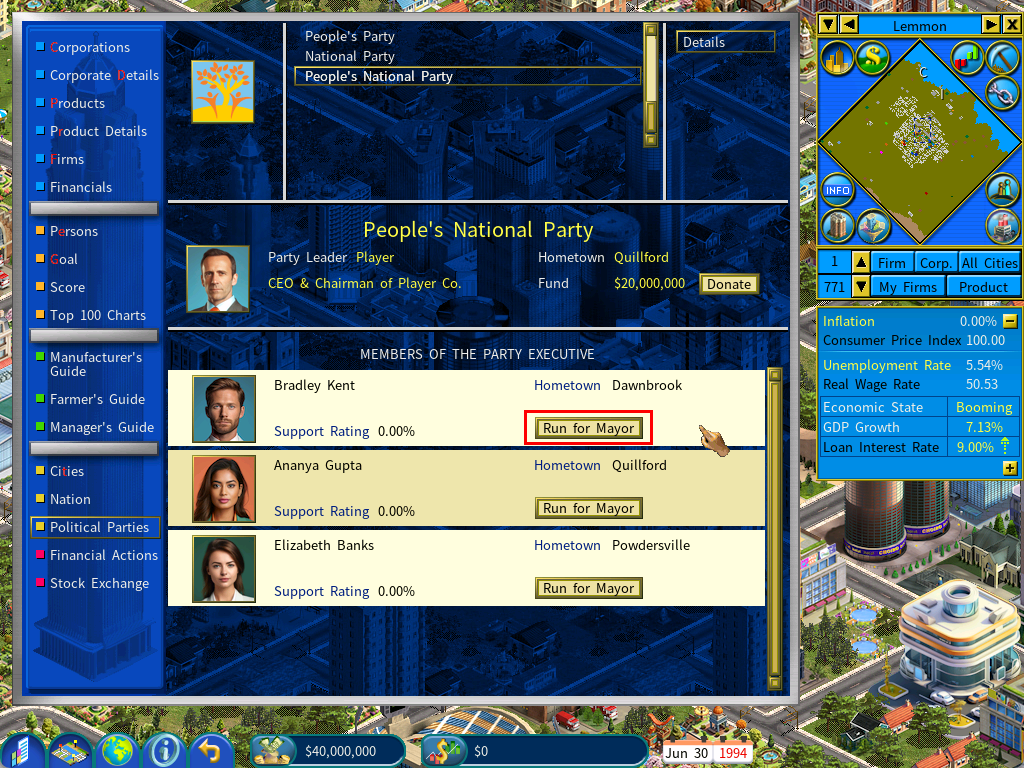
Put up a candidate
Click the button to enter a member of your party into the race.
Open the Election screen
Once someone is standing, a View Election Screen button appears.
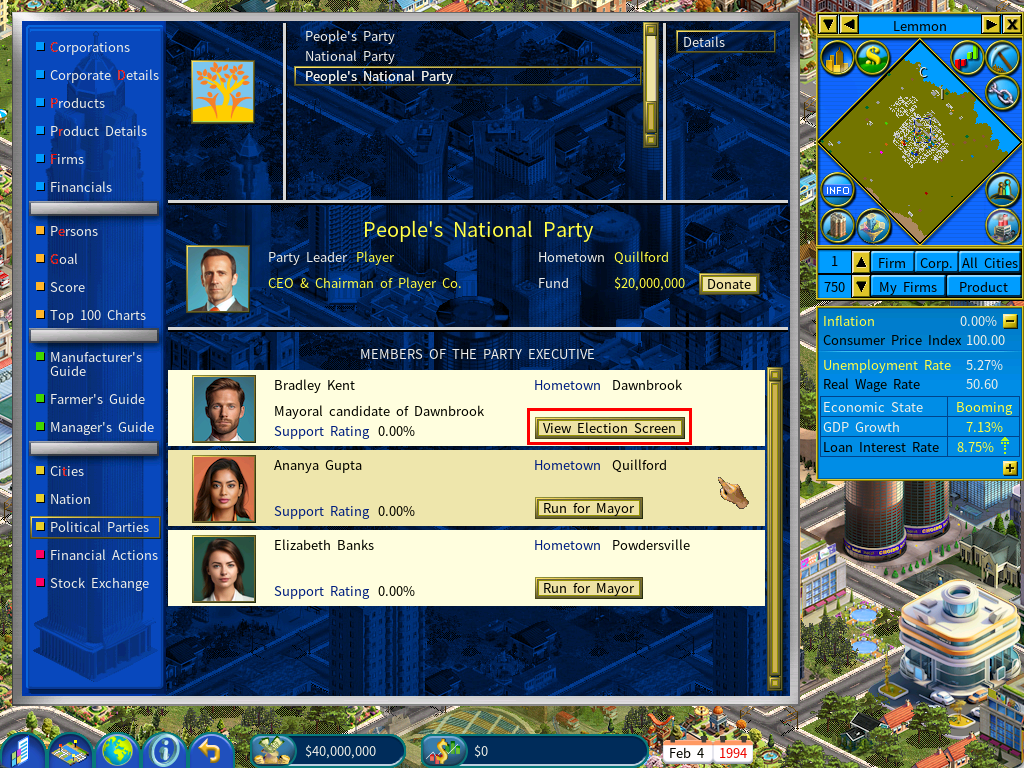
Fund the campaign
The Election screen lists every mayoral candidate and their support ratings.
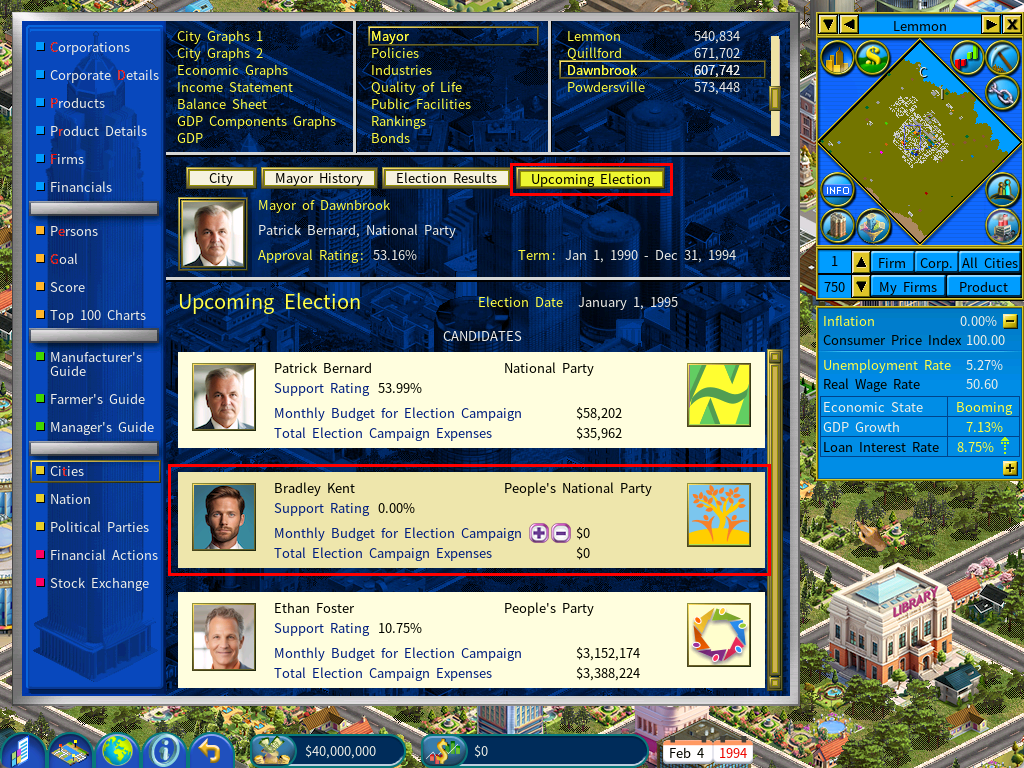
Here you set the monthly budget for the election campaign for your own party’s candidate. The more you spend, the higher their support rating climbs.
The Election screen is also reachable directly from the Mayor page of the Cities report.