

DLC New Game Settings
The Subsidiary DLC adds settings to three pages of the new game menu: Environment, Competitors and Products.
Environment
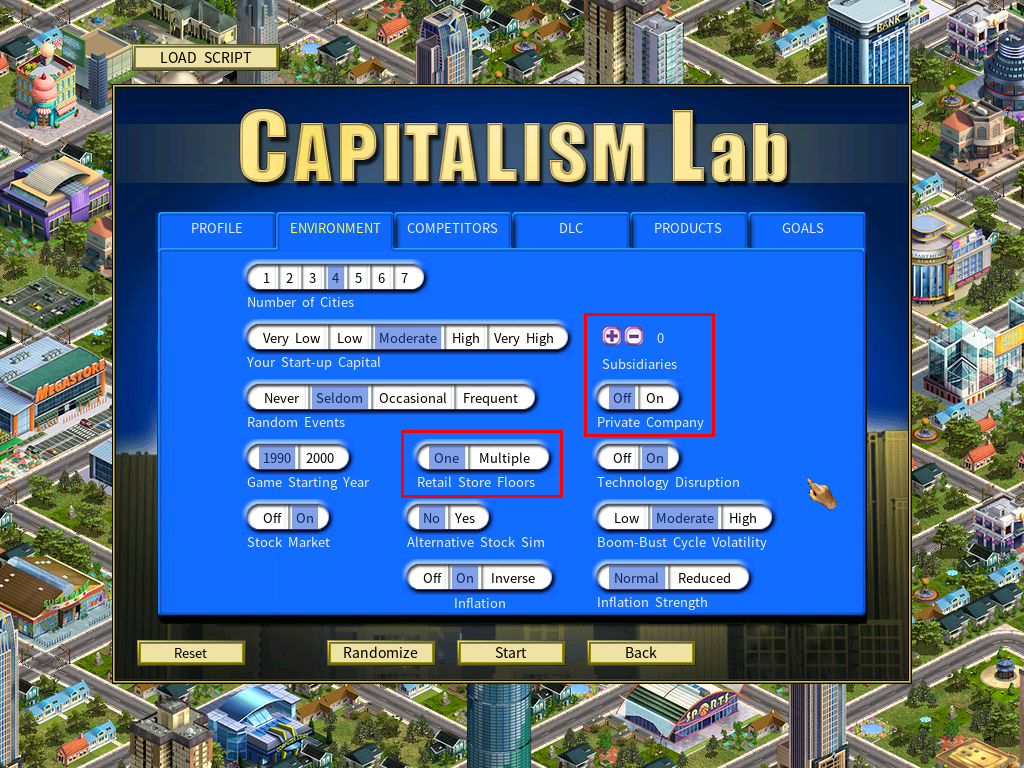
Subsidiaries
How many subsidiaries your company owns at the start of the game.
More About Subsidiary ControlPrivate Company
Enable this and your company starts as a private company rather than a public one.
More About IPO for a Private CompanyRetail Store Floors
The DLC supports a multiple floors system for retail stores, letting a store carry more products by adding floors. Set this to Multiple to enable it.
More About The Multiple Floors SystemCompetitors
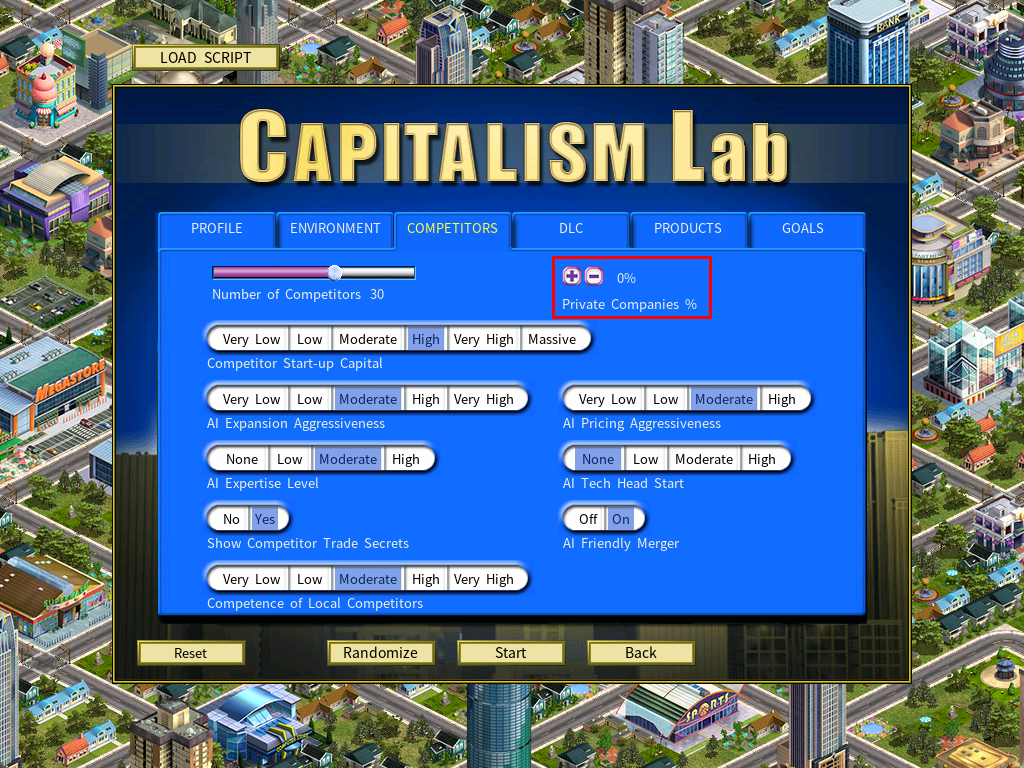
Private Companies %
Sets what share of your competitors are private companies. AI companies are then assigned private status at random according to that figure.
Products
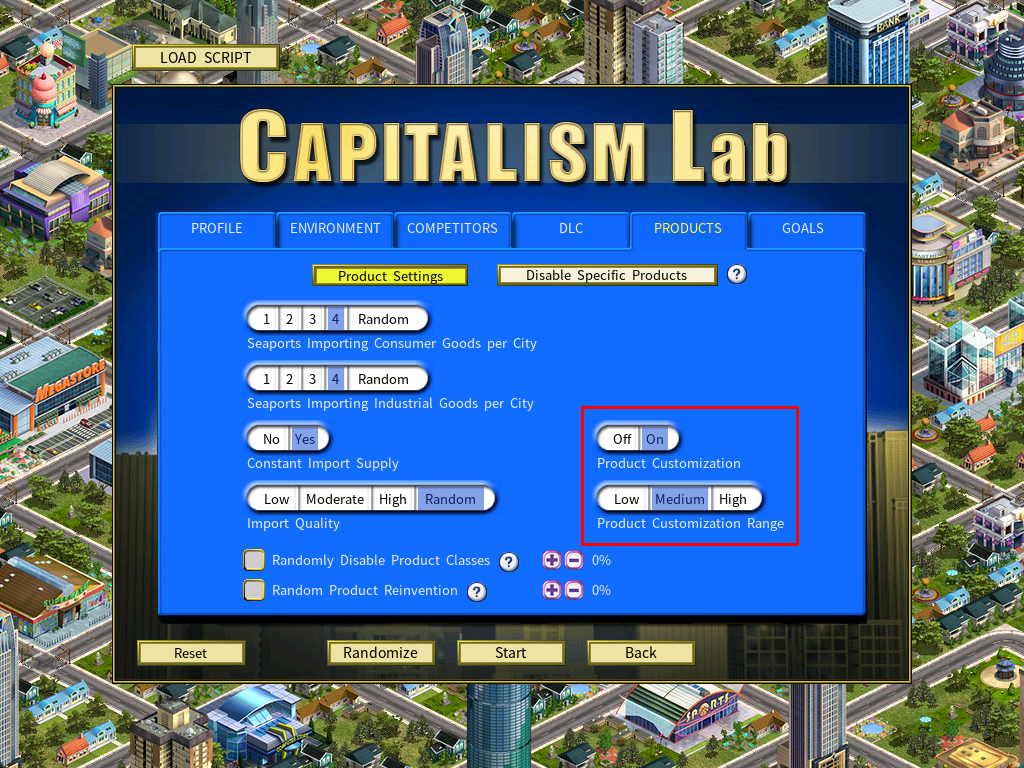
Product Customization
Enable this and the Product Customization tool appears in the Manufacturer’s Guide.
Enabling Product Customization automatically disables Technology Disruption. Product Customization needs technology levels that only ever advance, which is incompatible with how disruption works.
Product Customization Range
| Setting | Customization applies to |
|---|---|
| Low | Your company only |
| Medium | Your company and your subsidiaries |
| High | All companies, including AI companies |