

New Minimap Modes
The City Economic Simulation DLC adds two buttons at the lower-right corner of the minimap, giving it two new modes.
Population and Pollution mode
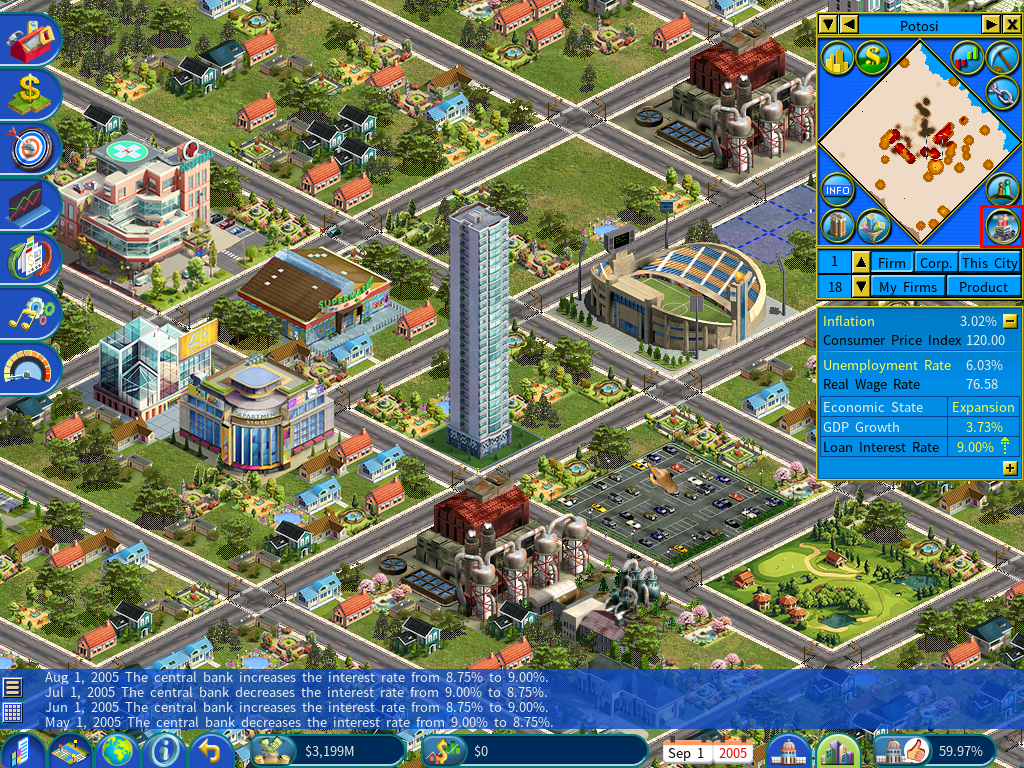
Click the button marked above to switch to it.
| Color | Meaning |
|---|---|
| Dark brown | Population density |
| Red | Pollution in populated areas |
| Orange | Pollution in unpopulated or very sparsely populated areas |
Population and Public Services mode
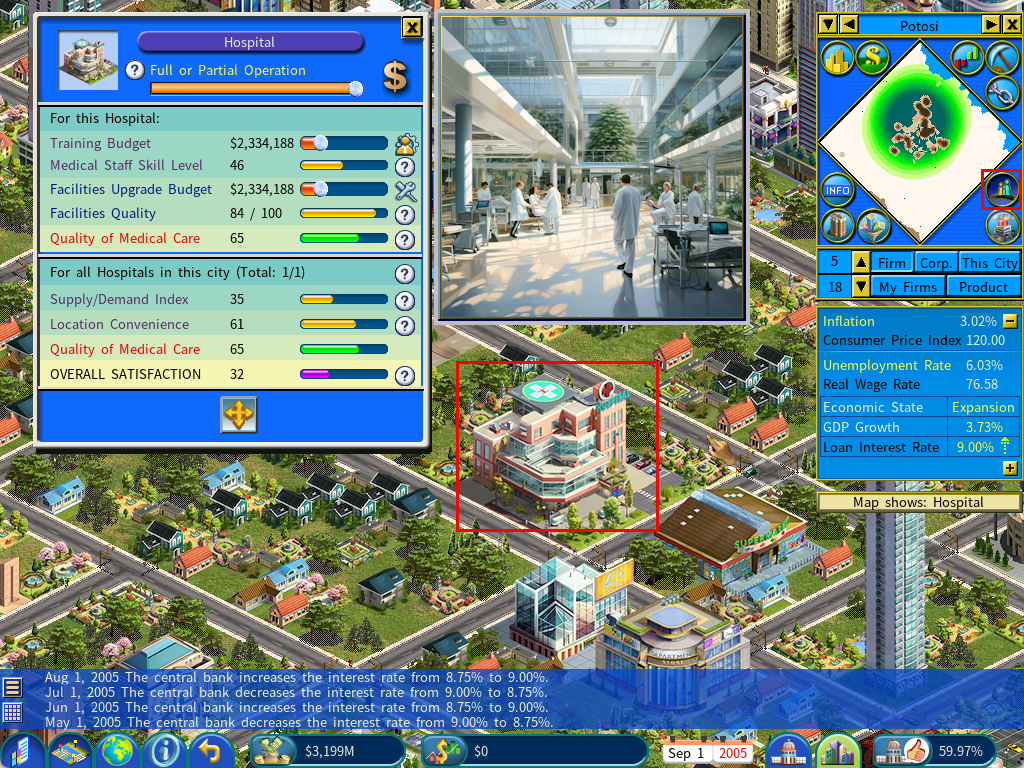
Population density again shows in dark brown. What this mode adds is reach: select a civic building or sports facility and the minimap highlights the parts of the city whose residents can conveniently get to it.
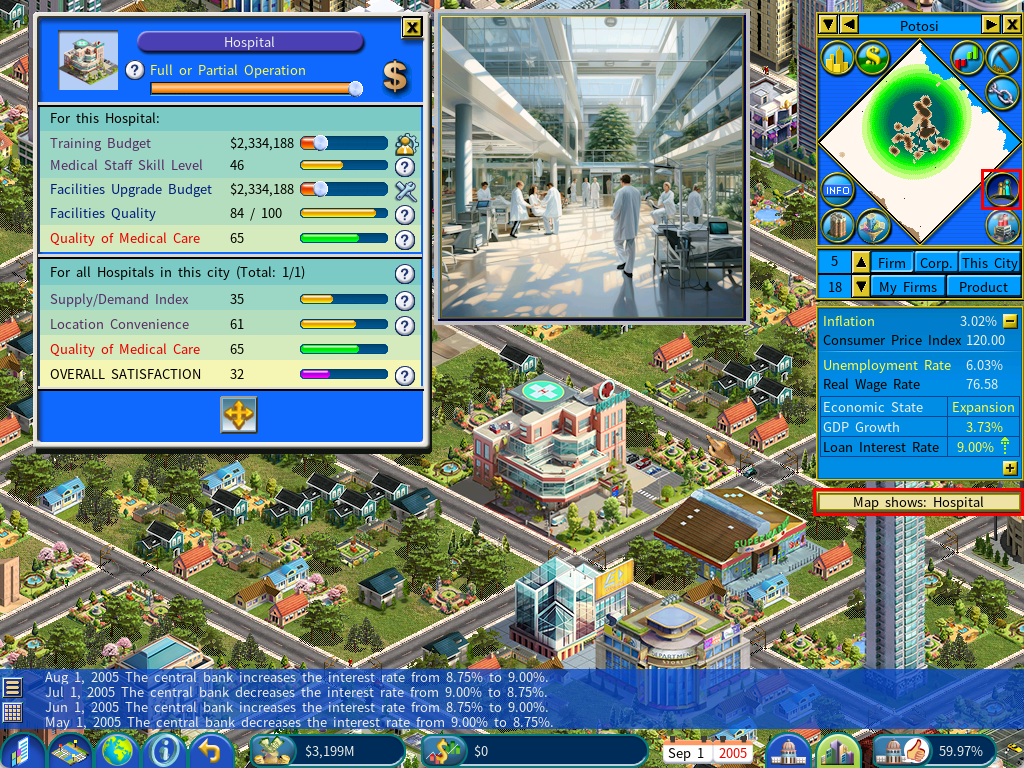
In the screenshot above a hospital is selected, and the highlighted area is the part of the city it actually serves.
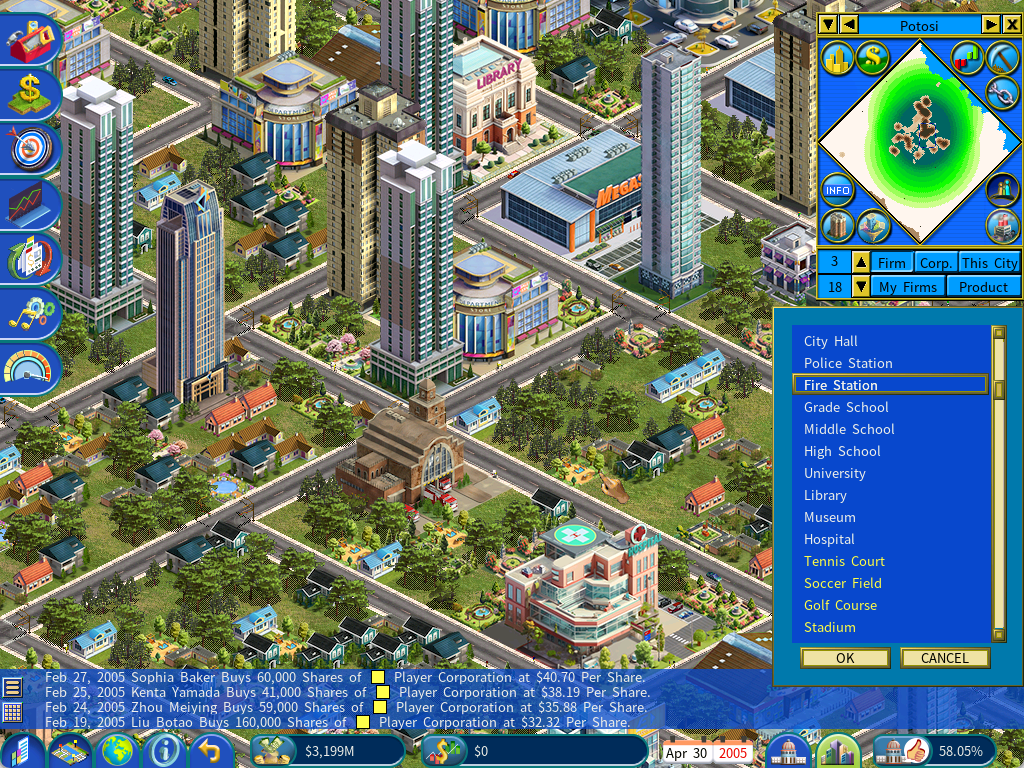
To check a different building, either click another civic building on the map or use the civic building selector, which lists them for you.
Finding the Central Business District
Distance to the Central Business District is one of the main factors in a commercial building’s overall rating.
To locate it, switch the minimap to Land Value mode. The red dot marks the CBD.
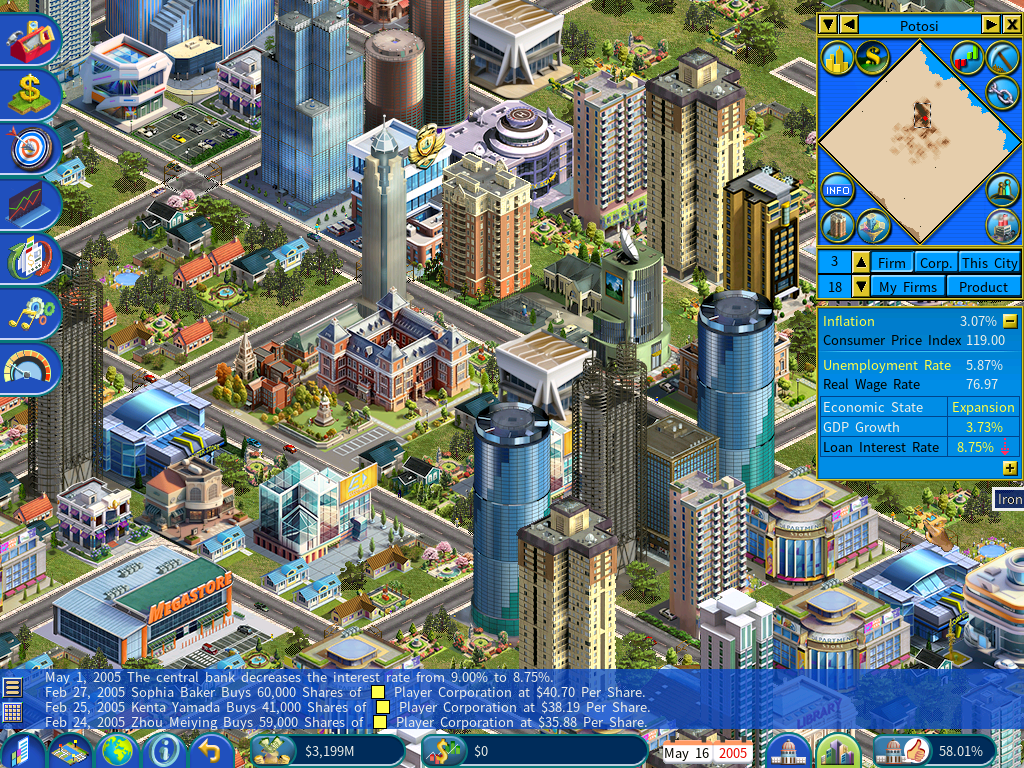
No commercial buildings, no CBD. Building a city from scratch, the district does not exist yet and no red dot appears.
The CBD moves. Its location is not fixed — another district can take the title by developing a denser concentration of commercial buildings and greater prosperity, as measured by land value.