Landmarks
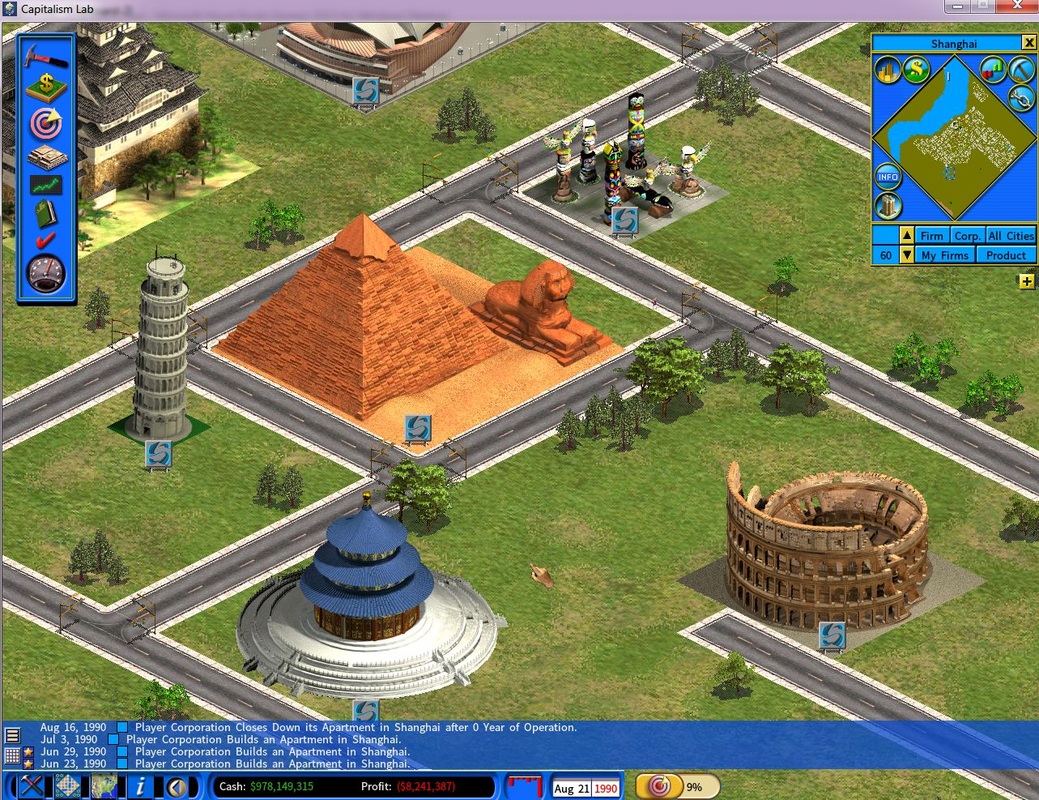
As your cities grow, some city goals reward you with the right to build a landmark. There is a variety of them; the preview below shows a few.
Unlocking one
A landmark becomes buildable once you achieve the goal that unlocks it, and you build it in Government mode.
To check whether your current goal unlocks a landmark, open the Goal report with the shortcut key G.
Building it
Choose a landmark
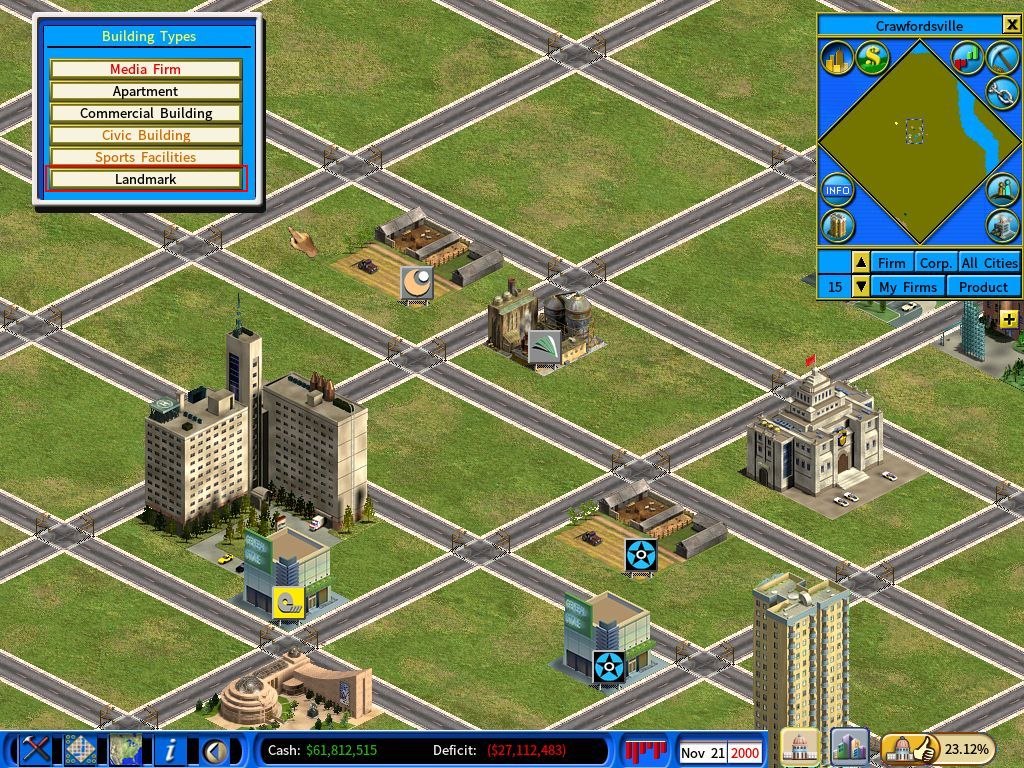
Select Landmark from the Build menu to see what is available to you.
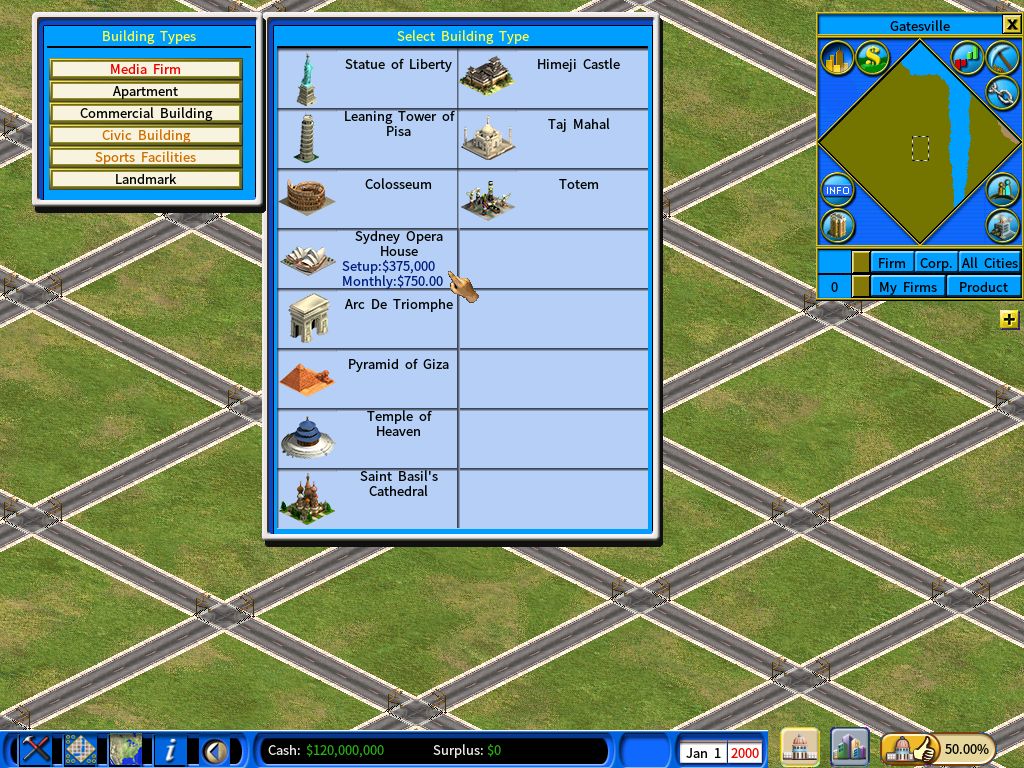
The screenshot below shows all landmarks for demonstration. In an actual game you will see only one to begin with.
Place it and pick a bonus
Having chosen a location, you assign the landmark a bonus effect.
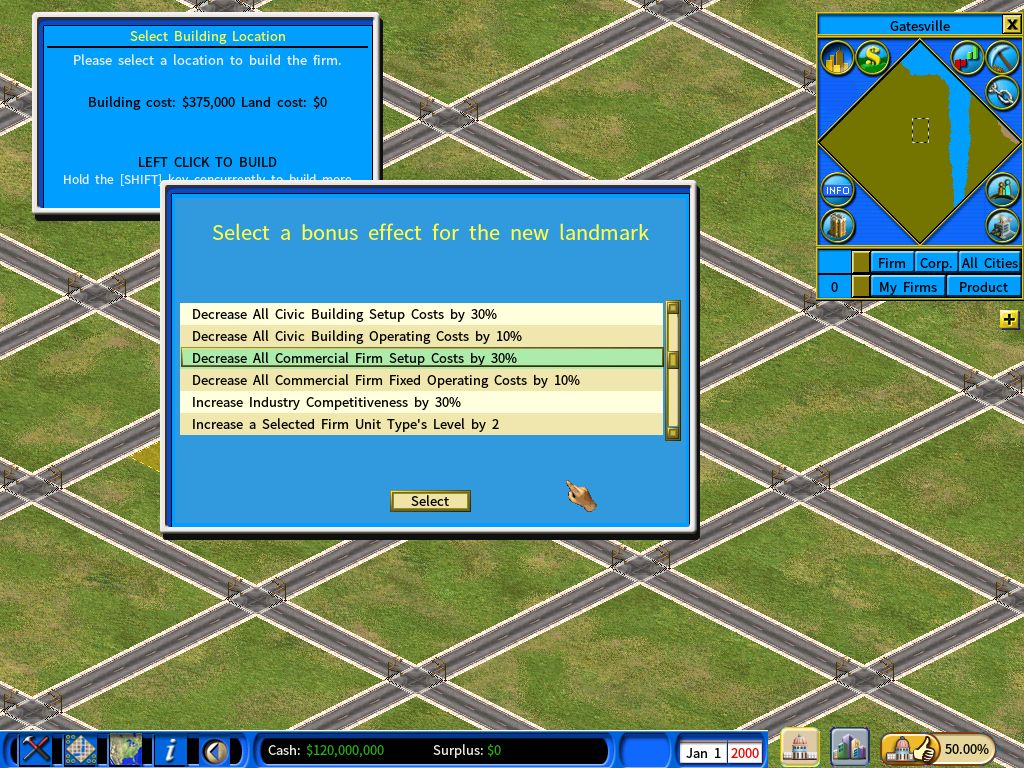
Choose an industry, if the bonus needs one
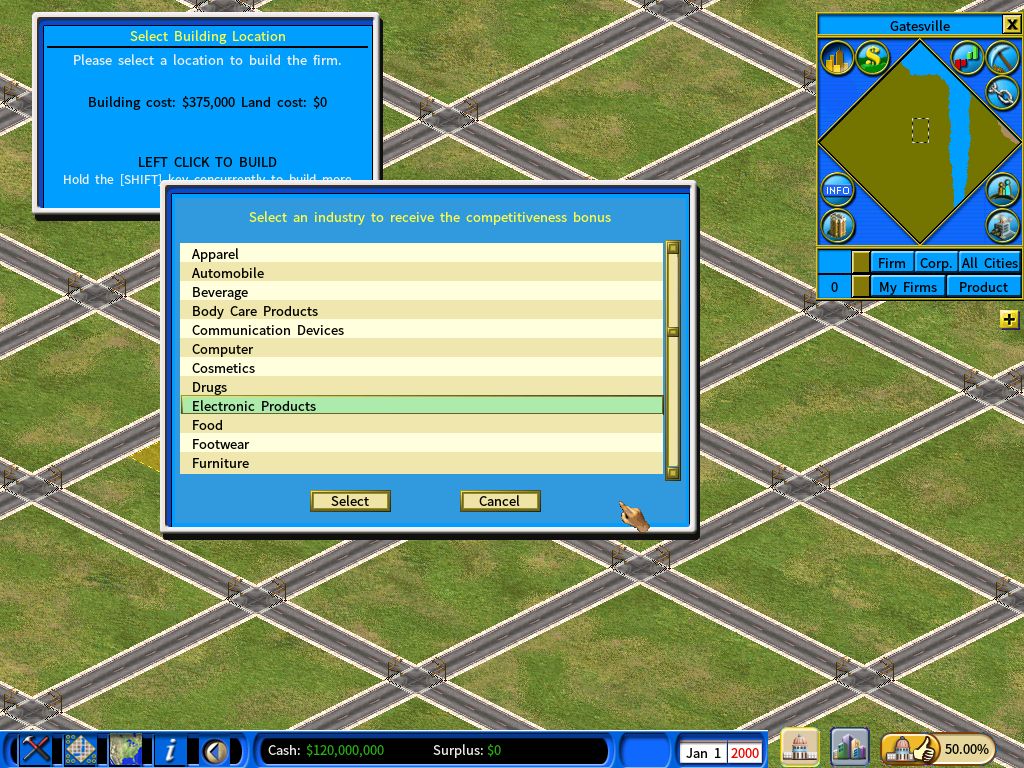
Pick Increase Industry Competitiveness and you then select which industry receives it.
Seeing the effect
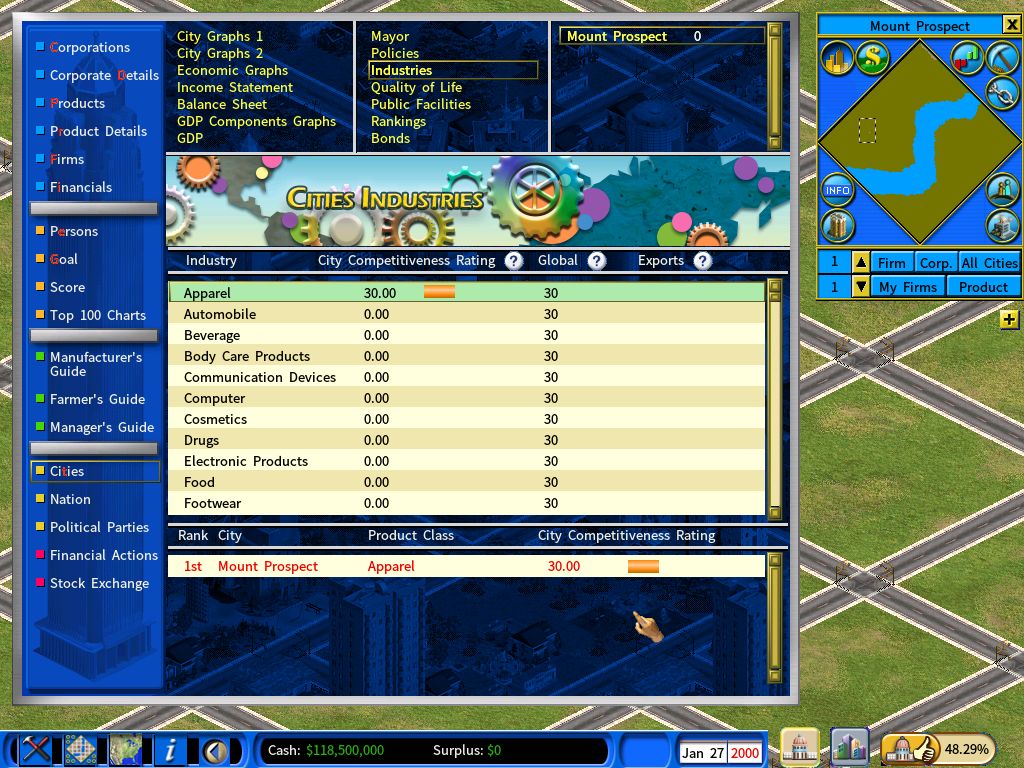
Let the game run a few days and the bonus shows up on the Industries page of the City report.
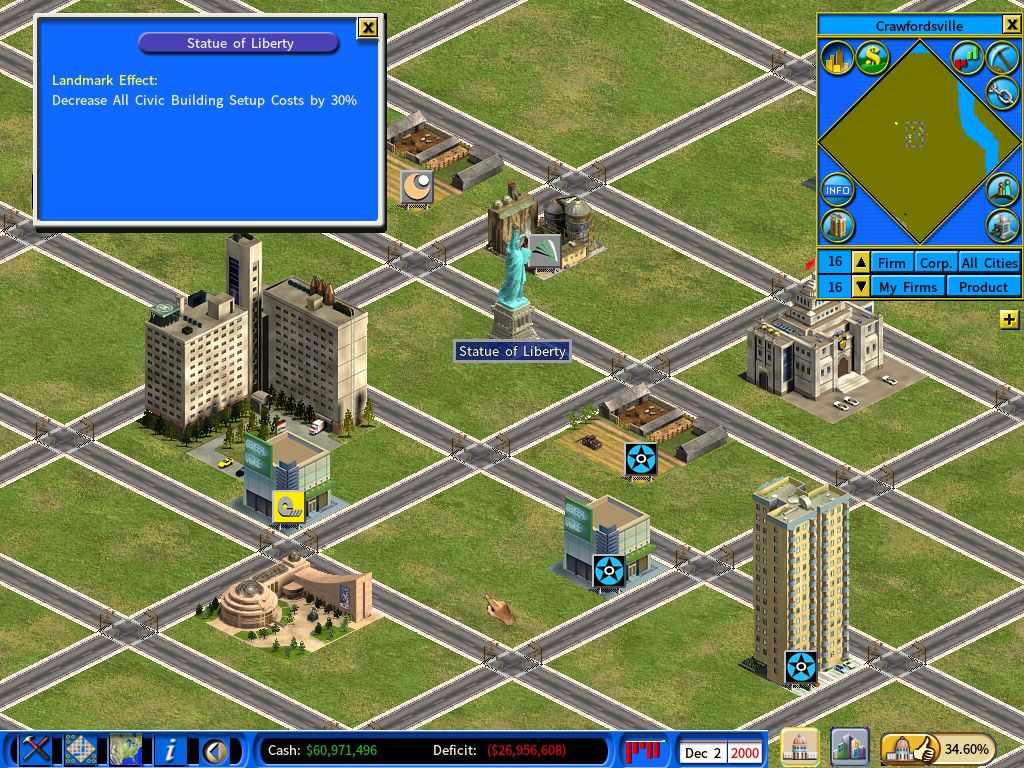
To check an existing landmark’s bonus at any time, click the landmark itself — an information window shows what it is providing.