

Batch Switching Supplier
One instruction, applied across every firm at once:
“All purchasing units in all of my retail stores / factories / warehouses / everything (selectable) that are buying from source X must change to buying from source Y.”
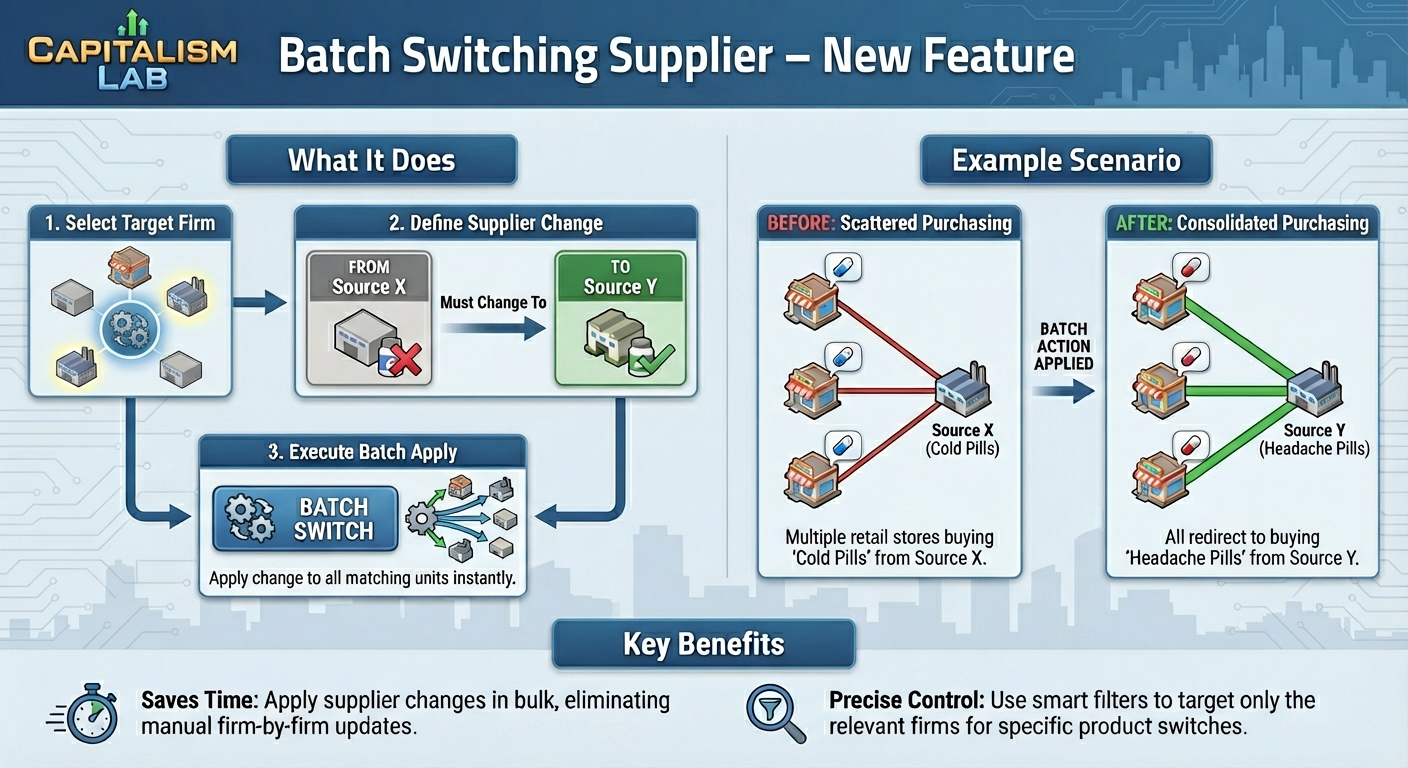
A worked example
Say you want every retail store currently buying Cold Pills from source X to buy Headache Pills from source Y instead.
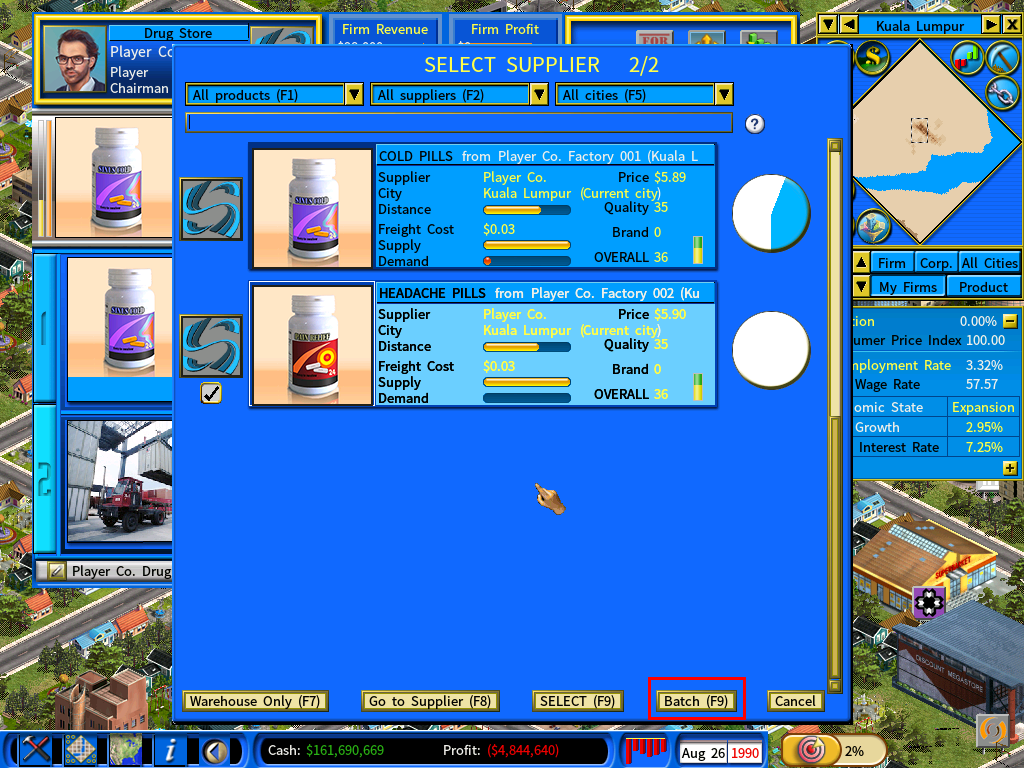
Open the Select Supplier window
Go to a purchasing unit in any store currently buying Cold Pills and click [Link].

Select the new product and click [Batch]
Choose Headache Pills, then [Batch].
From Capitalism Lab version 12, [Batch] offers two options that decide how widely the change reaches — see the batch options below.
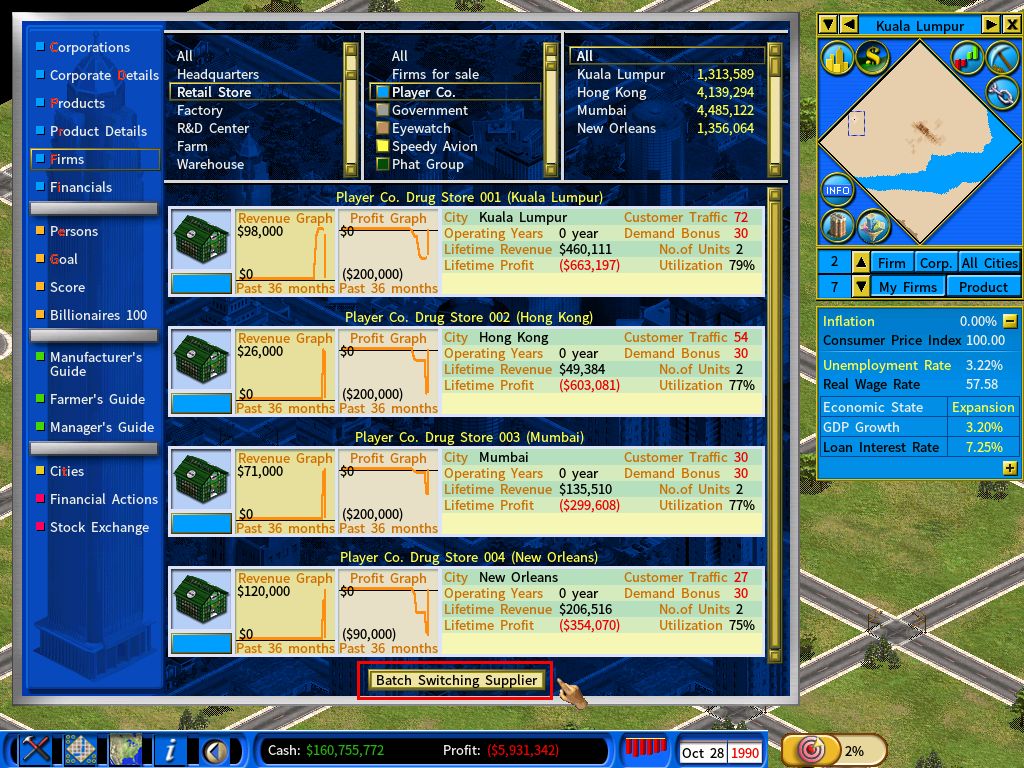
Narrow the list, then apply
The Firm Report opens automatically. Use the City and Firm Type filters at the top to shape the list, then click [Batch Switching Supplier] at the bottom to apply the change to every firm in the current list.
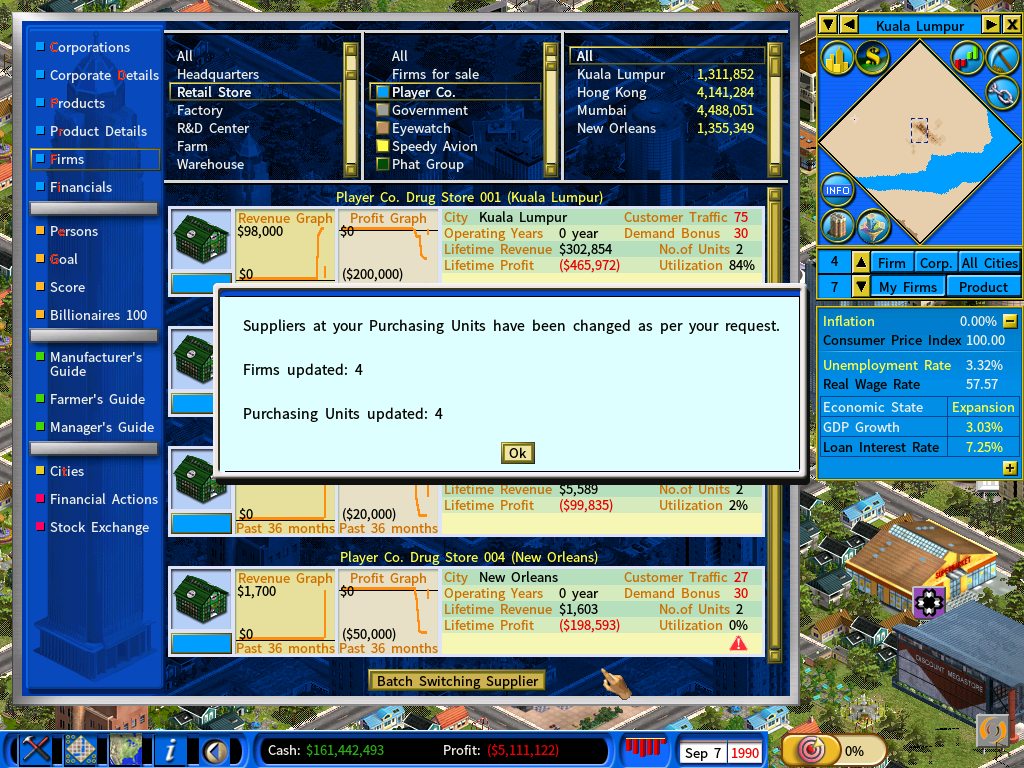
A message confirms how many purchasing units were linked to the new supplier.
Check the stores
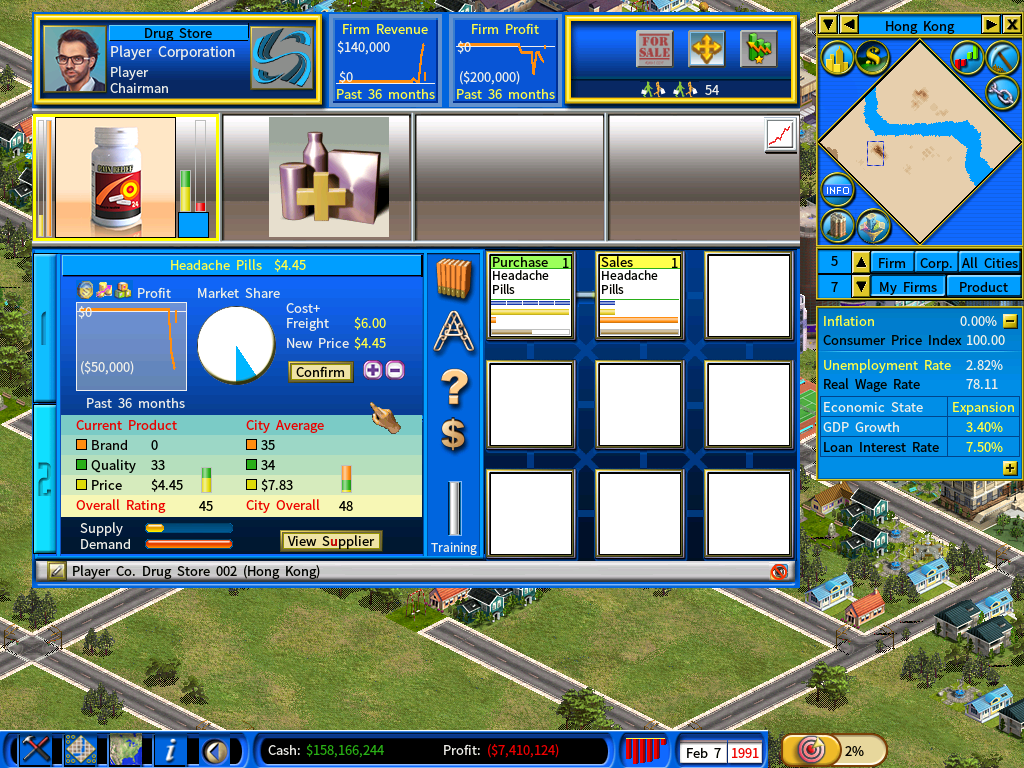
They are now buying Headache Pills from the new supplier.
Clear the old stock, if it is in the way
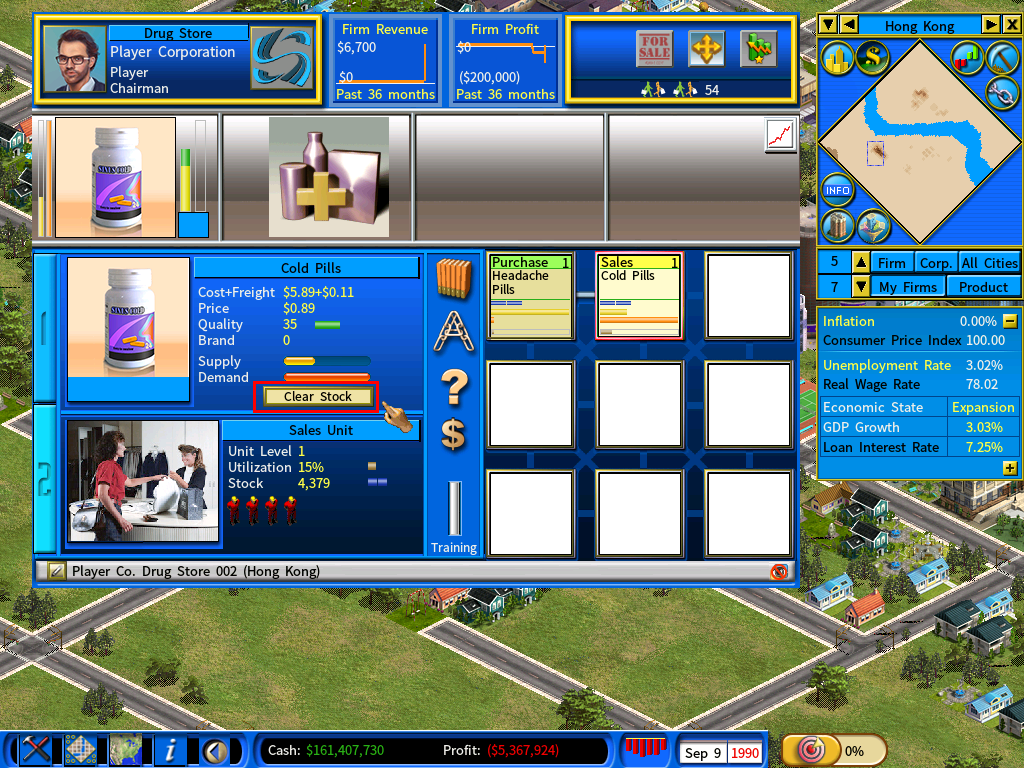
Old Cold Pills selling slowly at a Sale Unit will hold the shelf. Click [Clear Stock] on the Sale Unit to discard them and put the new product out immediately.
The two batch options in version 12
| Option | Applies the change to |
|---|---|
| Switch Supplier – Same Supplier | All firms that currently use the same supplier. |
| Switch Supplier – Same Product | All firms that purchase the same product, whichever supplier they buy from today. |

Why the second option was added. Suppose four department stores buy jeans from two different third-party suppliers, and you launch your own brand of jeans. Switch Supplier – Same Product moves all four in one step.
Before version 12 that took two separate passes, because the jeans came from two different sources.
Also see
- Redirect Supply Links — the same idea from the selling side, for repairing broken links after a supplier fails.