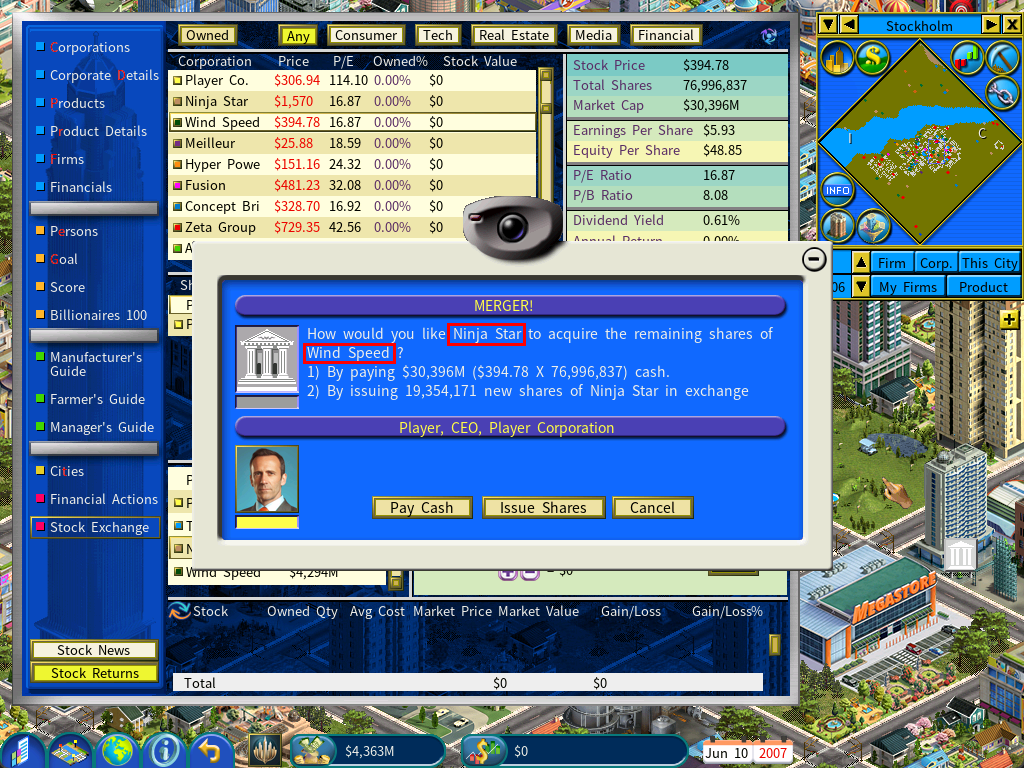
Merging a Subsidiary Company into Your Company
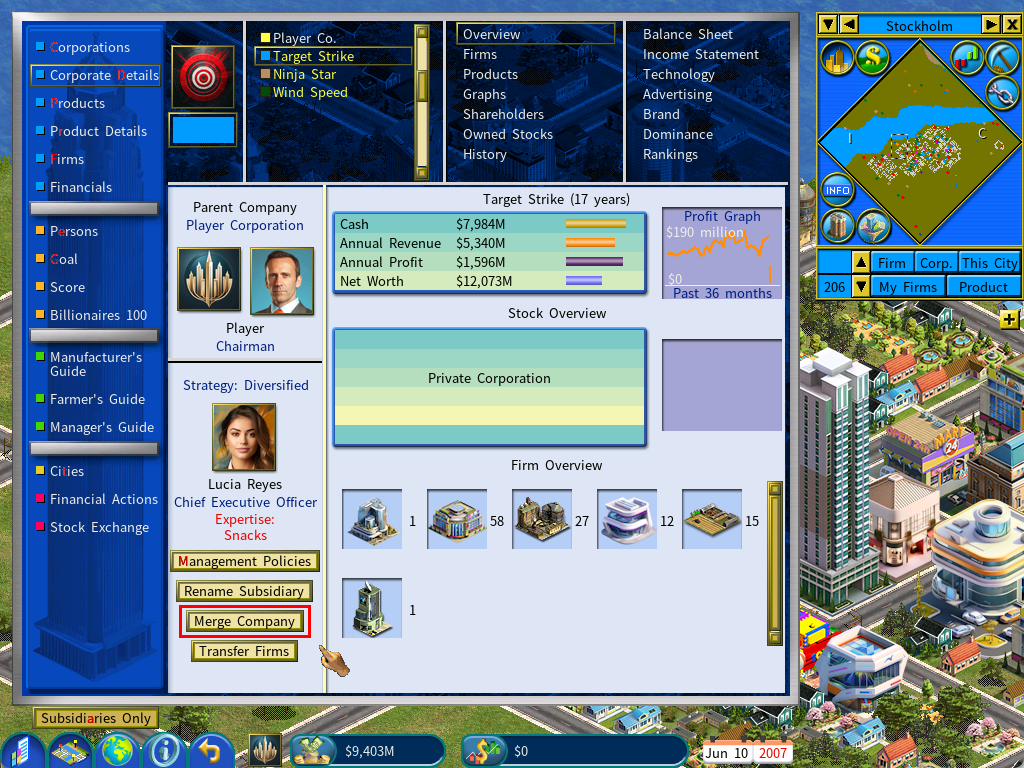
To merge a subsidiary into your own company, open the subsidiary’s Corporate Details screen and click [Merge Company].
Merging two subsidiary companies
Two subsidiaries can also be merged with each other. The company with the larger market value is the one that acquires the other.
You must own 75% or more of the equity in both companies.

Choose the acquiring company
In the Stock Exchange interface, select the subsidiary with the larger market value. In the screenshots below that is Ninja Star.
Choose the target
Select the company being acquired — Wind Speed in this example.
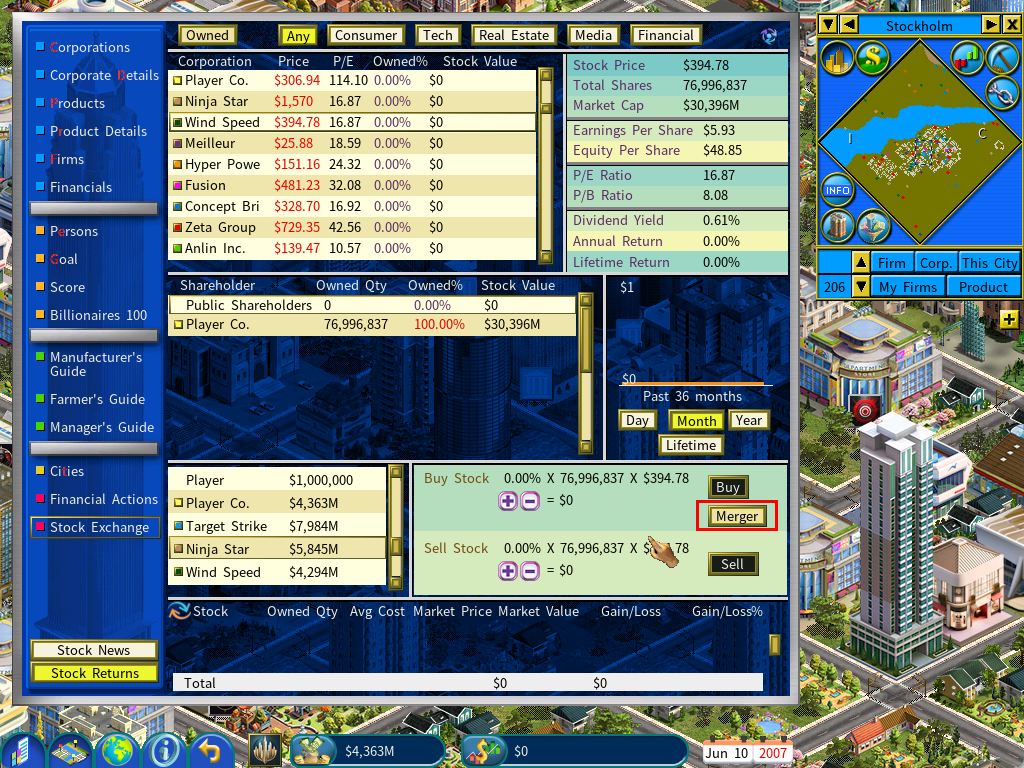
Click Merger
Choose how to pay
You are asked whether the acquiring company should pay cash or issue new shares to buy up the target’s remaining shares. Pick one and the merger goes through.