Importing a Custom Regional Map
You can bring your own regional maps into the City Economic Simulation DLC — recreate real-world geography, design a fictional continent, or shape a map around the way you like to play.
Check Out User-created Maps from the CommunityBuilding a map with Height Map Editor
The feature is built around Height Map Editor (HME), a free tool for generating and sculpting terrain.
Download HME
Get it from hme.sourceforge.net.
Set the map size
Open HME and set the map size to 1200 × 900 pixels.
Generate and edit the terrain
Generate an initial map, then shape it with HME’s tools — rivers, mountains, flatlands.
Leave enough grassland. Without sufficient flat grassland the game cannot find suitable city sites, and will end up placing cities on hills or in water.
Piermario, author of the Real World MOD, describes how he produced the Europe map:
- Found a Europe map online that showed seas and mountains.
- Resized it in Photoshop.
- Exported it as a 24-bit BMP.
- Imported the BMP into HME.
- Adjusted colors and reworked the mountains with HME’s tools.
- Exported the result and imported it into Capitalism Lab.
Save the height map
Save it into the Capitalism Lab custom maps folder:
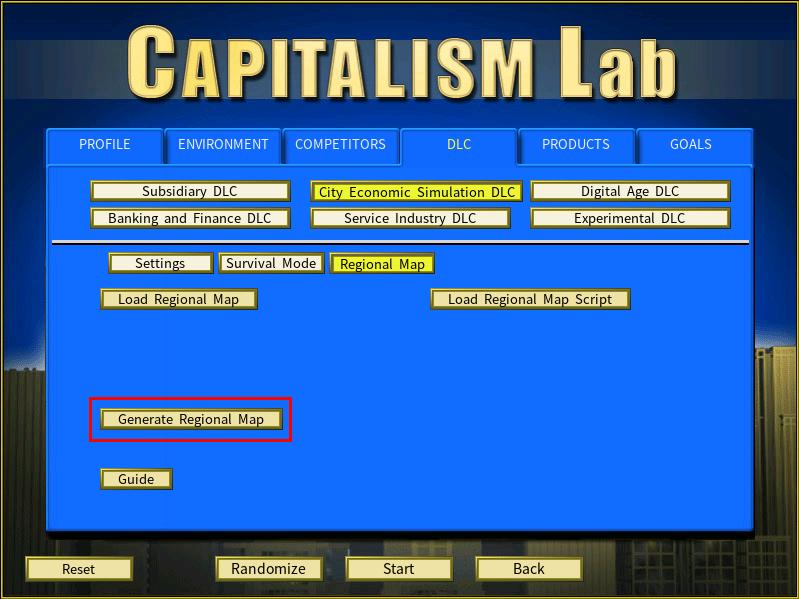
C:\Users\<Your Windows username>\Documents\My Games\Capitalism Lab\MAPSCannot find the folder? Open it from the game instead: click [Generate Regional Map], then [Open Folder] in the menu that appears.
Generating the terrain in Capitalism Lab
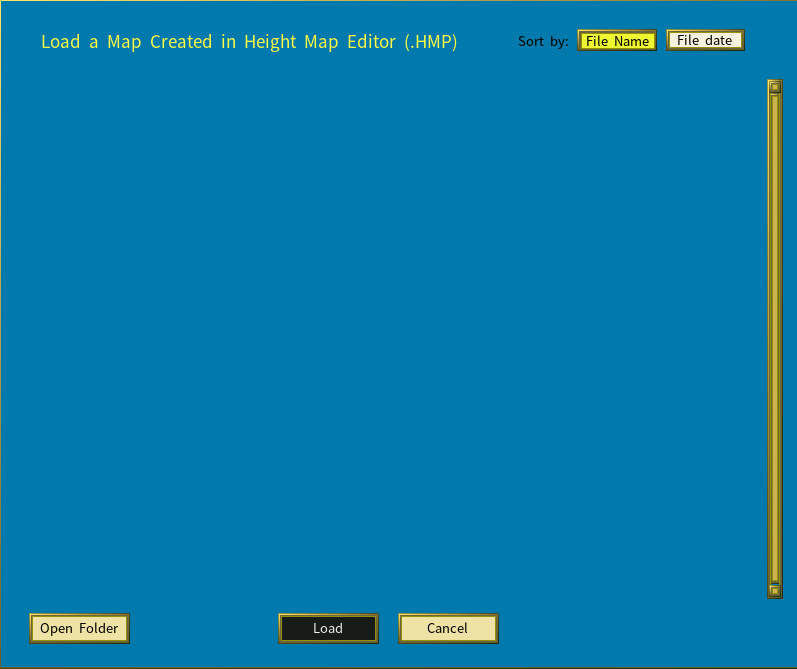
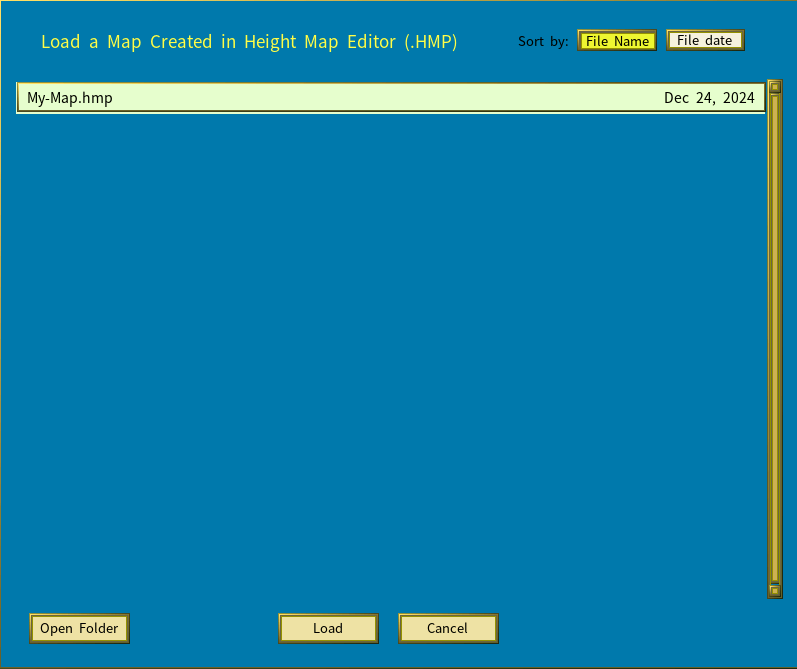
Click [Generate Regional Map] to open the Generate Map menu, select your HME file from the list, and click [Load]. The game builds a map from it.
Using a custom map in a new game
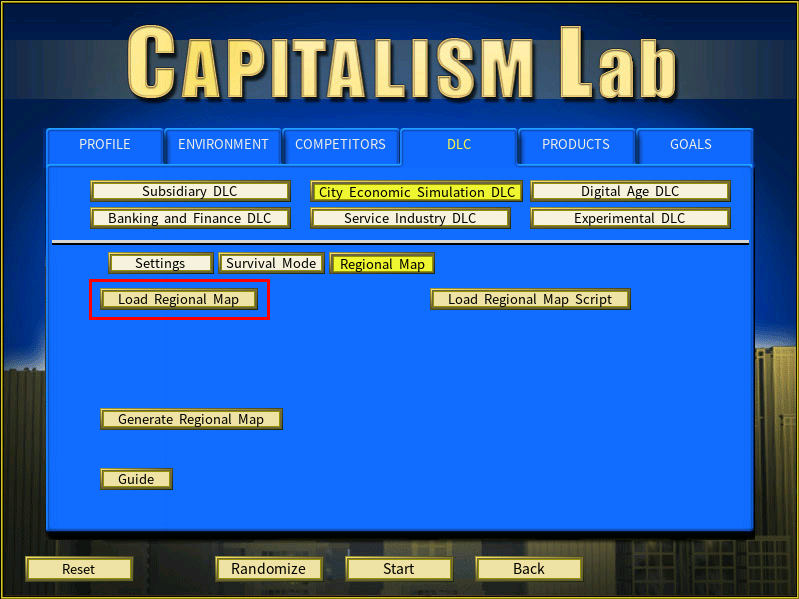
Click [Load Regional Map].
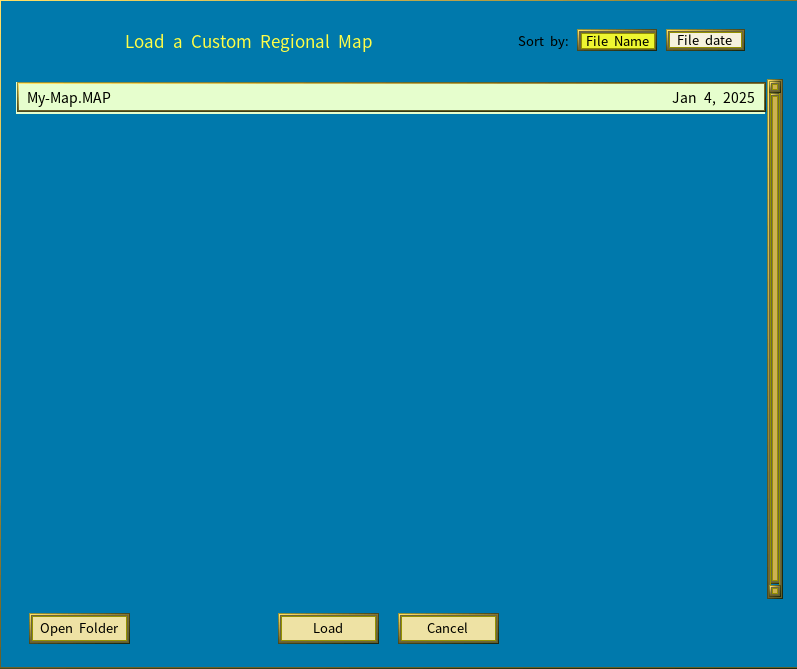
Then select a map from the list.
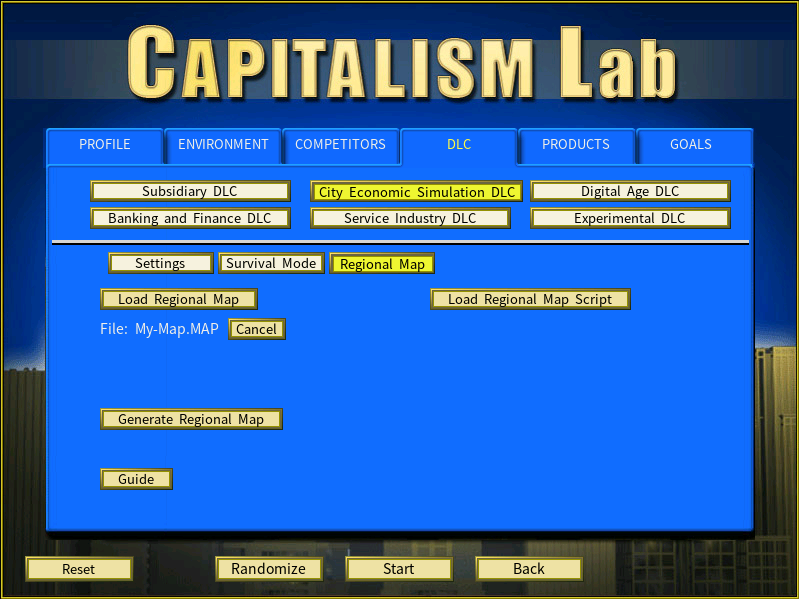
The chosen map appears on the game settings menu, and will be used when you start the game.
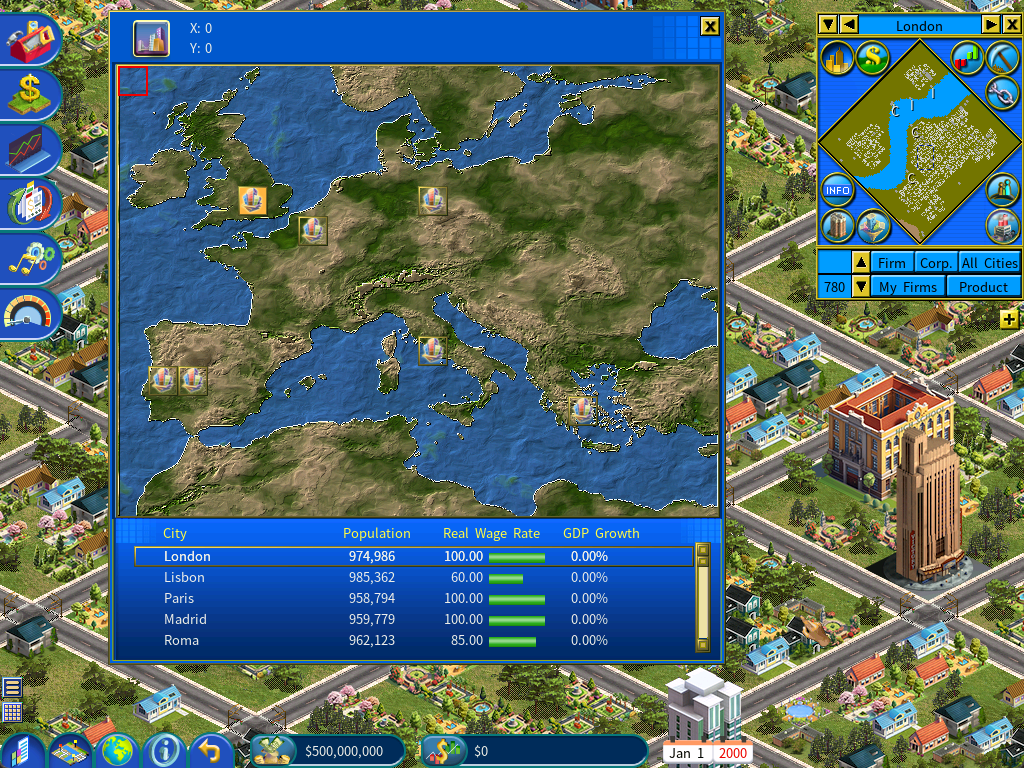
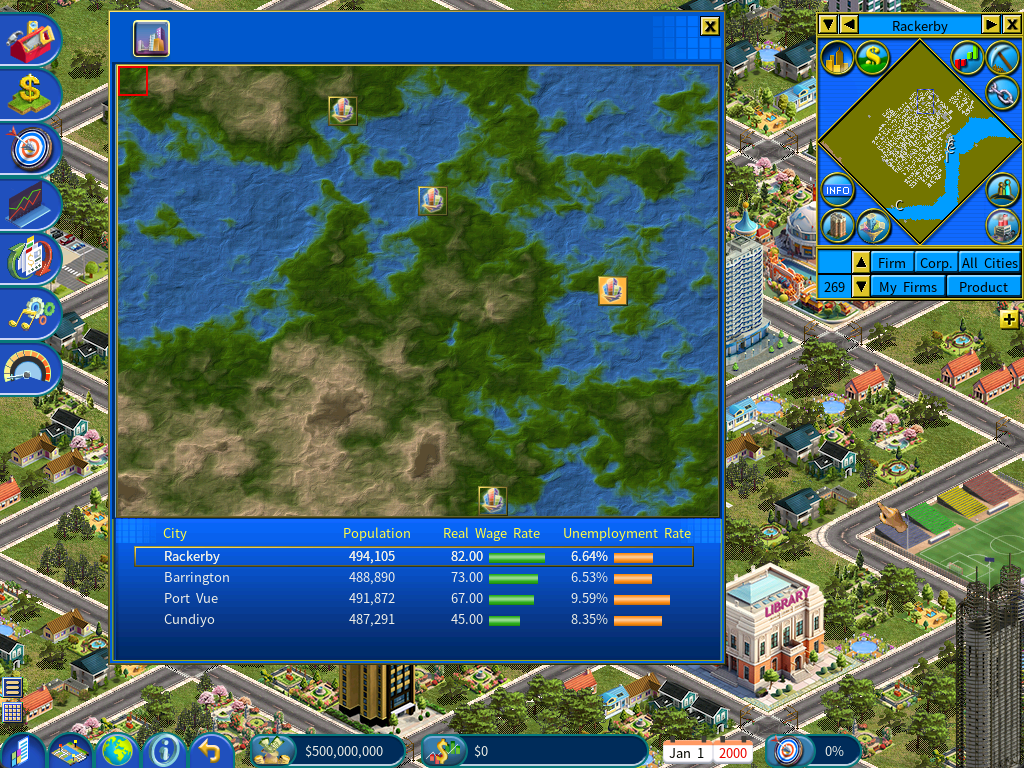
Here is an example of the output generated from an HME file.
Using maps from a MOD
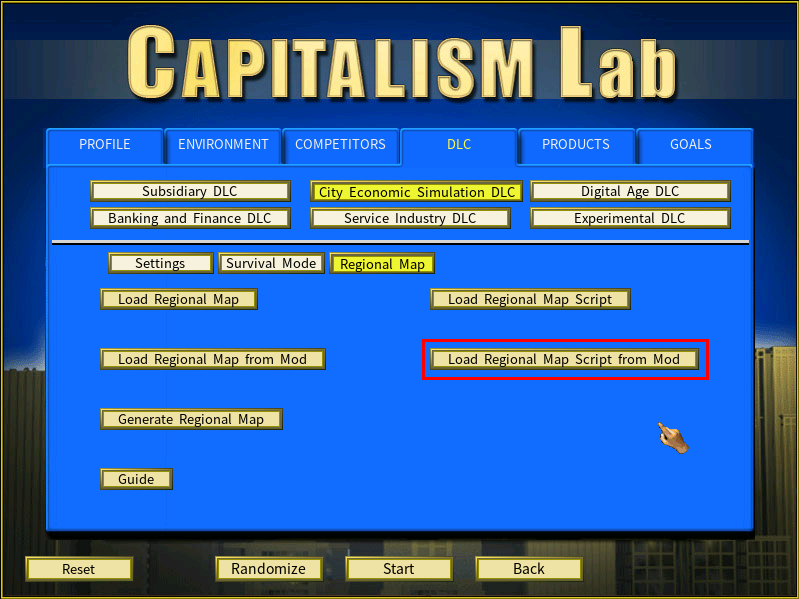
If the MOD you are running carries map files in its own MAPS folder, a [Load Regional Map from Mod] button appears. Use it to pick a map from the MOD.
<Your Capitalism Lab folder>\MOD\<Mod Name>\MAPS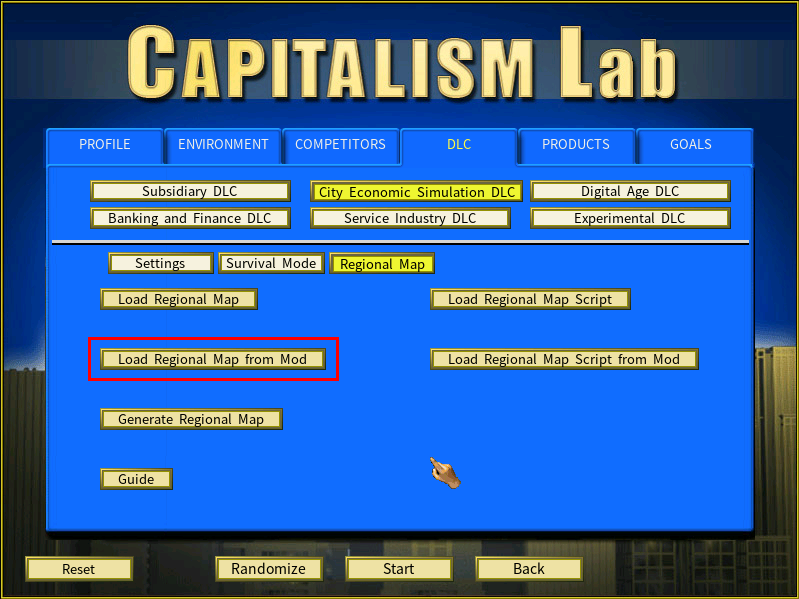
Loading a map from a script
A script can name the regional map to use:
[HEADER]
Regional Map=<file name>
For example:
[HEADER]
Regional Map=My-Map
The game looks for the file in two places, in order:
C:\Users\<Your Windows username>\Documents\My Games\Capitalism Lab\MAPS- If not found and a MOD is in use:
<Your Capitalism Lab folder>\MOD\<Mod Name>\MAPS
That second step is what lets a MOD ship its own maps.
Placing cities on a custom map
[CITIES]
City=<City Name>
Regional Map X=<0 to 19>
Regional Map Y=<0 to 14>
Use Regional Map X and Regional Map Y rather than Globe X and Globe Y — the Globe pair places cities on the global map, used when the City Economic Simulation DLC is not enabled.
For example:
[CITIES]
City=New York City
Regional Map X=5
Regional Map Y=8
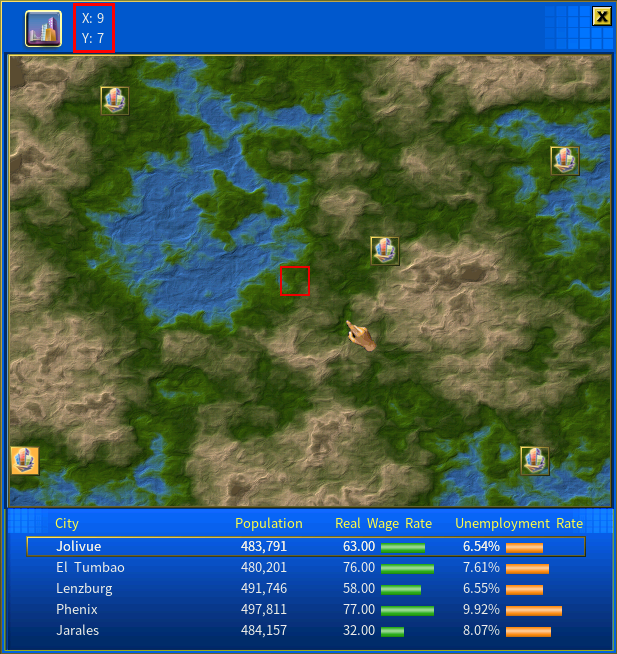
To find a location’s coordinates, click the point on the map. A red square marks it and the coordinates appear in the top-left corner.
Check the Build City icon beside the coordinates before using them. If it is greyed out, no city can be built there. A script naming an invalid location does not fail — the game quietly picks a valid one instead.
Map scripts
A map script is a specialized script that names the regional map and defines the cities on it:
[HEADER]
Regional Map=<map file name without extension>

[CITIES]
City=<City Name>
Regional Map X=<0 to 19>
Regional Map Y=<0 to 14>
Further city parameters can be added — see the article on city scripts.
An example map and script for Piermario’s European map is available to download:
Download Map and Map Script Example: Europe mapExtract the ZIP into:
C:\Users\<Your Windows username>\Documents\My Games\Capitalism Lab\MAPSThen click [Load Regional Map Script] to load it.
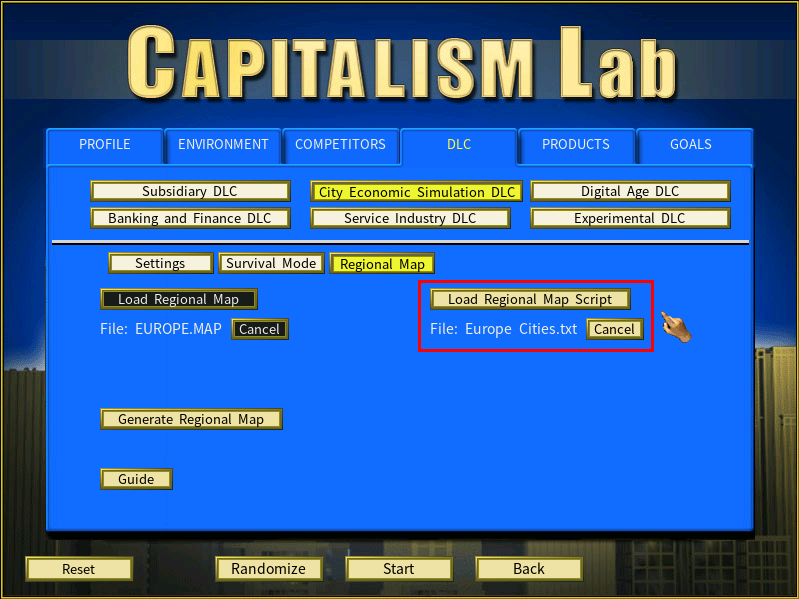
Click [Start] and the game opens on the Europe map with the cities the script defines.
For MOD authors: shipping map scripts
Map files and map scripts can be included in a MOD’s own subfolder:
<Your Capitalism Lab folder>\MOD\<Mod Name>\MAPSThe Real World MOD, for instance, can carry the Europe map and its city script there, so users can load it directly.