Auto Setup Factory Production
Alongside the Layout Plan Library, this tool builds a factory’s production layout for you.
It matters most when playing a MOD. The Layout Plan Library requires you to add a MOD’s new products by hand first. This tool sets up production for any of them instantly, with no preparation.
Opening it
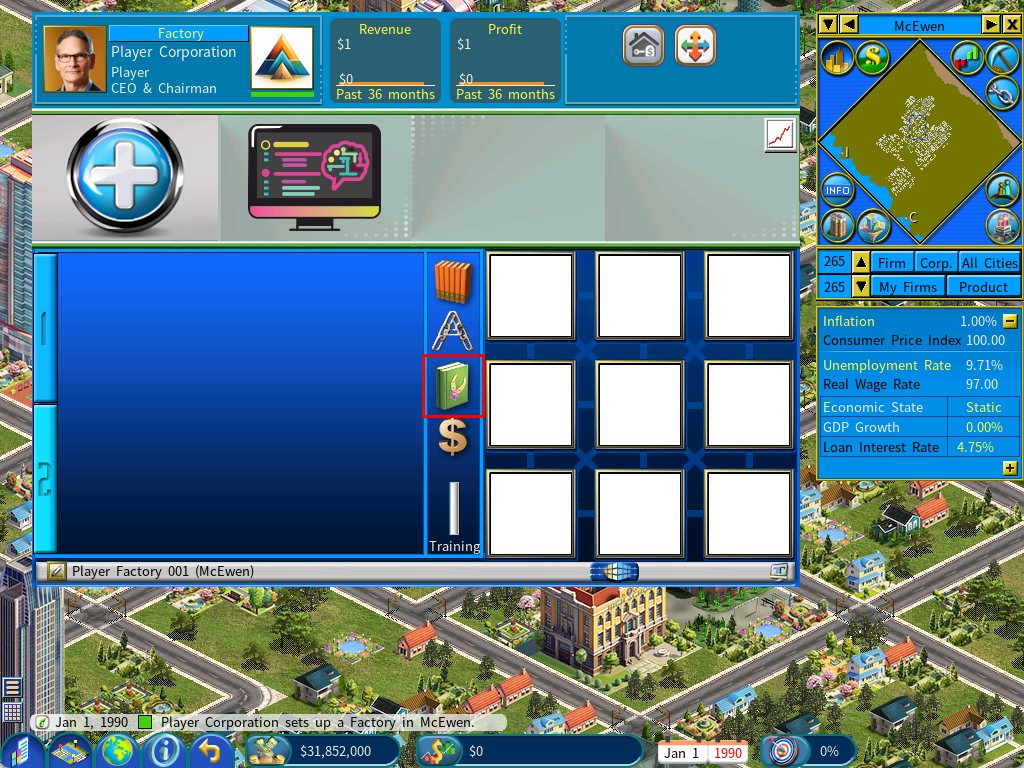
Click the icon shown below. It opens a special version of the Manufacturer’s Guide.
Using it
Select a product
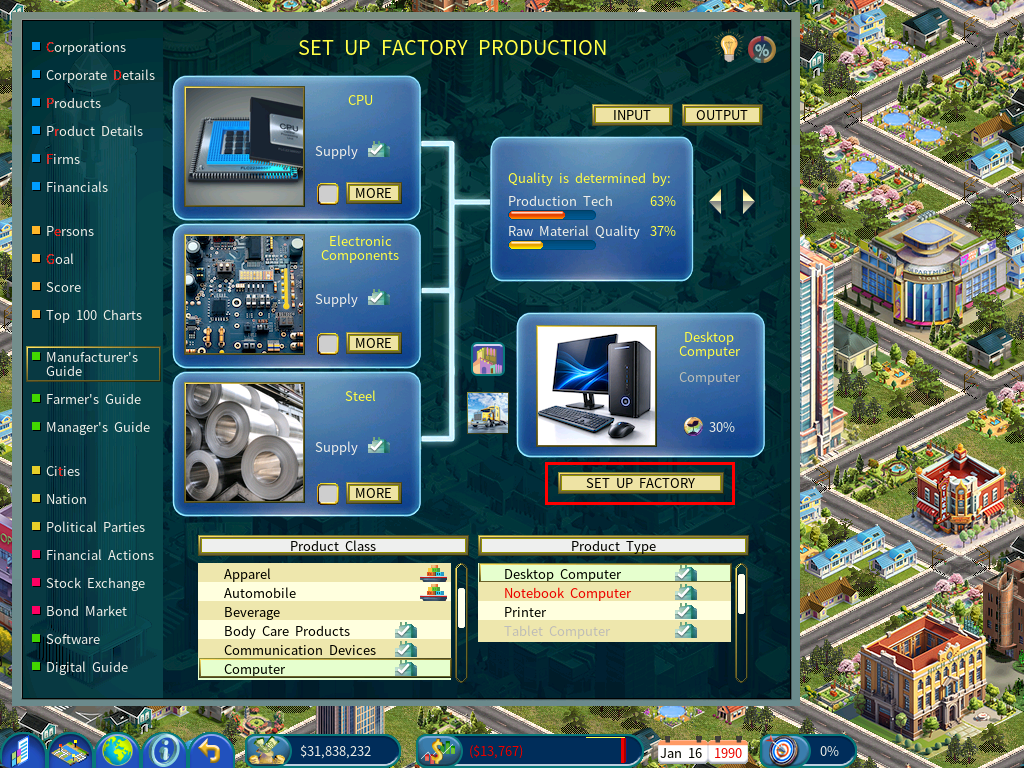
Use the list boxes in the lower half of the screen.
Check the icon beside the product
A tick beside a product class or type means every raw material the product needs is available in the market.
Set up the factory
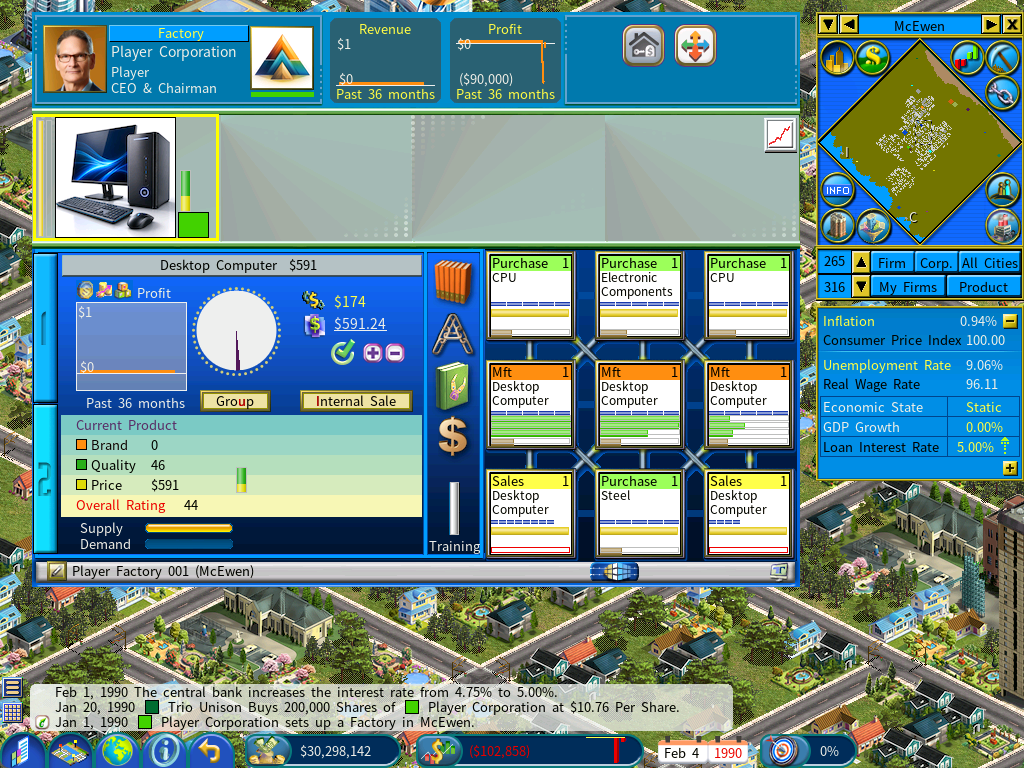
Click [Set Up Factory] and the production layout is created for you.
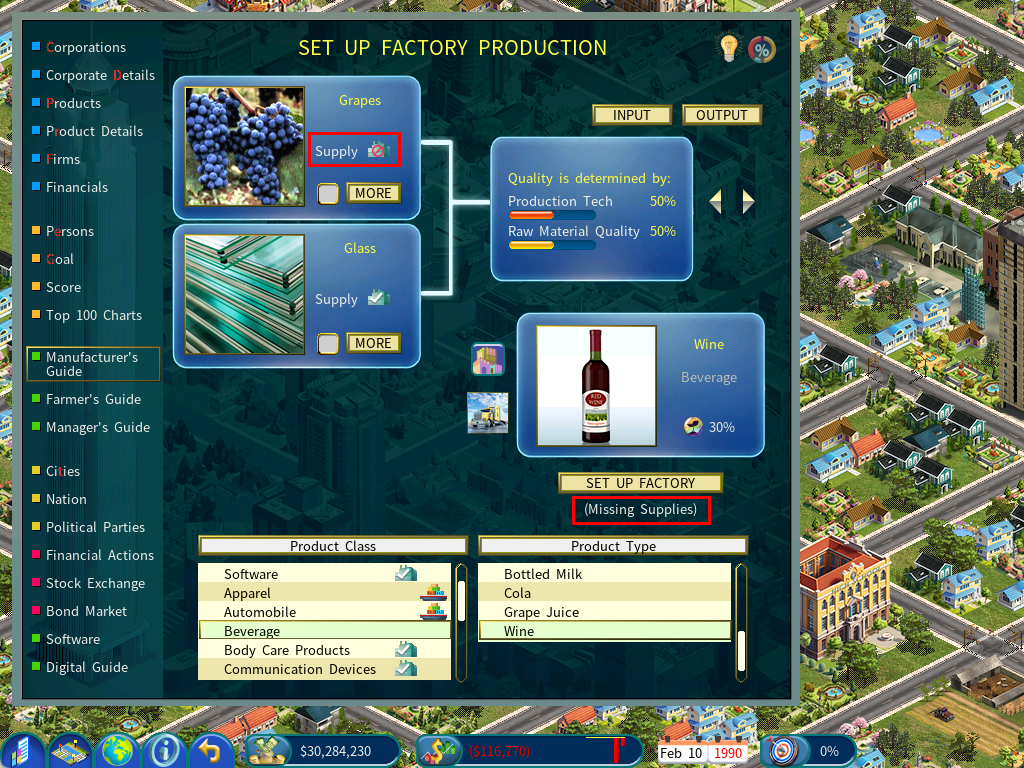
When a raw material is missing
A stop sign replaces the tick for any raw material with no supply.
You can still click [Set Up Factory]. It is common to do so deliberately — you build the layout now and set up the facilities to produce the missing materials as the next step of the plan.