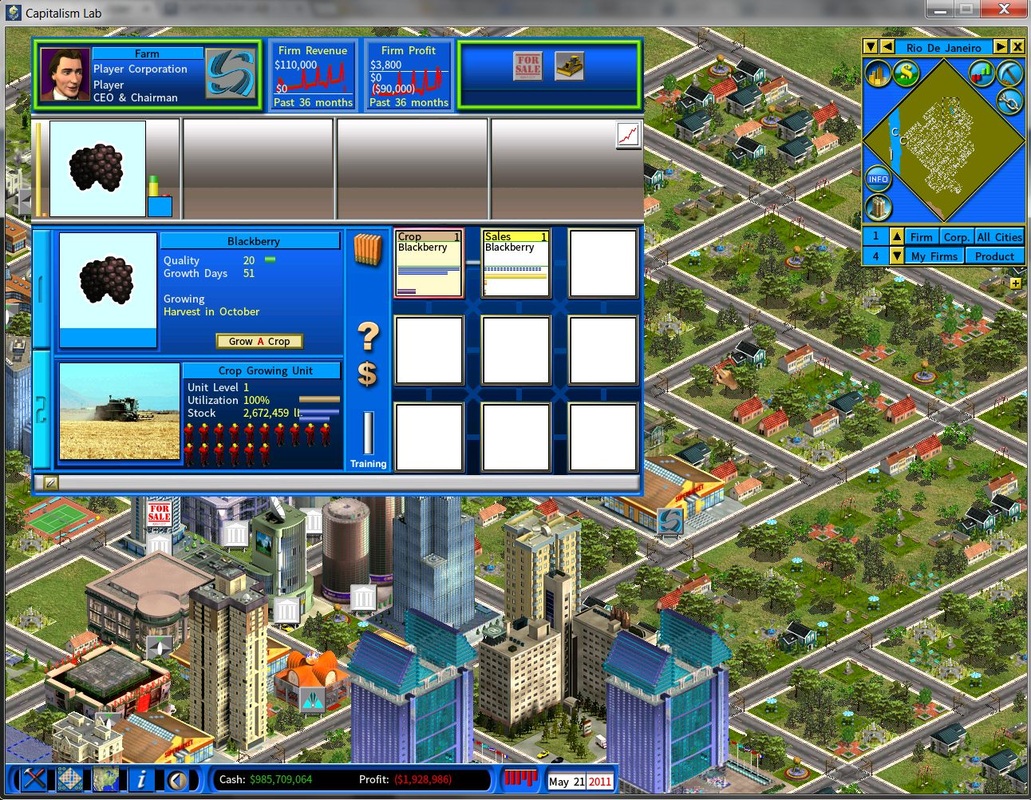
Modding Tutorial – Blackberry
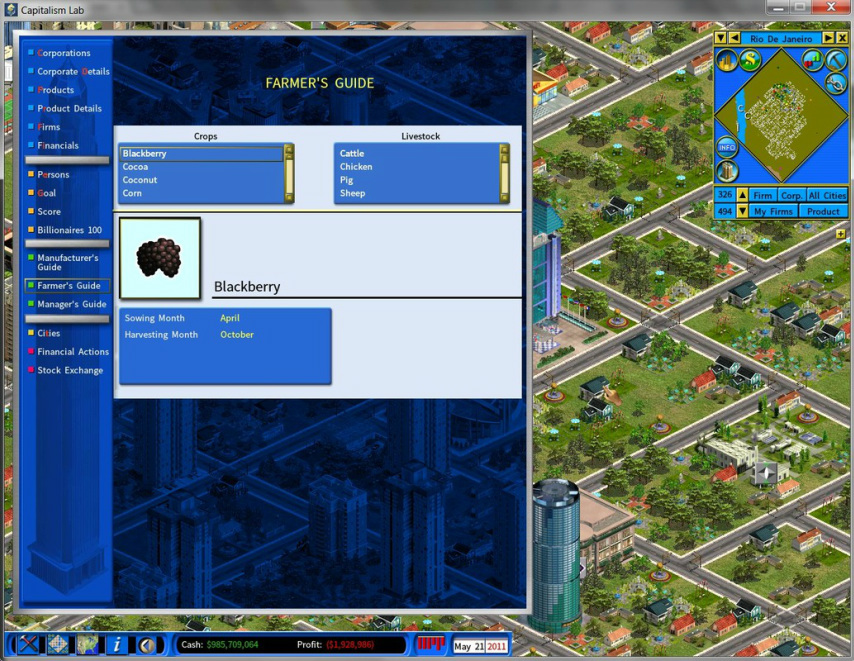
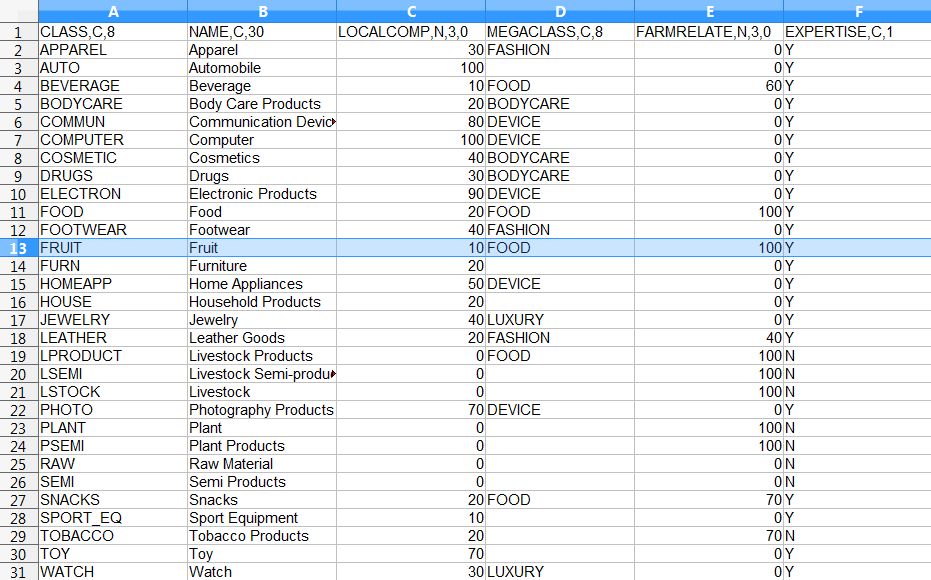
Since the default game content of Capitalism Lab does not support selling a crop product independently in supermarket, we will have to add a new product class “FRUIT“.
To do so, open file Product Classes.DBF and add a new product class record, as shown below. (For more info about this, click to see the web page about Modding Products)
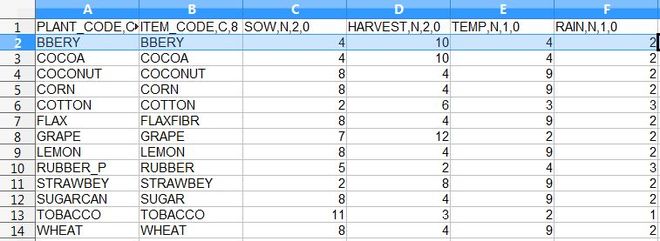
Product_Types.DBF for Blackberry. Here we use “BBERY” as the item code for Blackberry as the length of an item code is limited to 8 characters only. It should be under the newly added product class “FRUIT”, as the shown below.
Retail_Store_Products.DBF as shown below.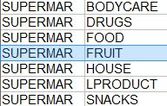
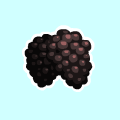
The product image must be in PNG file format and have a size of 120×120 pixels, such as the example image shown below. Place the product image file in “MOD Kit\Images\Products\” folder, and run the file
PACK.BAT in the same folder to pack all the image files in the folder into a single resource file.
Finally go back to the “MOD Kit” folder and run the PACK.BAT file there to compile all resource files into a single MOD file and copy it to the “MOD” folder under your Capitalism Lab folder.
If this is your first time building a MOD for Capitalism Lab, please see this web page for more details about how to set up the MOD file properly for Capitalism Lab to use. Click this link to read the details: How to Make a MOD.
Link: How to Use a MOD