

Capitalism Lab Dark: A Dark Mode for the Whole Interface

Mod author: Stre3trat
Capitalism Lab Dark is a complete visual overhaul of the game’s interface. Every menu, dialog box, panel and toolbar has been redrawn in a dark color scheme, so that a long session in front of the screen is easier on your eyes.
The gameplay itself is untouched. Every button, list and keyboard shortcut stays exactly where it has always been, so there is nothing new to learn. Only the colors are different.
Download Capitalism Lab Dark on ModDB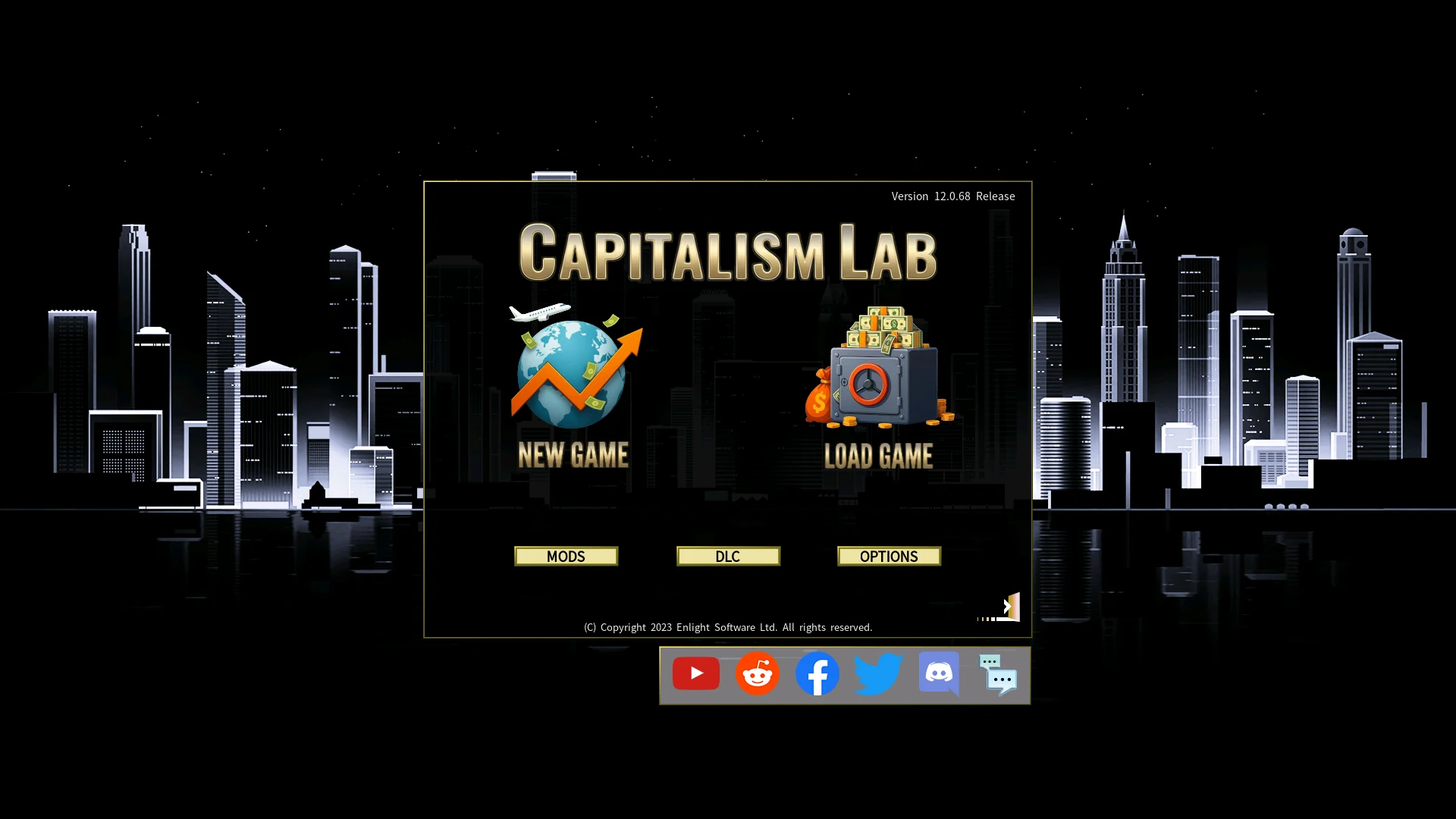
What the Mod Changes
A full interface overhaul. All of the core menus, dialog boxes and toolbars have been darkened and color-corrected.
Consistent across every screen. The same palette runs from the main menu through the corporate, product, people and city screens, so the interface does not switch between light and dark as you move around it.
Built to reduce eye strain. The color palettes were chosen for long simulation sessions rather than for a single screenshot.
Vanilla friendly. The original layout and functionality of Capitalism Lab are preserved, so you do not have to relearn the interface.
The Main Menu and Game Setup
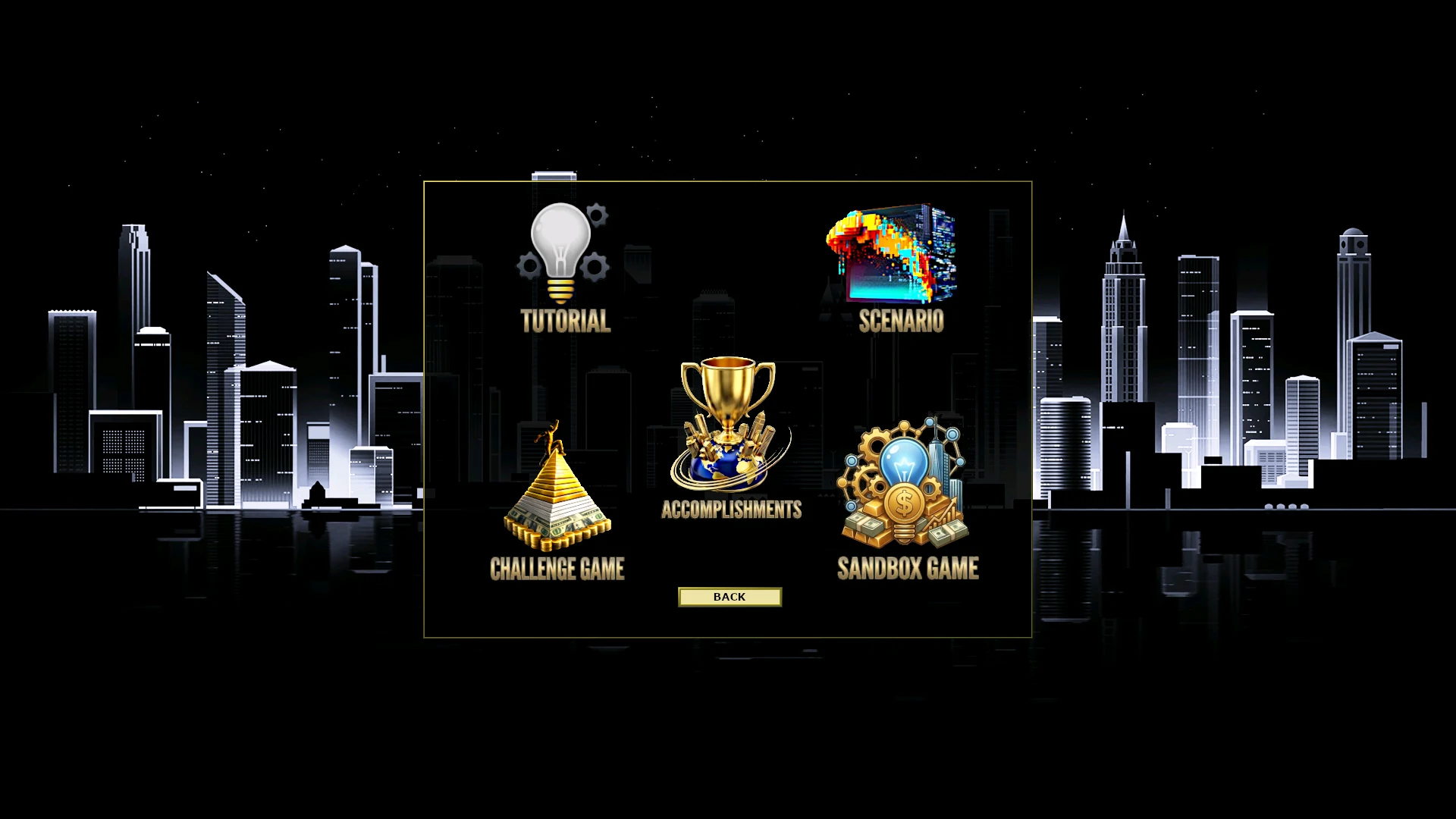
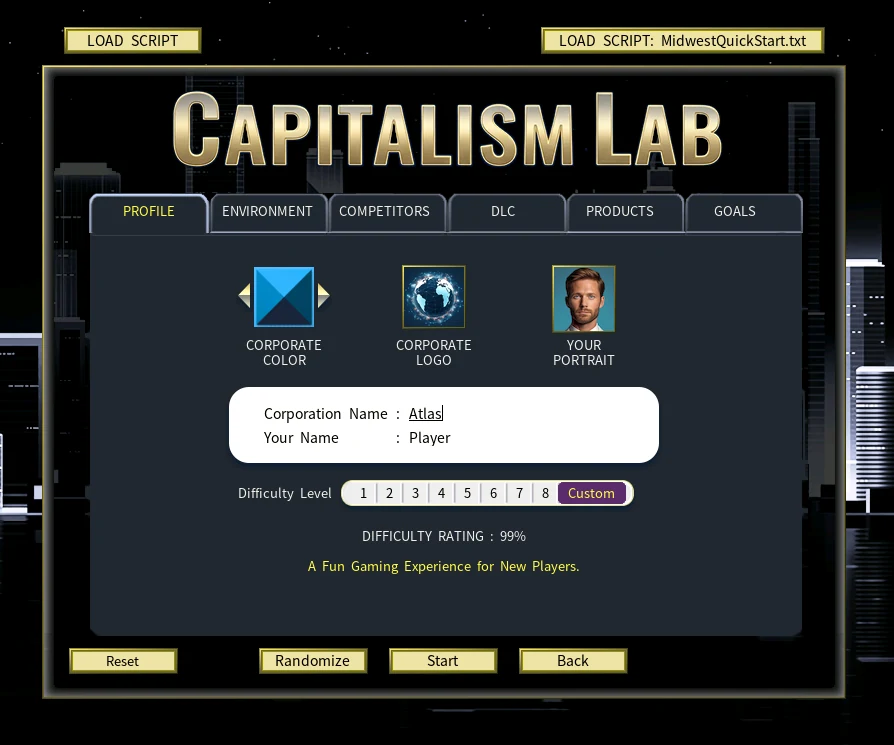
The main menu, the game mode selection screen and the new game setup window all follow the same dark palette, with gold lettering and a night-time city skyline behind them.
Corporate and Financial Screens
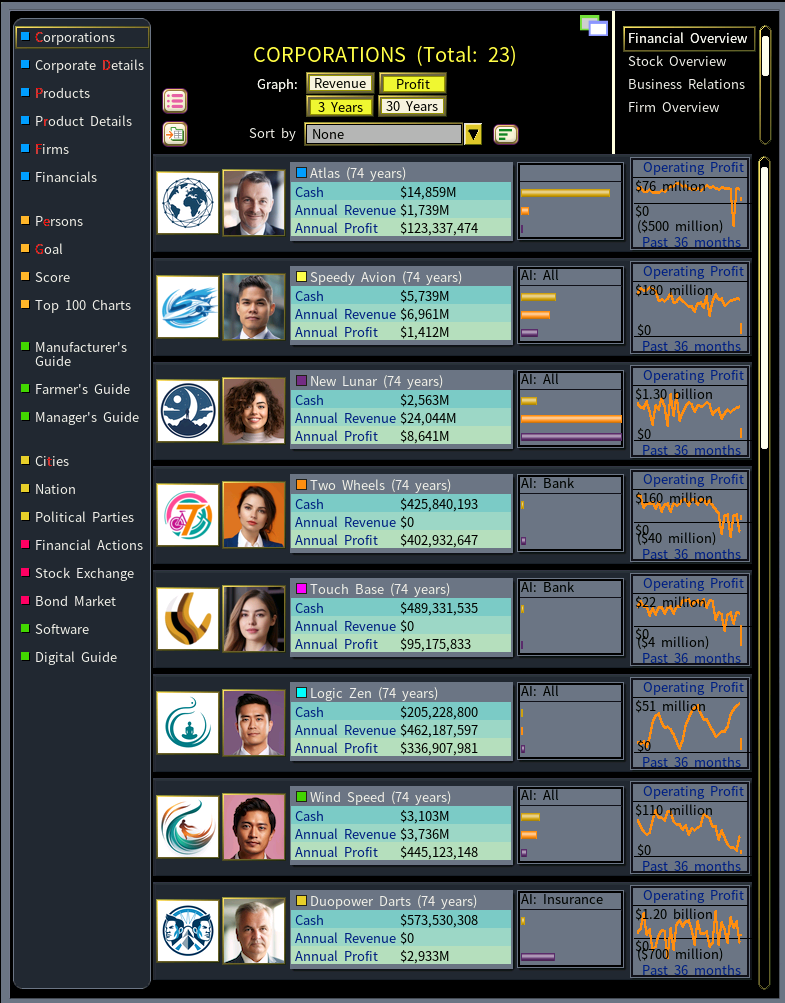
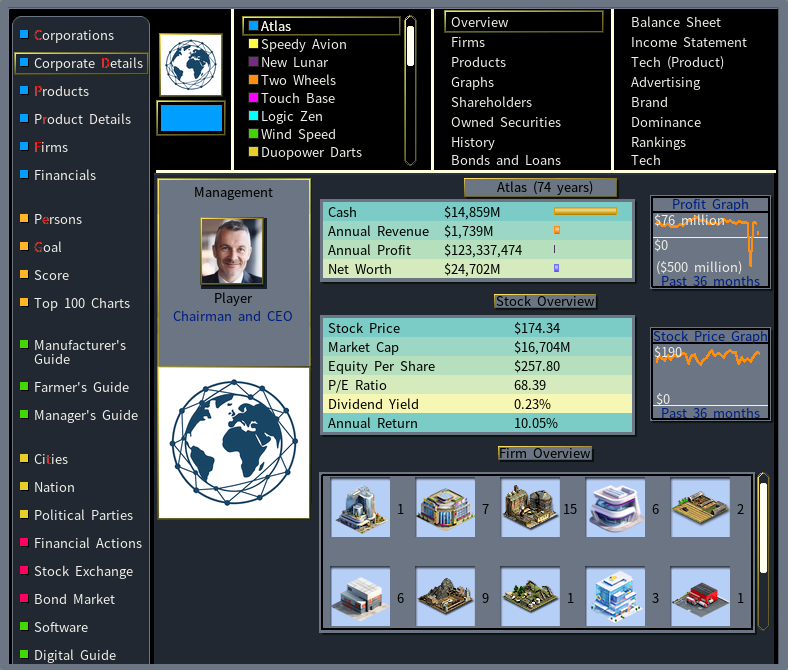
The corporations list and the corporate details screen keep their original layout, color coding and graphs. Only the panels behind them change, which keeps the figures readable while removing the large areas of white.
Products and Product Details
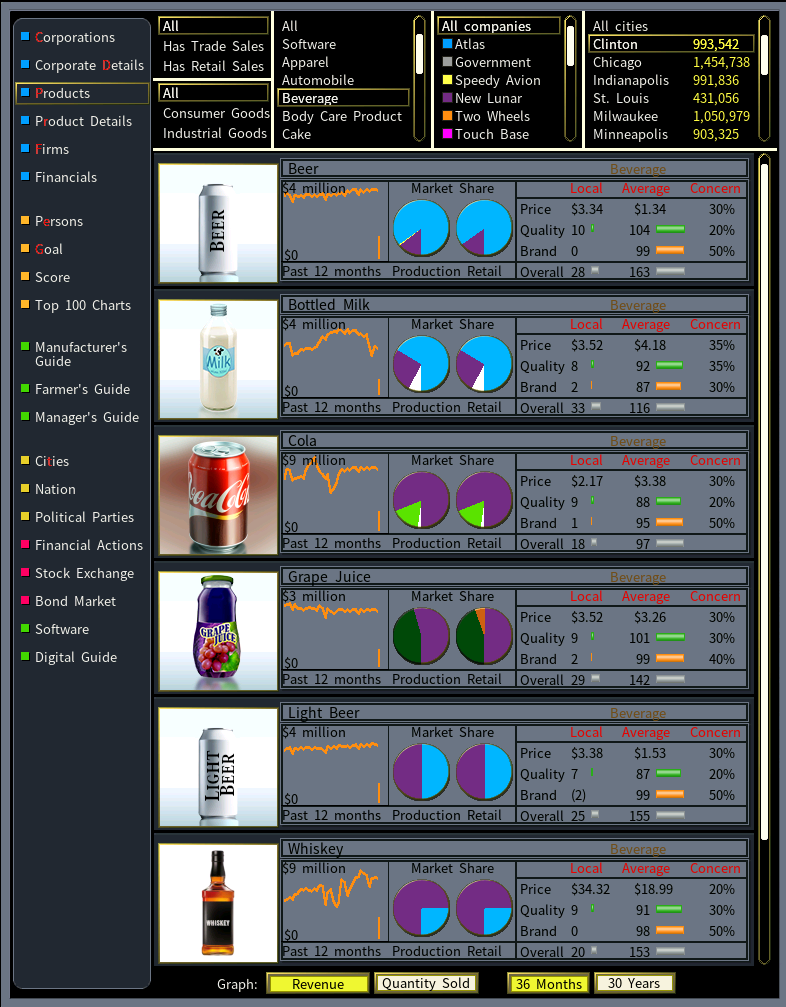
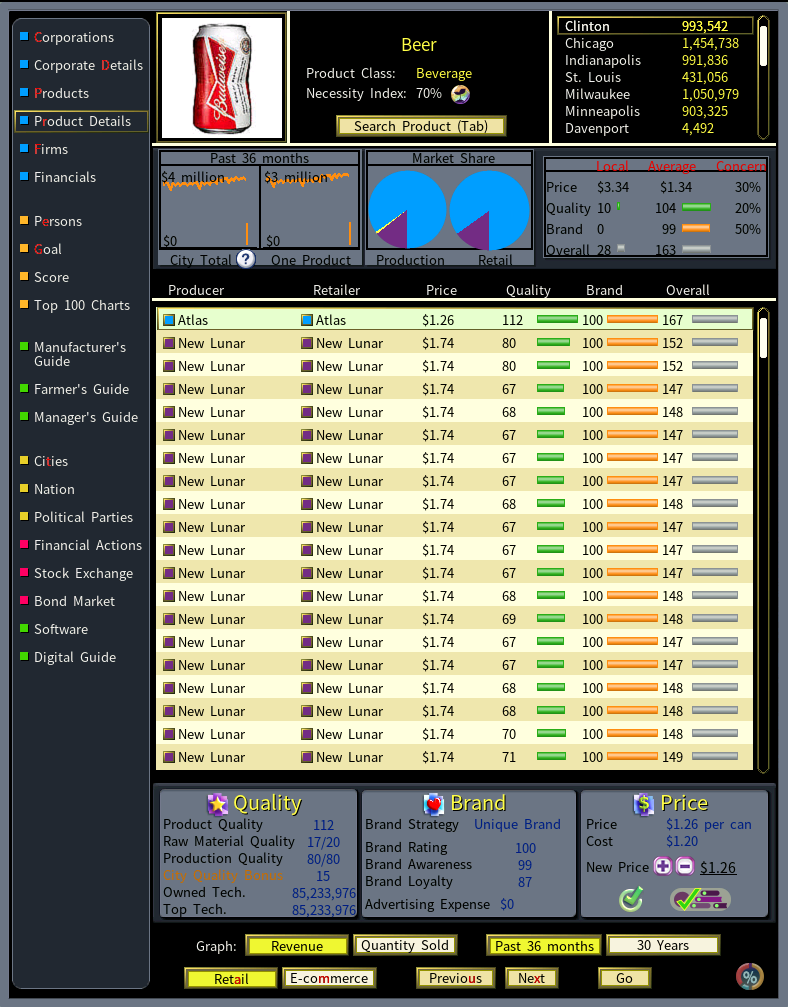
The product screens are where most players spend their time, and they get the same treatment. Product images, market share charts and the price, quality and brand indicators all stay as they were.
People and City Data
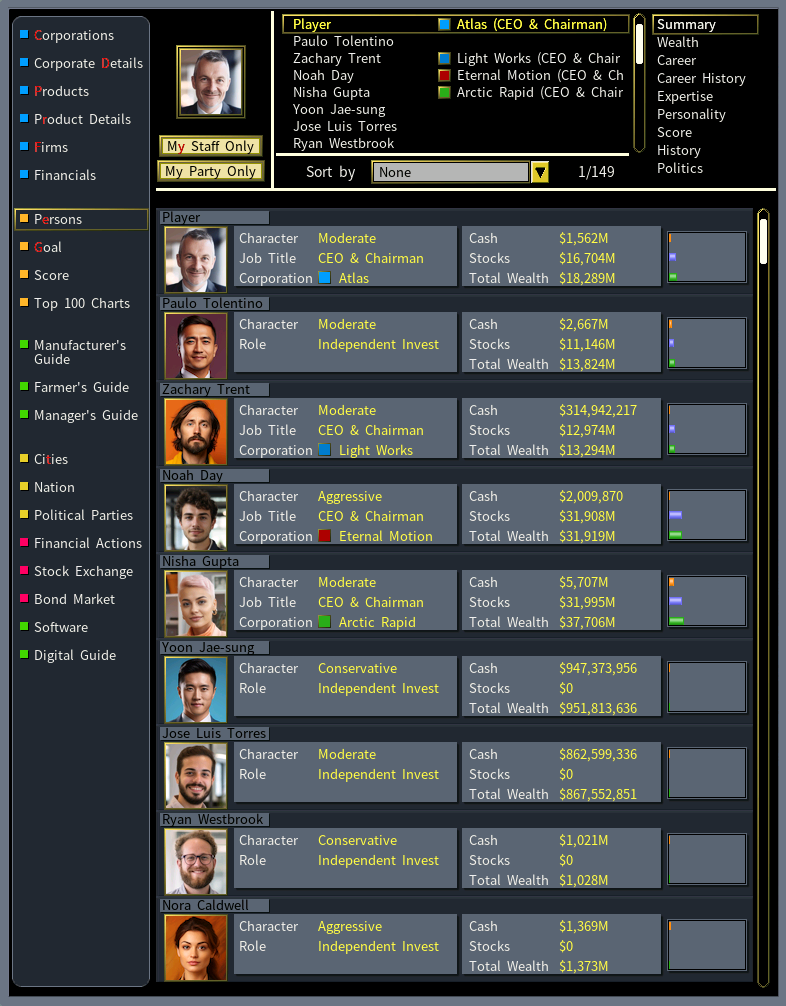
The persons list and the city graphs are redrawn as well, so the reference screens you keep open while you play match the rest of the interface.
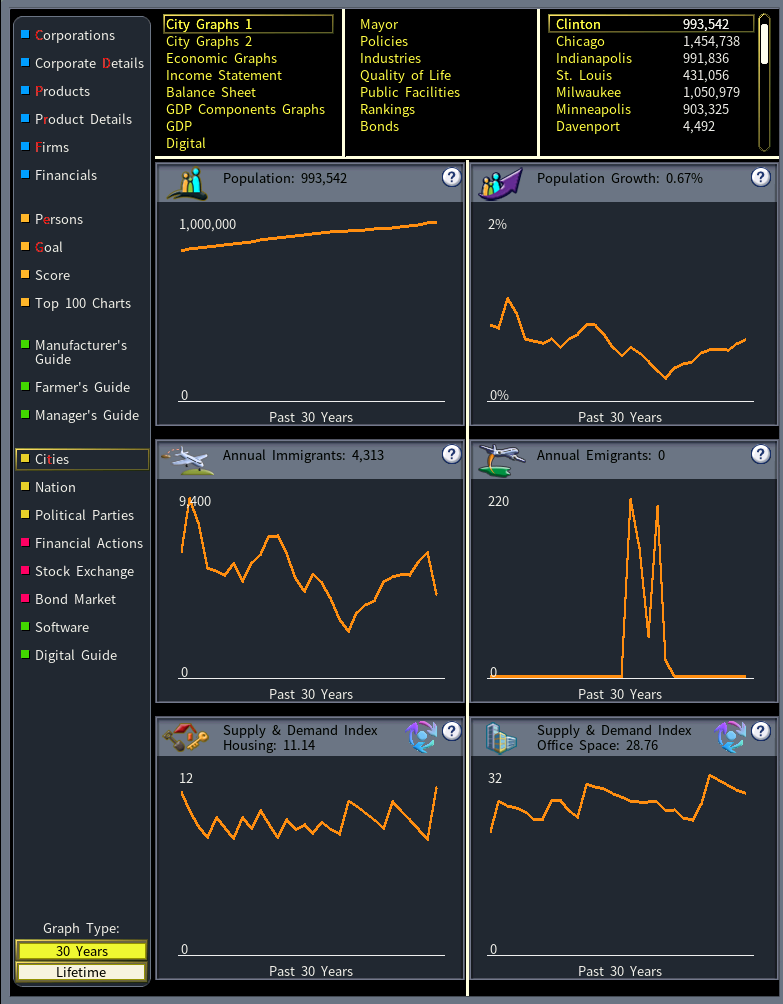
Inside Your Firms
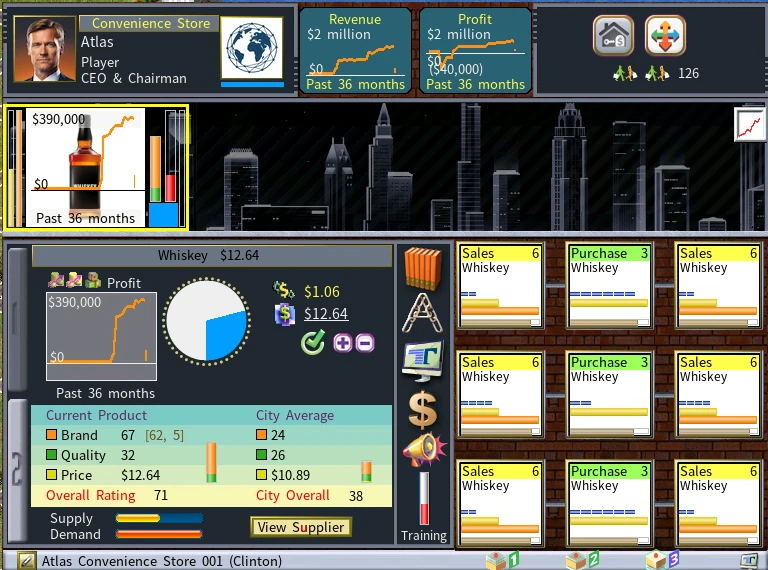
Firm interiors are covered too. The store front below shows the darkened skyline backdrop and the reworked product and staff panels.
System Requirements
- Capitalism Lab version 12
How to Install the Dark Theme Mod
This mod works differently from most Capitalism Lab mods. It does not go into the MOD folder and it does not appear in the in-game MOD menu. It replaces the game’s own graphics files, so once it is installed it applies to every game you play until you remove it.
Make a backup of your Capitalism Lab folder before you start. The mod overwrites original game files, and a copy of the folder is the simplest way to put everything back.
1) Download the mod from ModDB.
Download Capitalism Lab Dark on ModDB2) Open your Capitalism Lab program folder. Right-click the Capitalism Lab game icon, select Properties, then select Open File Location. The folder is typically under C:\Program Files (x86)\…
3) Extract the downloaded files into that folder and confirm when Windows asks whether to replace the existing files.
4) Start Capitalism Lab. The new look is applied straight away.
To go back to the standard look, restore the backup you made before you started, or reinstall Capitalism Lab.
Updates and Support
Capitalism Lab Dark was first released in March 2026 and is still being updated. New versions are posted to ModDB, and the author announces them in the mod’s forum topic. If you find a missing or broken graphic, that topic is the place to report it.
View the Dark Theme Forum Post