How to Load a Private Challenge Game
A private challenge game arrives as a file — from a friend, or from a teacher. Loading it takes a few steps because the file has to be put where the game looks for it.
Loading the file
Open the Challenge Game screen
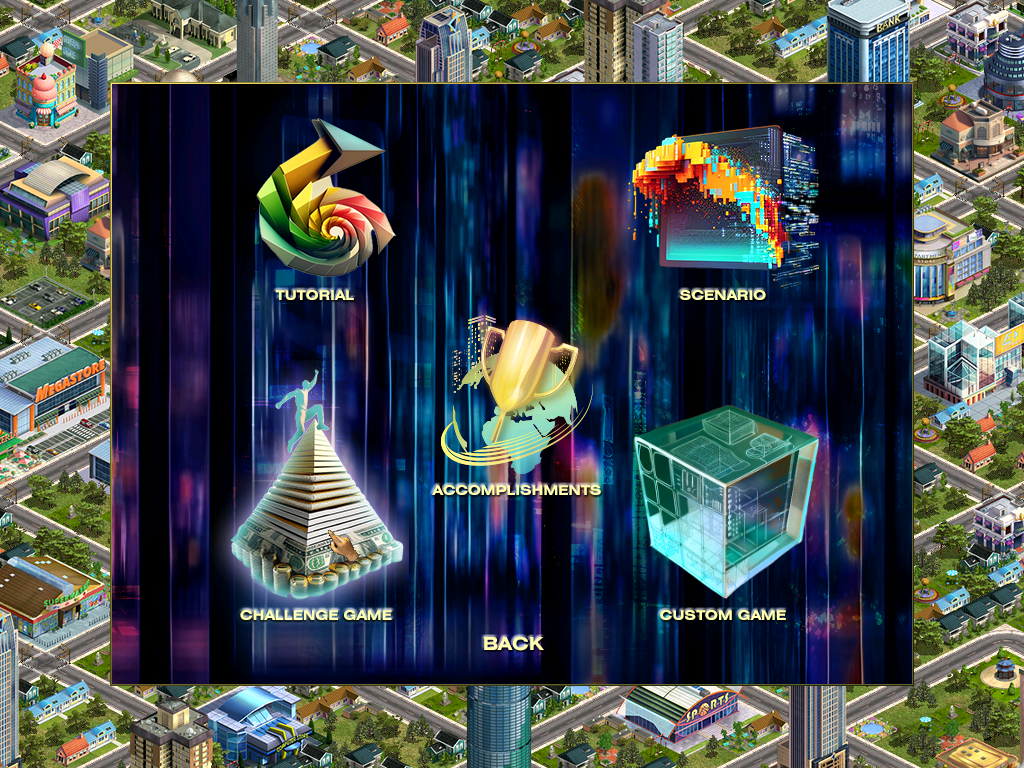
From the main menu select [New Game], then [Challenge Game] on the Single Player Game screen.
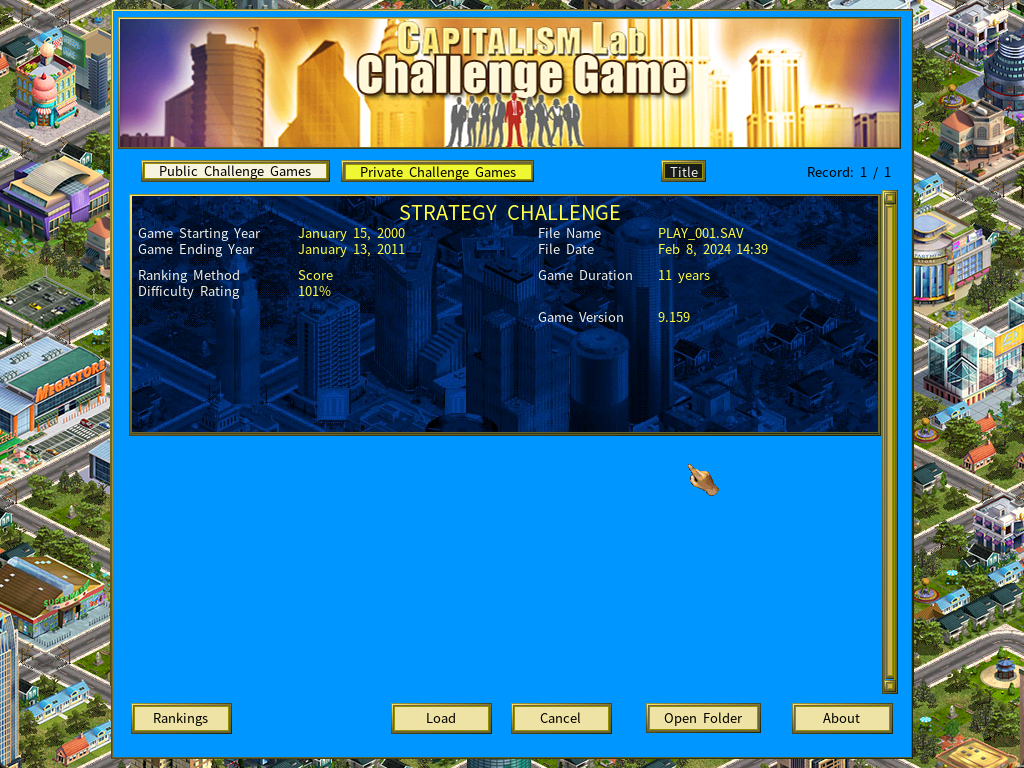
Switch to Private Challenge Games
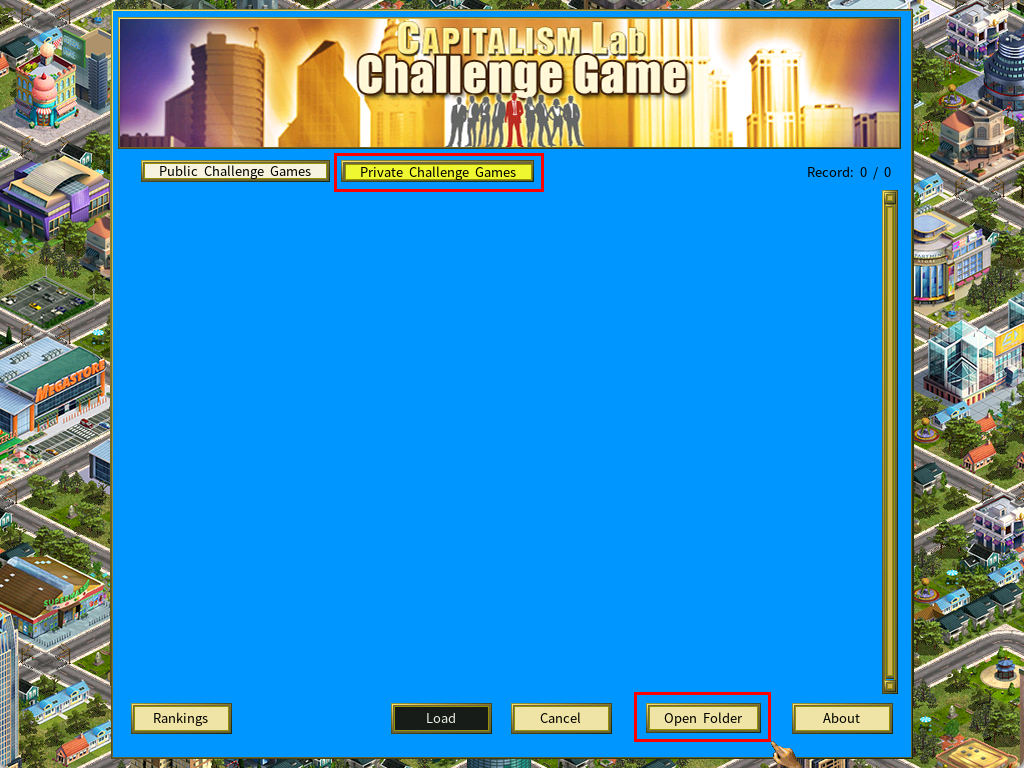
Click [Private Challenge Games].
Copy the file into the folder
Click [Open Folder] to open the private challenge game folder in Windows File Explorer, and copy the file you were given into it.
Return to the game
Close File Explorer and go back to Capitalism Lab. The new challenge game appears in the list.
Not showing? Click [Cancel] to return to the main menu, then [Challenge Game] again to reload the list.
Set up your corporation
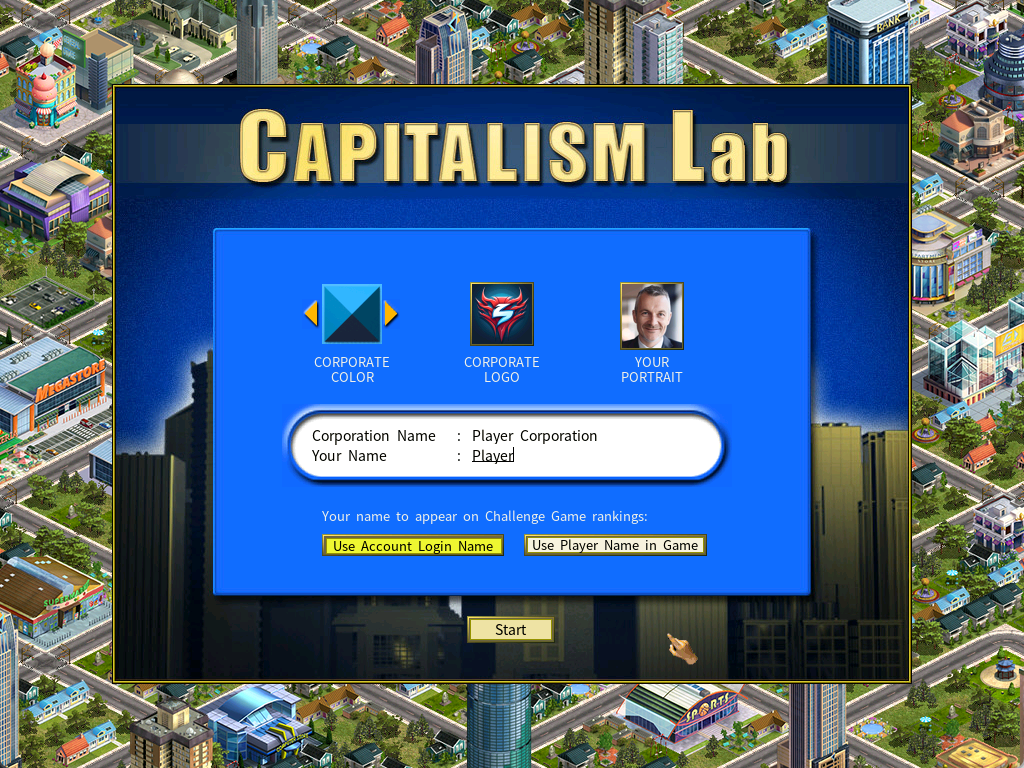
- Enter your corporation name and the player name for this challenge.
- Choose the corporate color, corporate logo and your portrait.
Select [User Account Login Name]. Unlike a public challenge, a private one needs this so your account name appears on the leaderboard.
Viewing your rankings
Three ways to reach the rankings page:
- Open your private challenge game rankings directly in a browser.
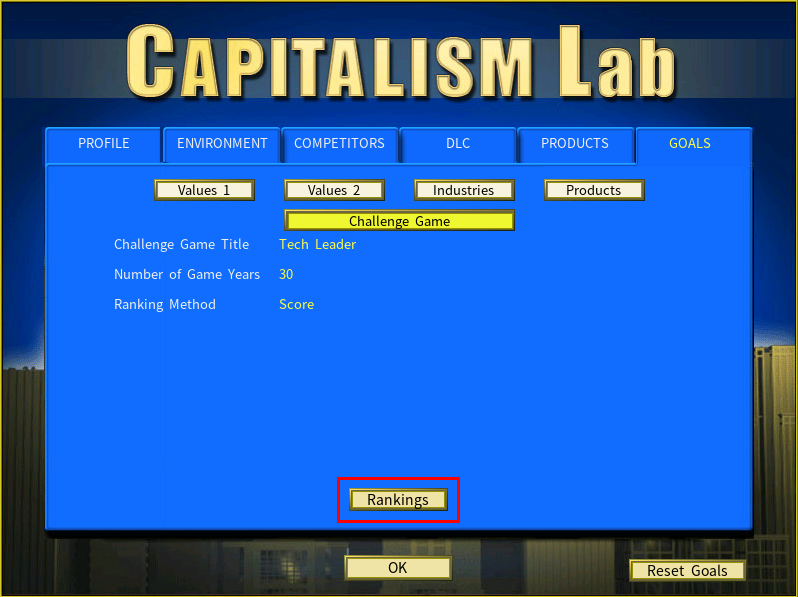
- Press [F9] in game for the settings menu, then [Rankings] on the Goals → Challenge Game page.
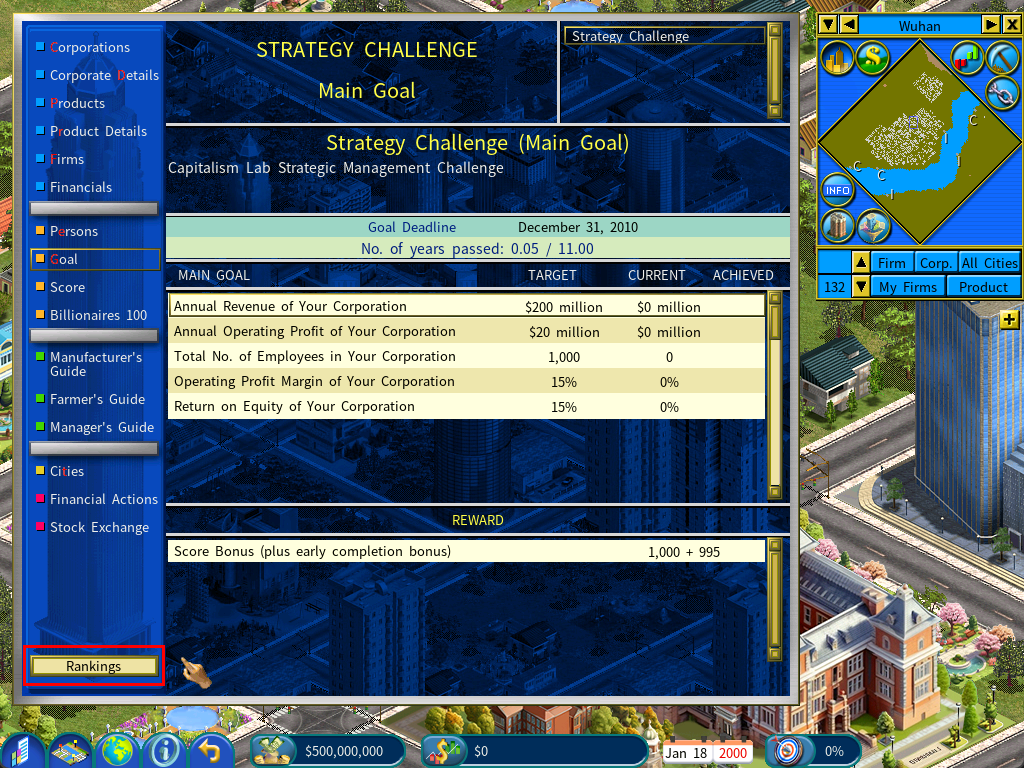
- Use the Rankings button on the Goal report.
Autosave at the end of a challenge
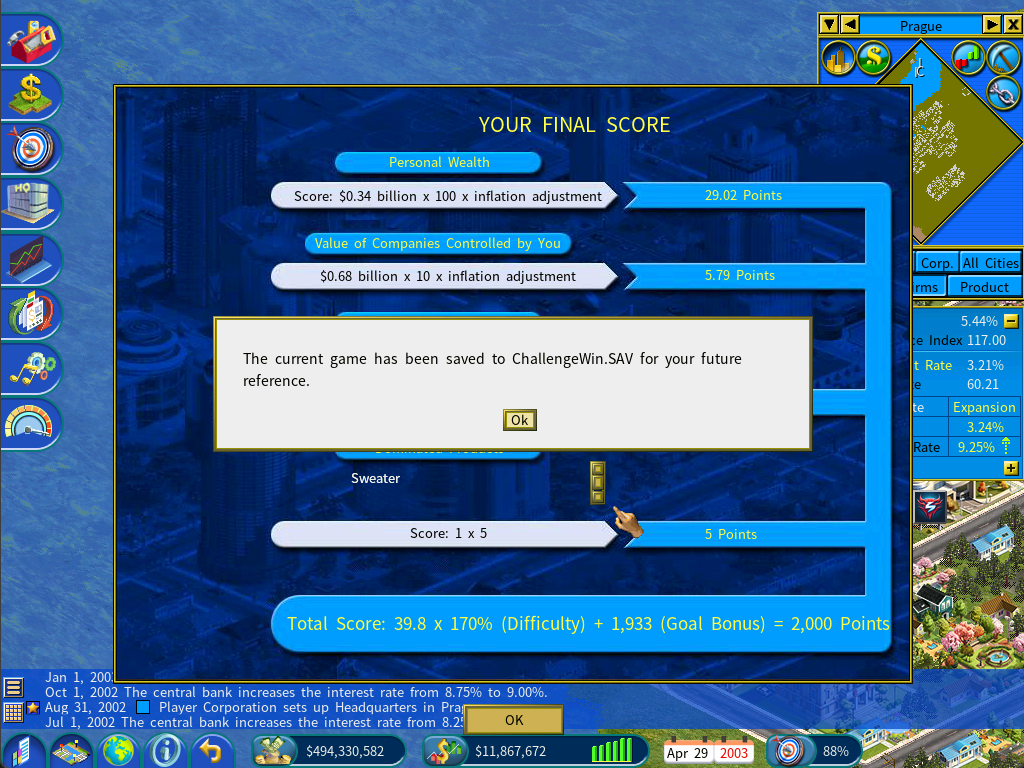
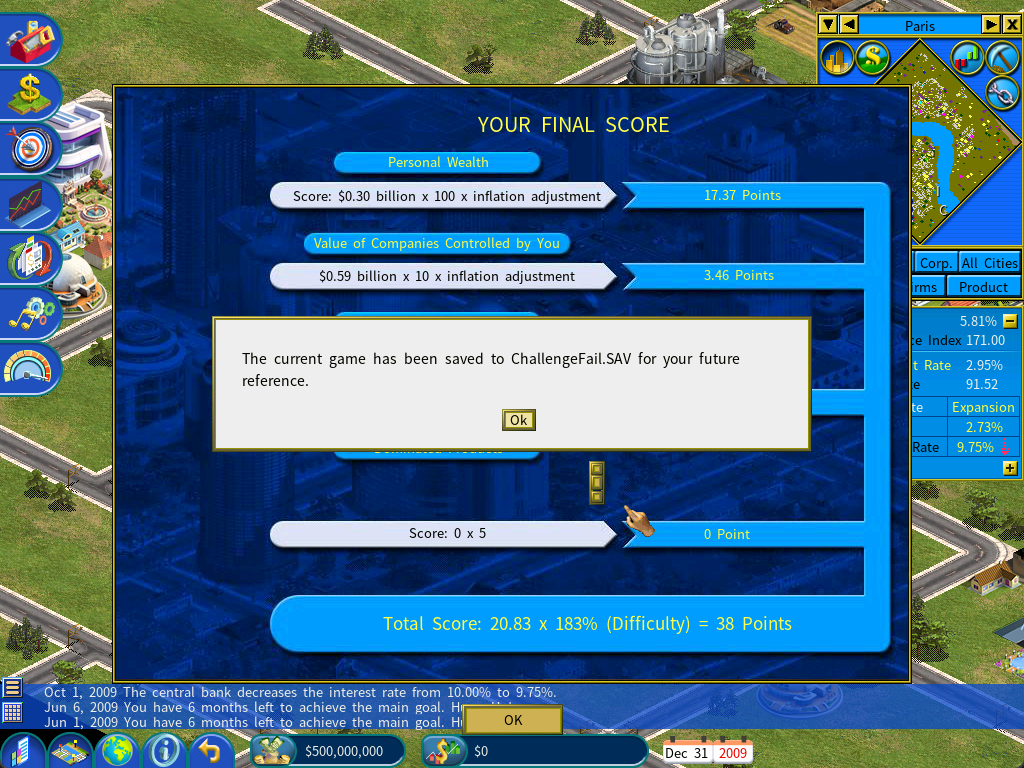
The game saves itself when the challenge finishes, either way — so you can go back and look at what happened.
| Outcome | Save file |
|---|---|
| Goal achieved | ChallengeWin.SAV |
| Goal not achieved | ChallengeLose.SAV |