

Script Basics
The script system configures a new game from a plain text file, going well beyond what the New Game Settings menu offers — a game with 15 cities, or a player character whose expertise you set to any values you want.
You do not have to write one by hand. The Script Generator builds the file for you in the browser.
Creating a script file
A script is a plain text file with a .TXT extension. Save it here, and the game finds it next time you run it:
Documents\My Games\Capitalism Lab\ScriptThe [HEADER] section
Every script file must start with [HEADER].
Title and description
These appear on the script selection menu.
Title=<1 to 35 characters>
Description=<1 to 200 characters>
Loading a MOD
MOD=<mod file name>
For example, MOD=MyGlobalMOD loads:
<Your Capitalism Lab folder>\MOD\MyGlobalMOD.RESSurvival Mode
With the City Economic Simulation DLC enabled, a script can turn on Survival Mode:
Survival Mode=Yes
Resetting settings first
Reset All Settings=Yes
Clears every game setting before the script’s own lines are applied — so the result depends only on the script, not on whatever was set last time.
Version 12 and later
Initial Game Speed=<0 to 5>
The game speed the game starts at.
Goal Set=None
Skips the dialog that asks the player to choose a goal set at the start.
Regional map
Regional Map=<map file name without extension>
The game loads the map from:
C:\Users\<User name>\Documents\My Games\Capitalism Lab\MAPSEnabling and disabling DLCs
Enable DLC=<DLC name>
Disable DLC=<DLC name>
The DLC name can be:
- Subsidiary DLC
- City Economic Simulation DLC
- Digital Age DLC
- Banking and Finance DLC
- Service Industry DLC
- Experimental DLC
You can use as many Enable DLC and Disable DLC lines as you need in one script.
Using a script file
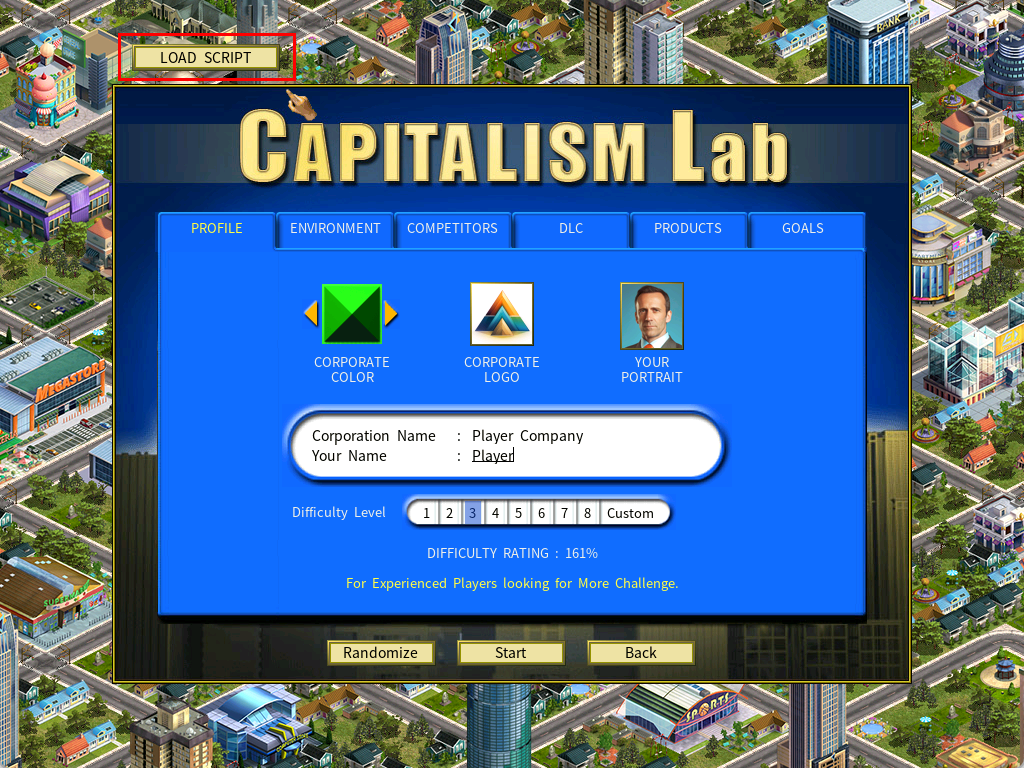
Click [LOAD SCRIPT]
At the top left of the New Game menu.
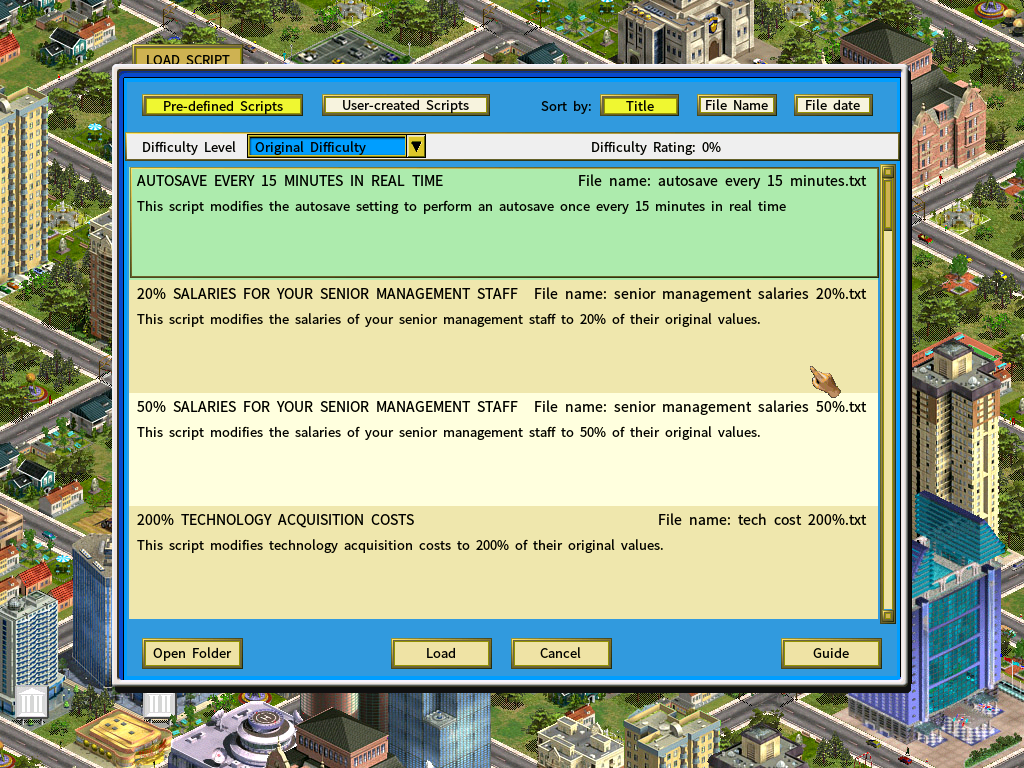
Choose which set to browse
| Button | Shows |
|---|---|
| [Pre-defined Scripts] | The scripts that ship with Capitalism Lab. See Pre-defined Scripts. |
| [User-created Scripts] | Scripts written the way described above. |
Reload it next time in one click
[LOAD SCRIPT] remembers the last script you loaded and saves its name automatically, so starting the same setup again does not mean finding the file in the list.