

Shopping Malls
A shopping mall does more than hold several stores under one roof. It creates a marketplace where the stores feed each other — and the traffic one shop attracts becomes traffic for all of them.
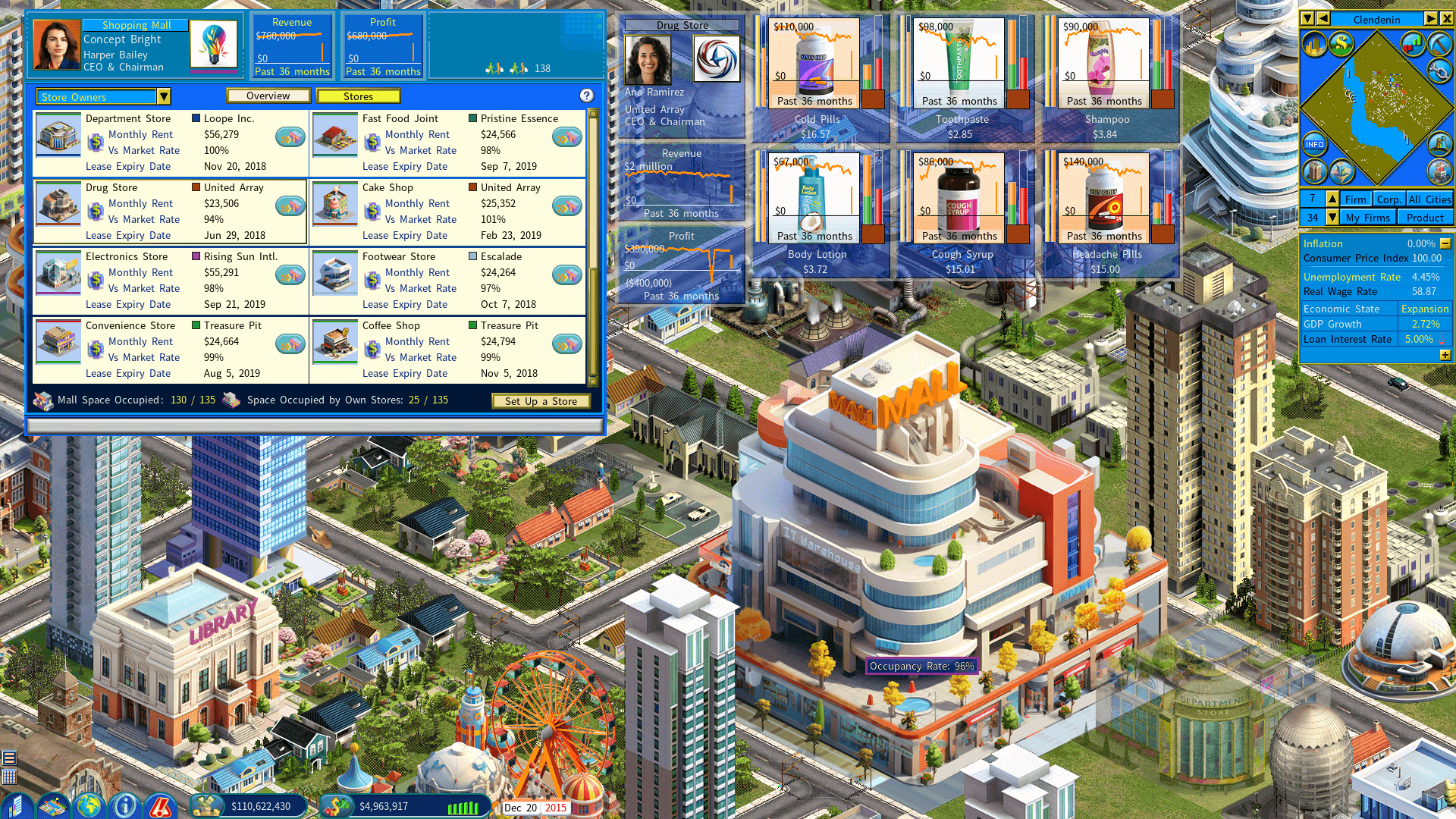
How the traffic boost works
The mall’s algorithm reads the type and mix of its stores and boosts customer traffic accordingly. Every store in the mall shares that boost, not just the one that drew the customer in.
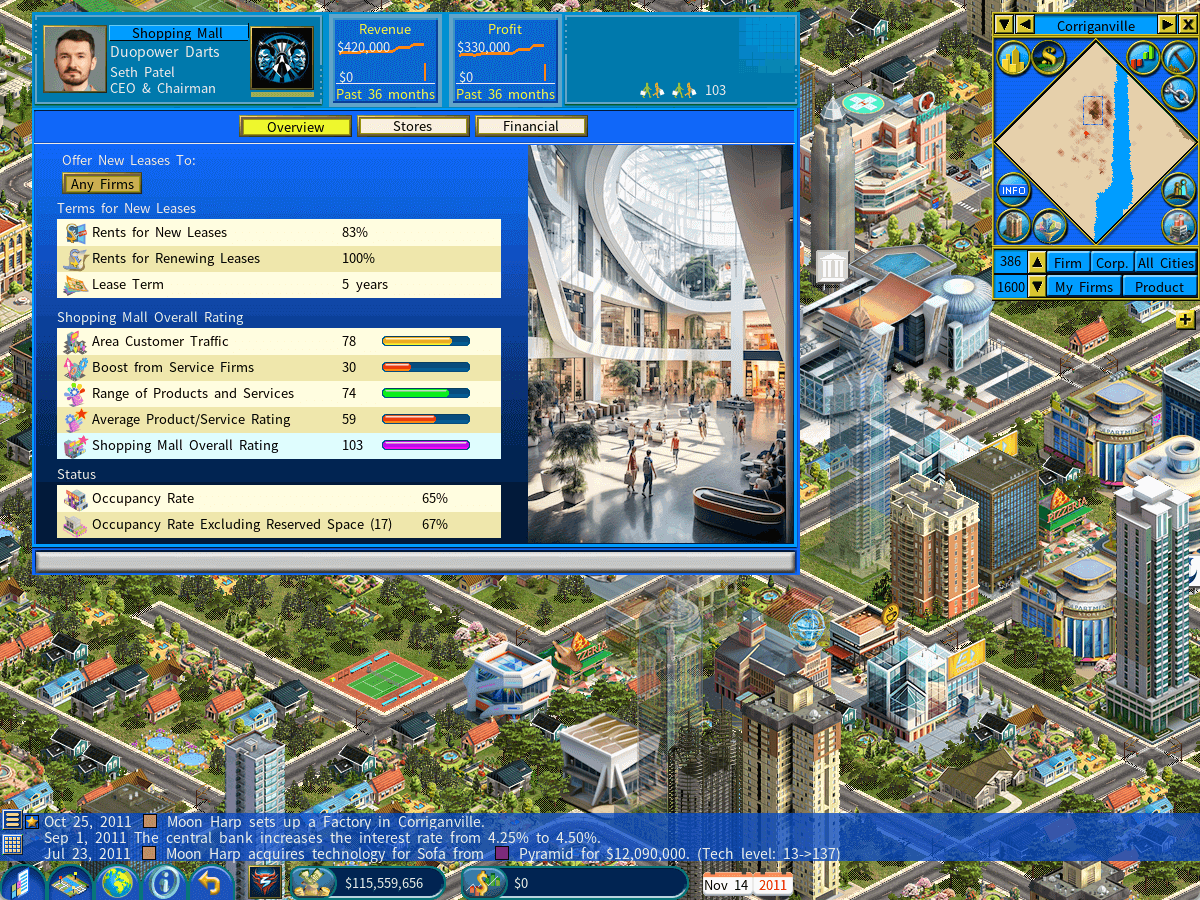
The boost is expressed as the mall’s overall rating, which comes from four inputs:
| Input | What it measures |
|---|---|
| Area customer traffic | The customer traffic index where the mall stands. |
| Boost from service firms | Restaurants and similar firms pulling customers into the mall. |
| Range of products and services | How wide a spread all the stores together offer. |
| Average product and service rating | The average quality across every store in the mall. |
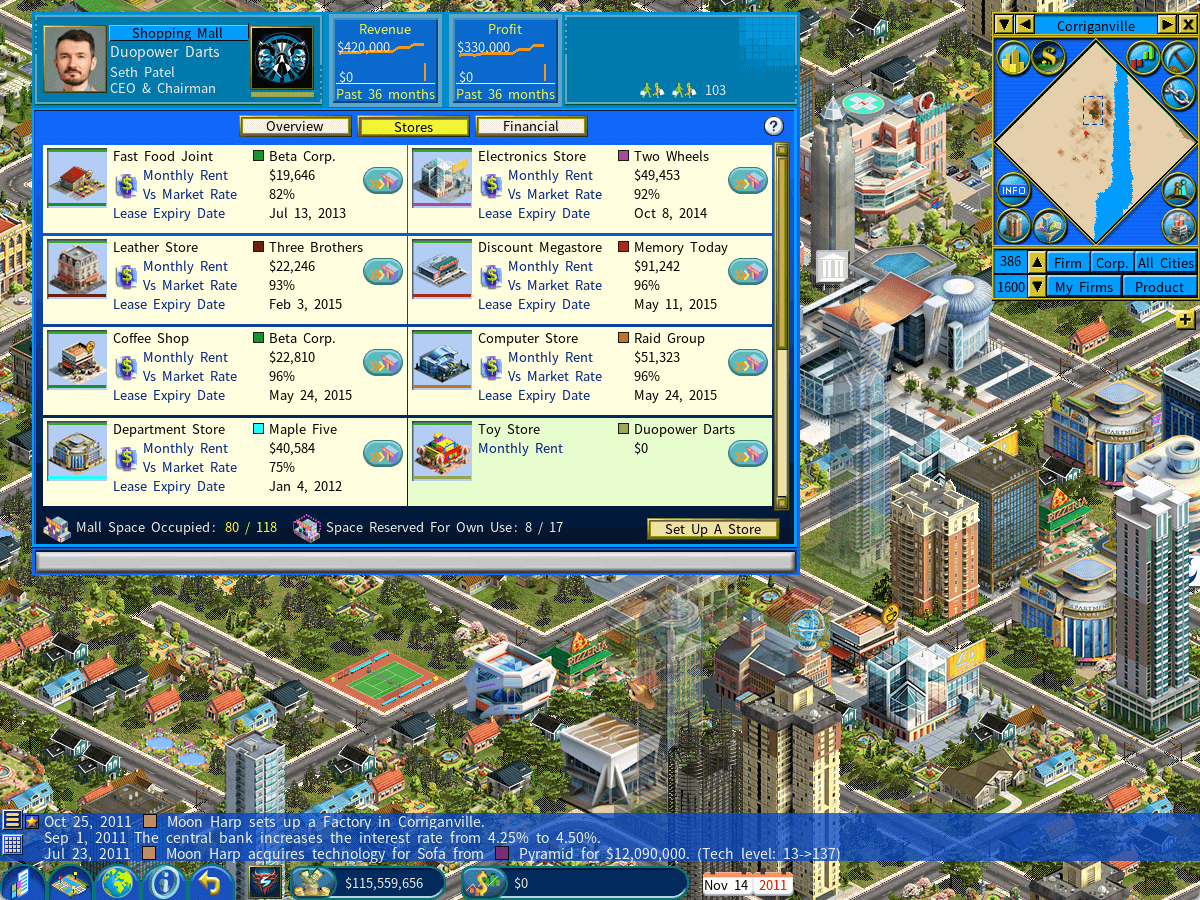
It mirrors what a real mall does: businesses borrow each other’s customer base, and the collective offer reaches a broader spectrum of shoppers than any of them could alone.
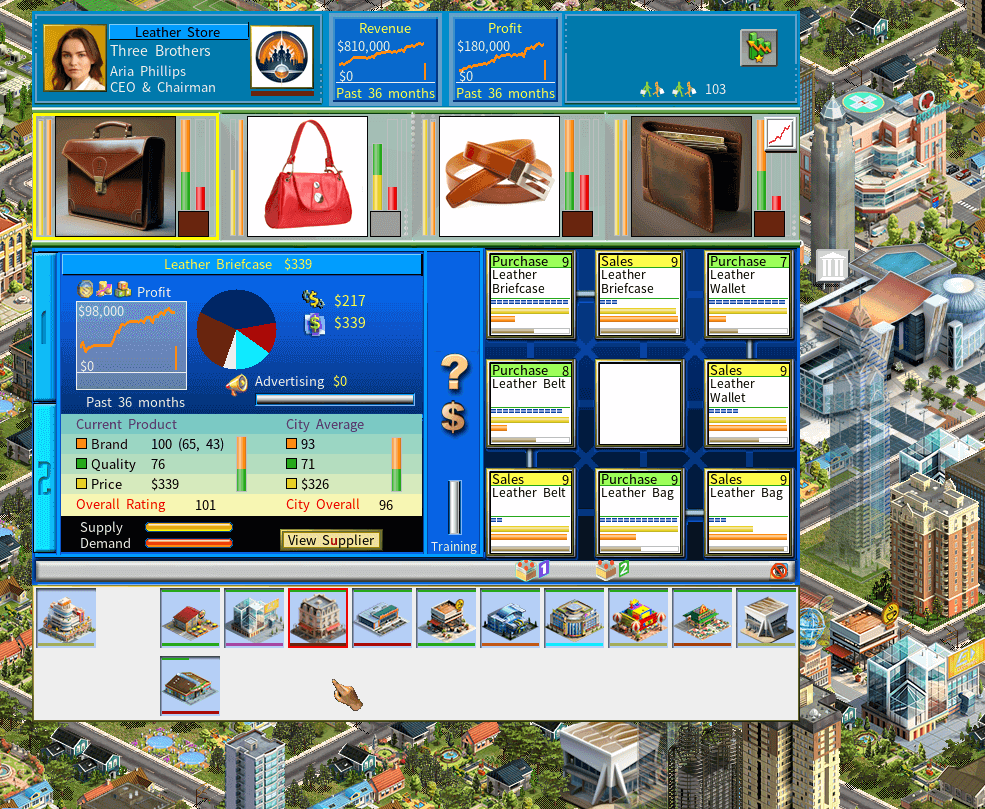
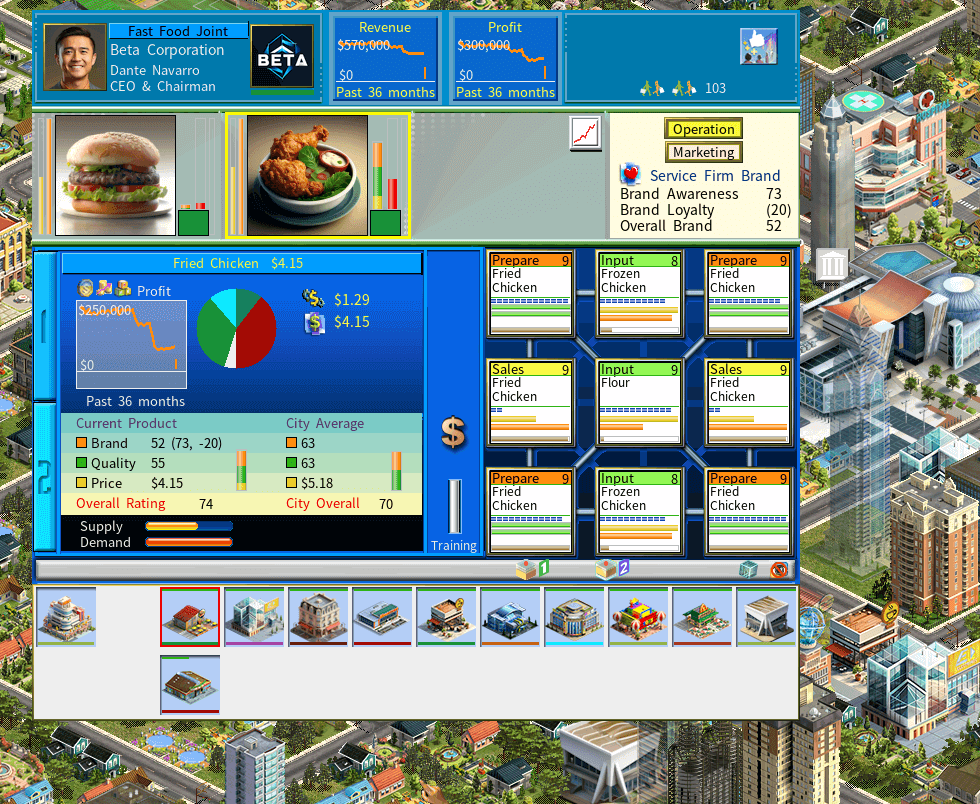
So the mix is the strategy. Place and manage a balanced set of stores and every one of them rides the same wave of traffic.
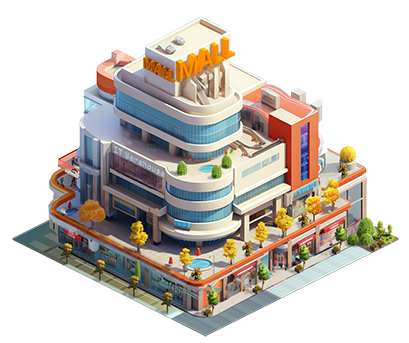
The four mall buildings
Four designs, each with a different rental space capacity and different construction and operating costs.
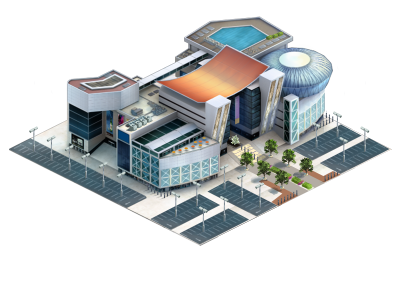
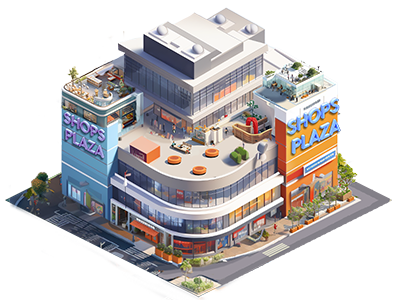
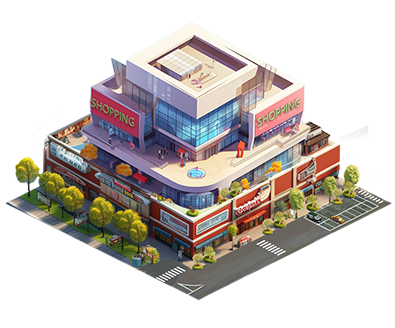
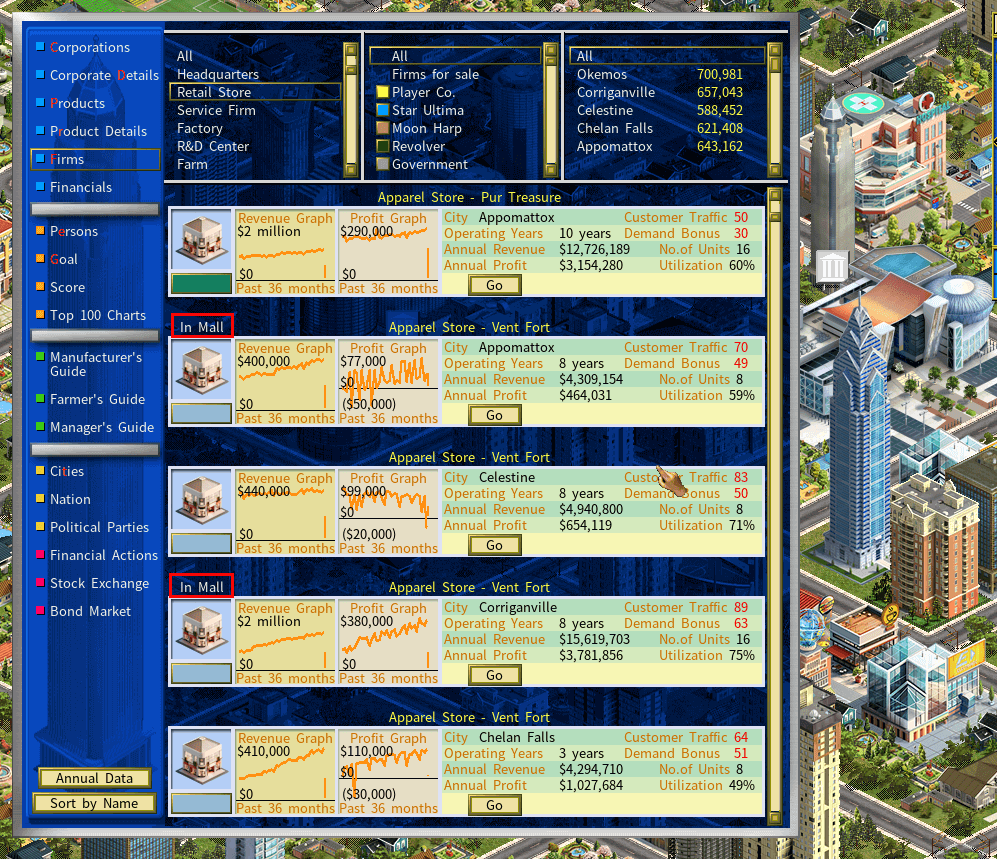
Finding mall stores in the firm list
A firm inside a mall is labeled In Mall.
Moving a store into a mall
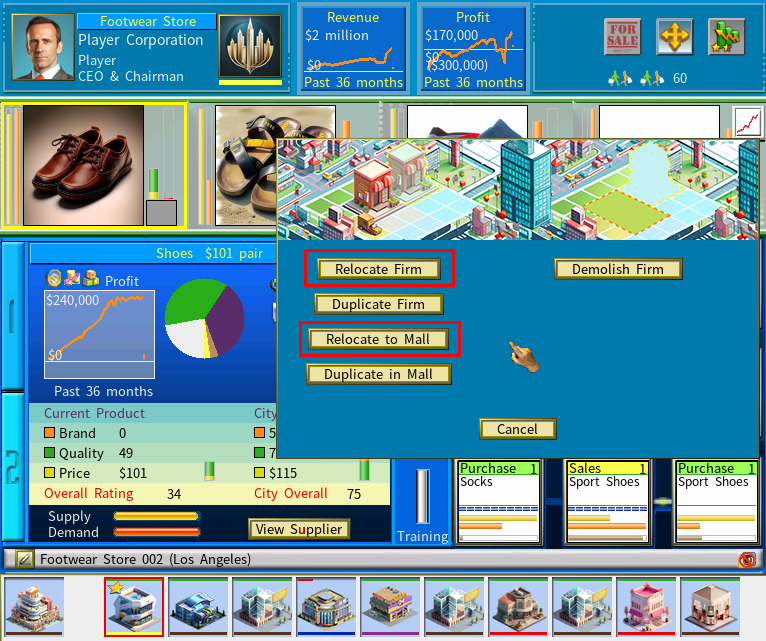
Open the relocation menu
Click the relocation icon at the top right of the firm detail window.
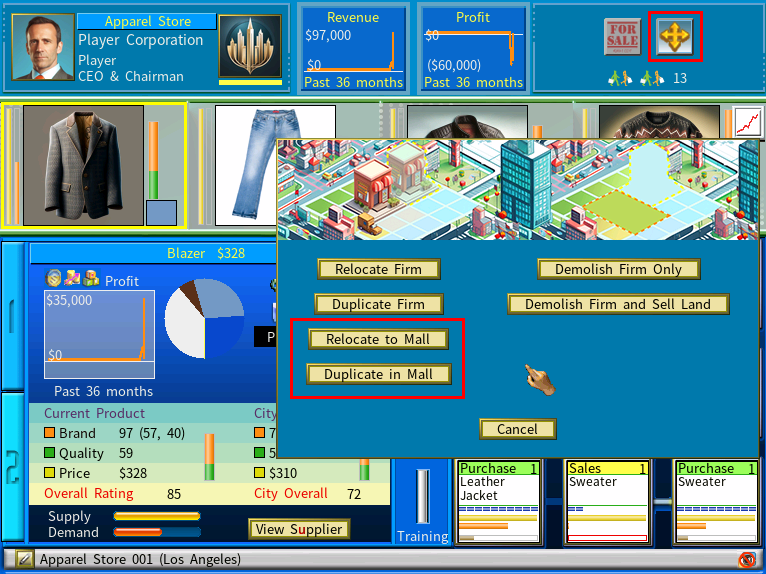
Choose Relocate to Mall
Or Duplicate to Mall, to keep the original where it is and open a copy in the mall.
Pick a mall in the same city
The destination mall must be in the same city as the store.
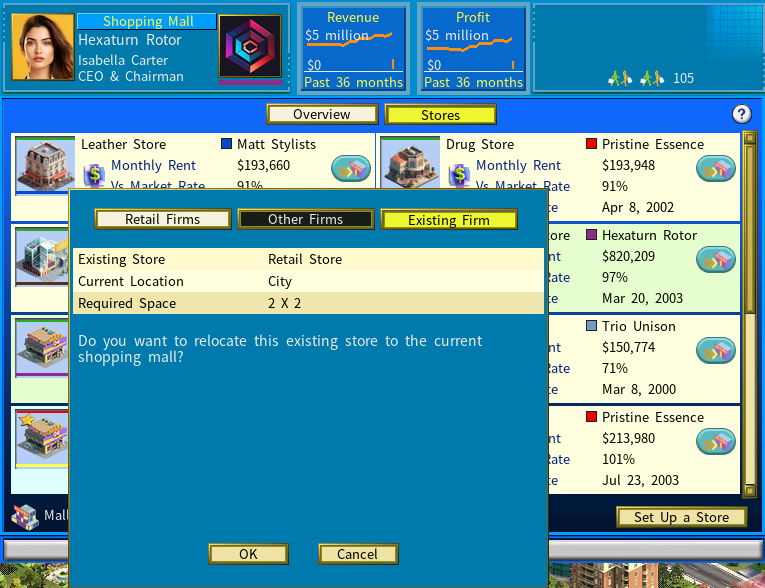
Set up the store
Click [Set Up a Store] on the mall you chose.
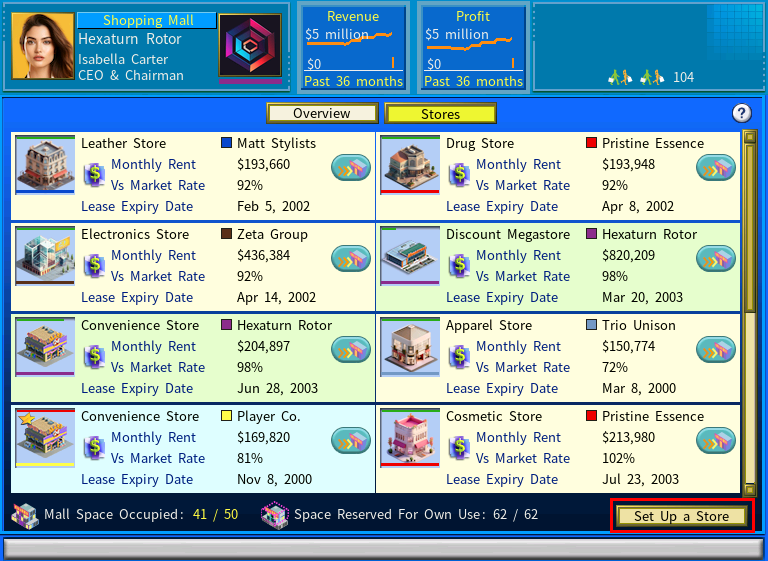
Confirm
Select [Existing Firm] from the store setup menu and click [OK].
Moving a store out of a mall
Open the firm’s relocation menu and select [Relocate Firm]. From there the destination can be a city location or another mall.
Replicating a whole mall
Once you run several product lines, a mall filled with stores that serve those supply chains becomes a template. A single firm-duplication action copies the mall and every store in it — which is the fastest way to take market share in a new area.
Store lease renewal alerts
You can relocate or close your stores in other companies’ malls without penalty, and leases renew automatically unless the landlord decides otherwise.
The game tells you when a lease renews at a sharply higher rent — by default, when the new rent is 10% or more above the market average.
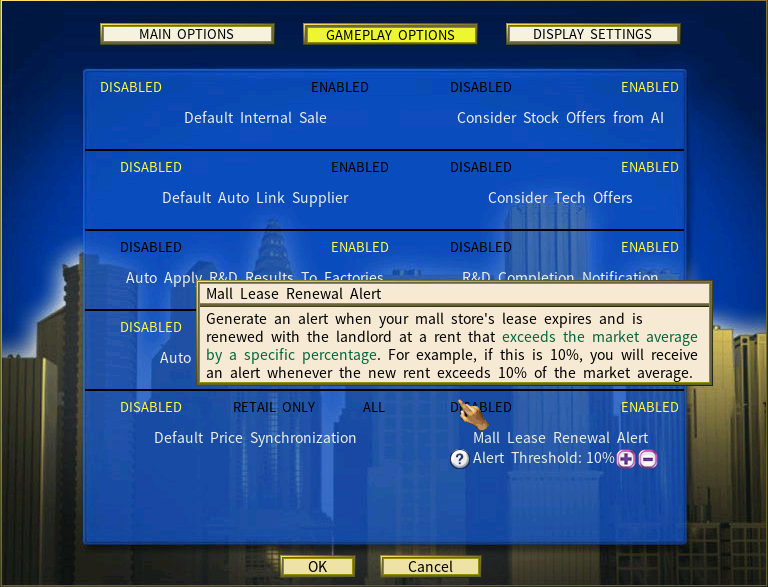
Two things are adjustable in the Options menu:
- alerts on or off
- the threshold — set it to 20% and you are only told when the renewed rent is more than 20% above market